
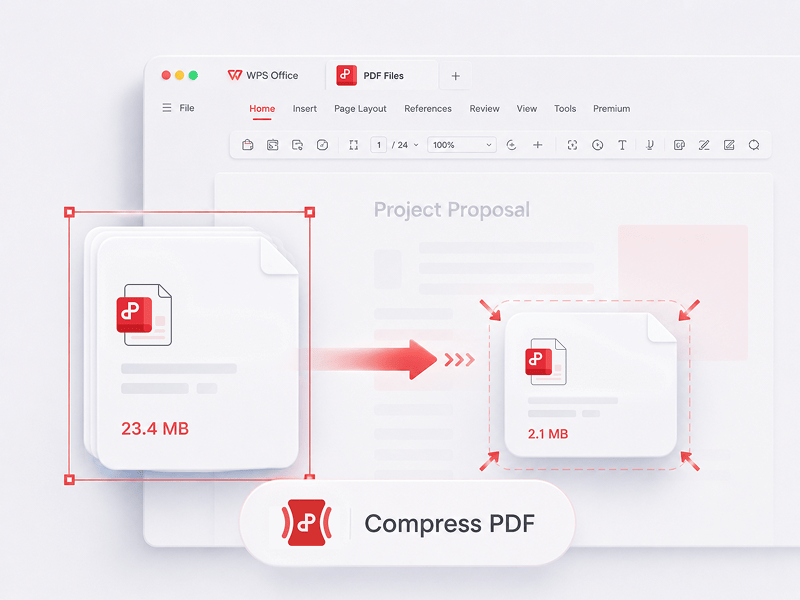
Komprimer PDF
Reducer størrelsen på PDF-filer online ved hjælp af 3 komprimeringsmetoder
Prøv dette værktøj
Rediger, konverter, flet, komprimer, underskriv, udfyld og organiser nemt PDF-filer. Arbejd problemfrit med PDF-, Word-, Excel-, PPT- og billedfiler – hurtigt, enkelt og gratis.
Dette er det bedste gratis online PDF-redigeringsværktøj, som understøtter PDF-redigering, formatkonvertering, filsammensmeltning, formularudfyldning og sideorganisering. Rediger sider, tekst og layout hurtigt ligesom i Word – nemt klaret på få sekunder!
Reducer størrelsen på PDF-filer online ved hjælp af 3 komprimeringsmetoder
Prøv dette værktøj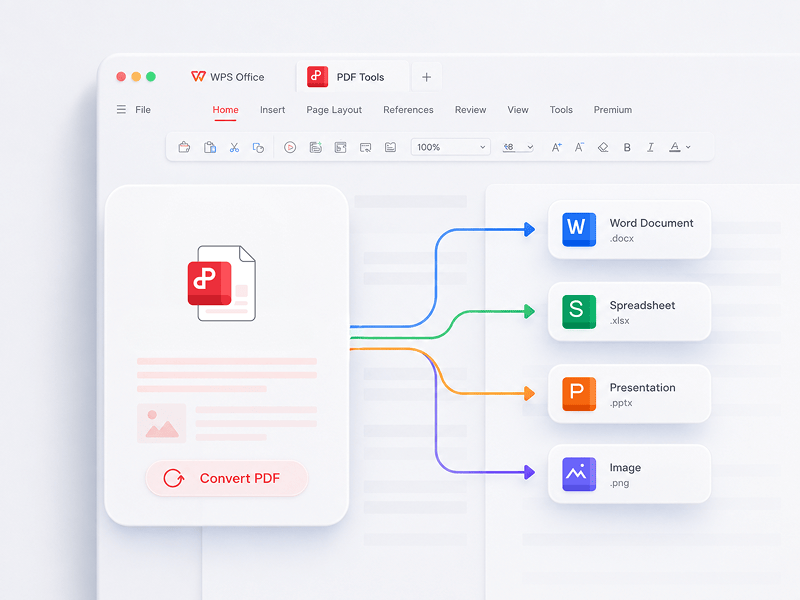
Den bedste online PDF-redigering, konvertering, sammenlægning, formularudfyldning og organisering til nem redigering af sider, tekst eller layout i PDF-dokumenter - ligesom i Word, GRATIS og på få sekunder.
Prøv dette værktøj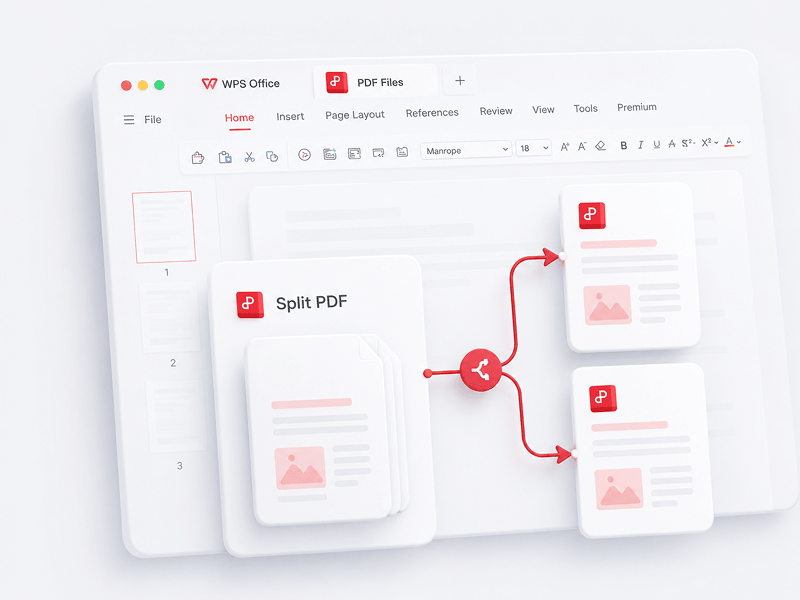
Adskil alle sider fra en enkelt PDF-fil online, og udtræk sider til flere PDF-filer
Prøv dette værktøj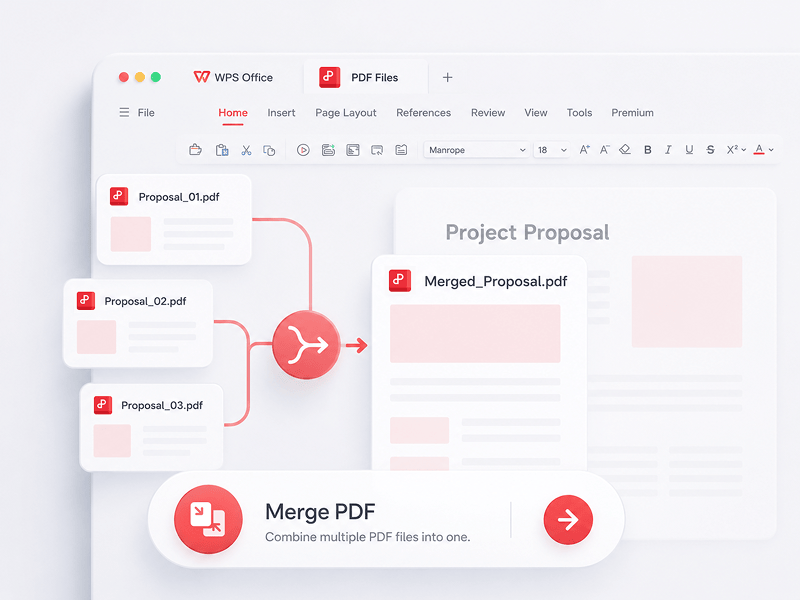
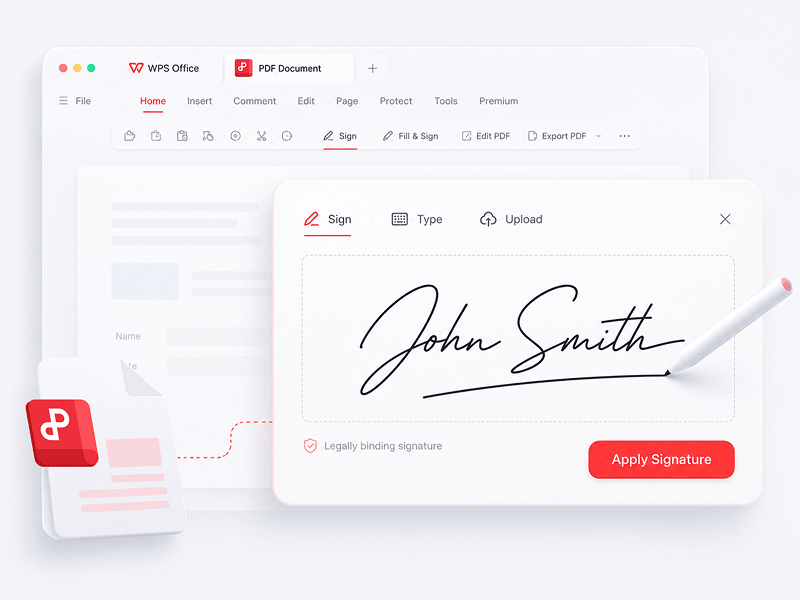
Opret og udfyld e-signaturer i PDF-filer online, og beskyt din e-signatur
Prøv dette værktøj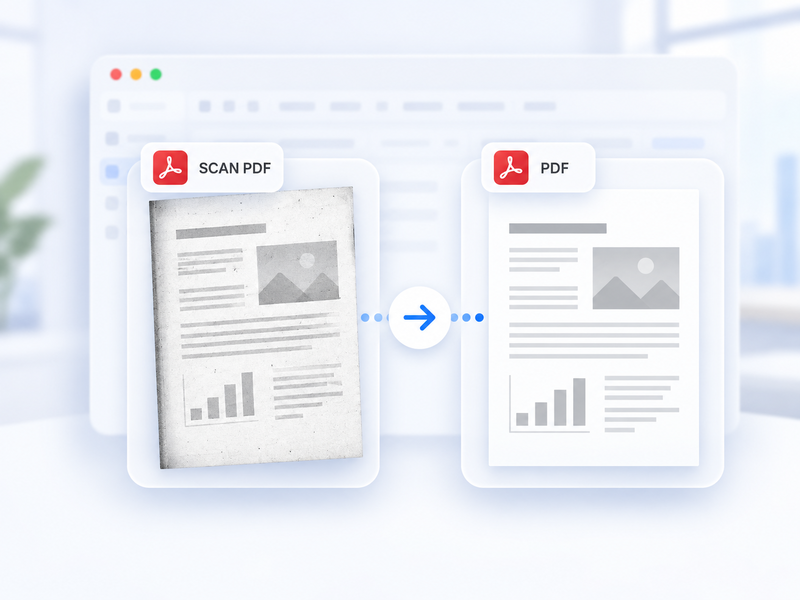
Konvertér automatisk en scannet PDF til en standard-PDF online.
Prøv dette værktøj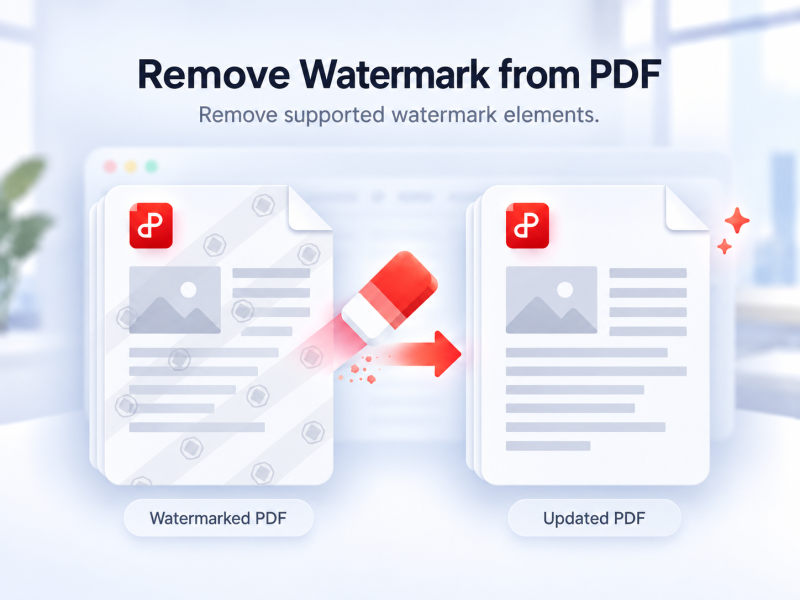
Fjern automatisk understøttede vandmærker fra en PDF online.
Prøv dette værktøj
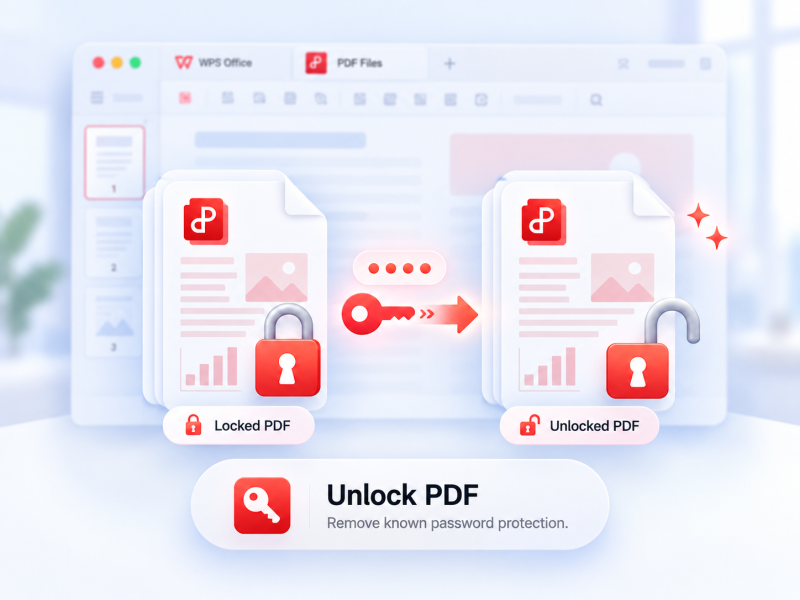
Fjern understøttet PDF-beskyttelse med tilladelse og den nuværende adgangskode, hvis påkrævet.
Prøv dette værktøj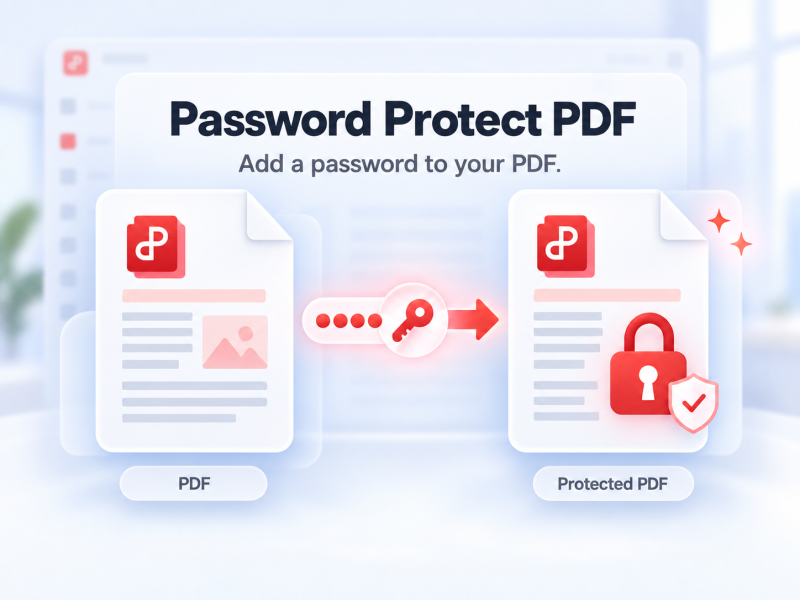
Beskyt en PDF med adgangskode online, og kontrollér, hvem der kan åbne den.
Prøv dette værktøj
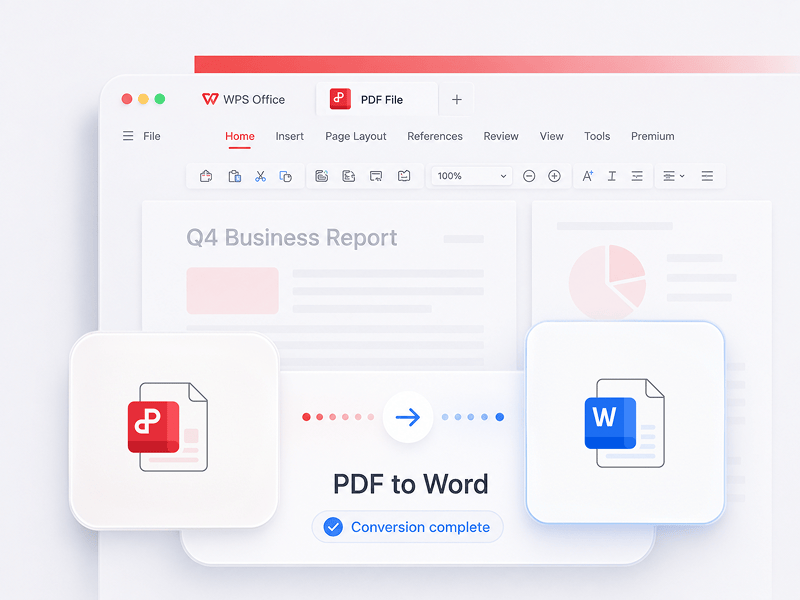
Konverter PDF-filer til redigerbare Word-dokumenter på få sekunder (doc-, docx-formater)
Prøv dette værktøj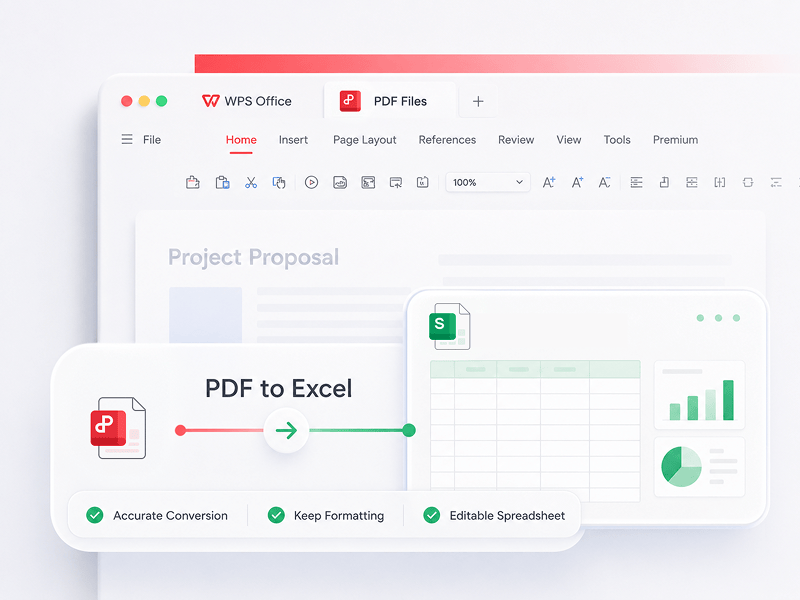
Konverter PDF-filer til redigerbare Excel-regneark online uden at downloade software
Prøv dette værktøj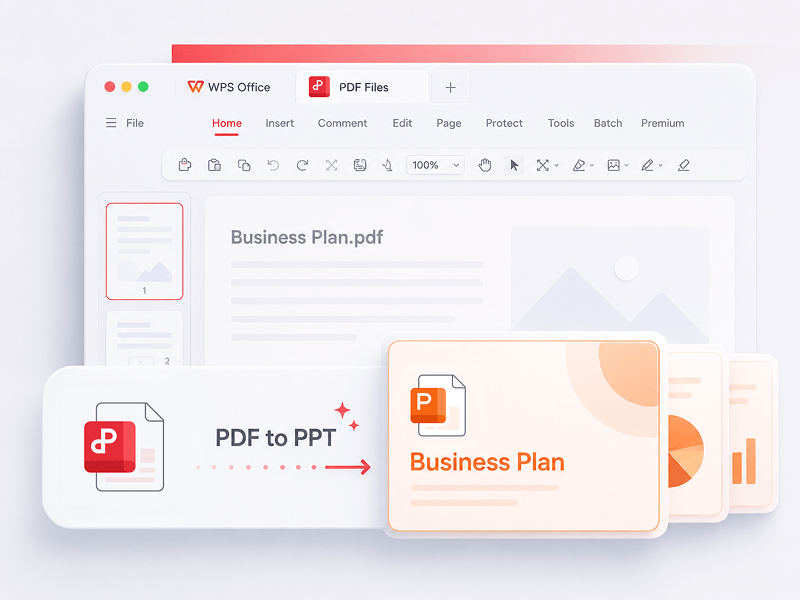
WPS PDF Tools til PPT kan konvertere PDF til redigerbare PPT- eller PPTX-præsentationer. Uden vandmærker, konverterer det PDF til PowerPoint på få sekunder.
Prøv dette værktøj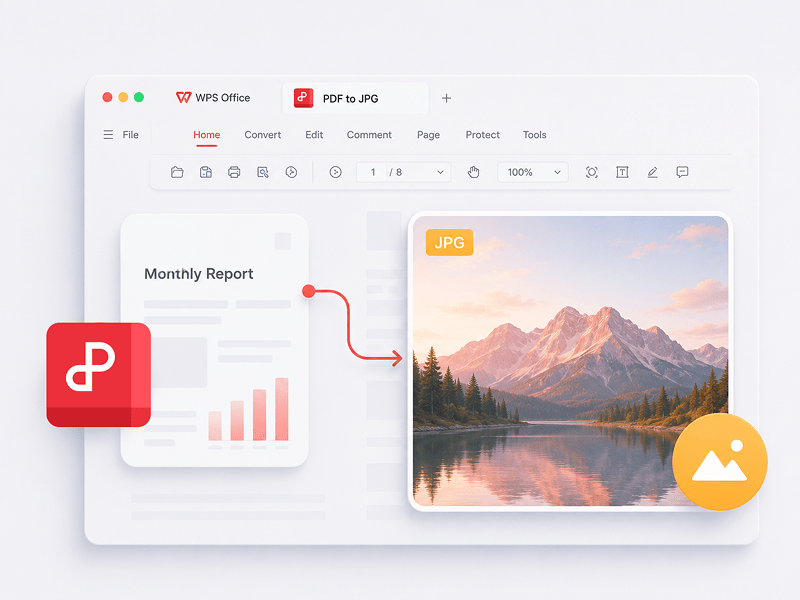
Konverter PDF-filer til JPG-billeder online i høj kvalitet uden krav om registrering
Prøv dette værktøj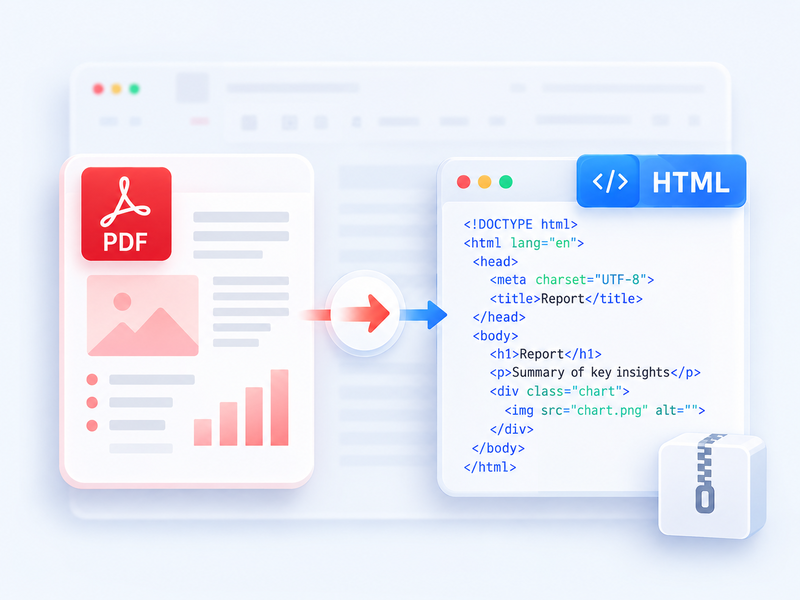
Konvertér en PDF til HTML til browseren, og download resultatet som ZIP.
Prøv dette værktøj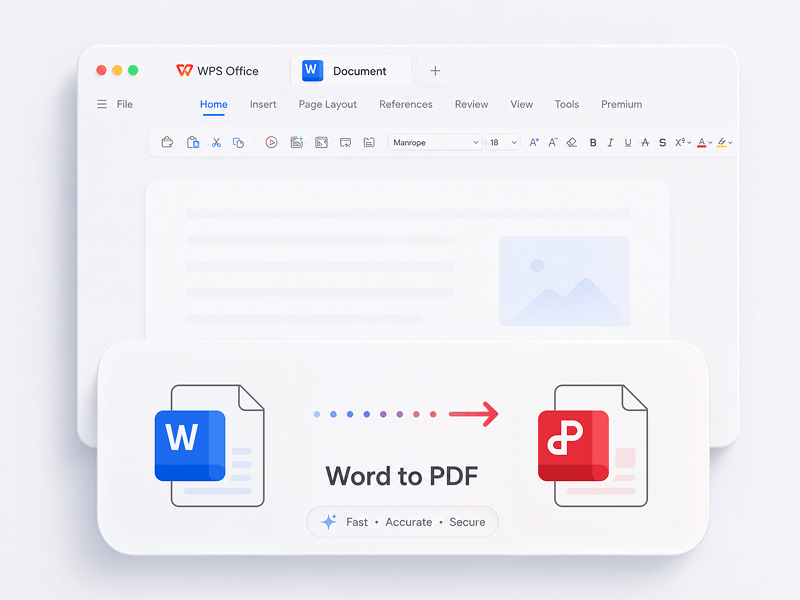
Konverter Word-filer (doc, docx) gratis til PDF-filer, der er nemme at dele, mens layoutet bevares
Prøv dette værktøj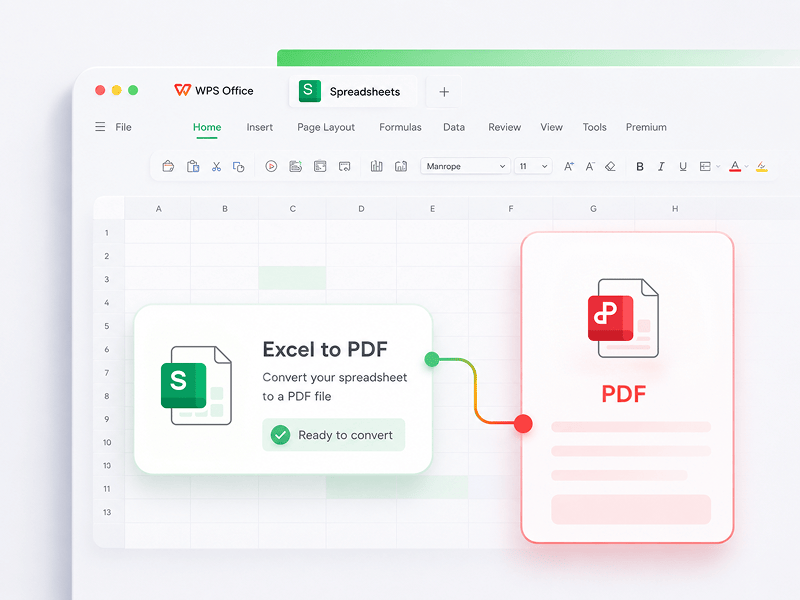
Konverter Excel-regneark (xls, xlsx) gratis til PDF-filer, der er nemme at læse
Prøv dette værktøj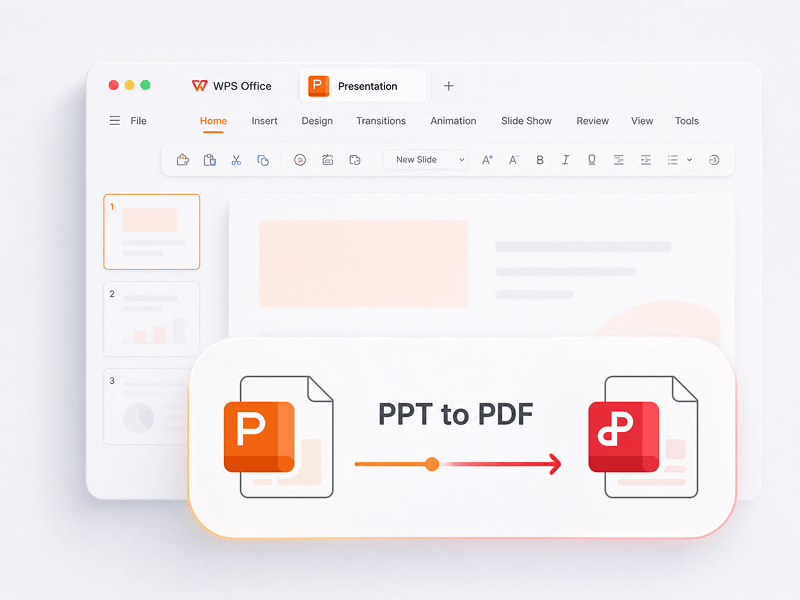
Konverter PowerPoint-præsentationer (ppt, pptx) gratis til PDF-filer, der er nemme at få vist og dele
Prøv dette værktøj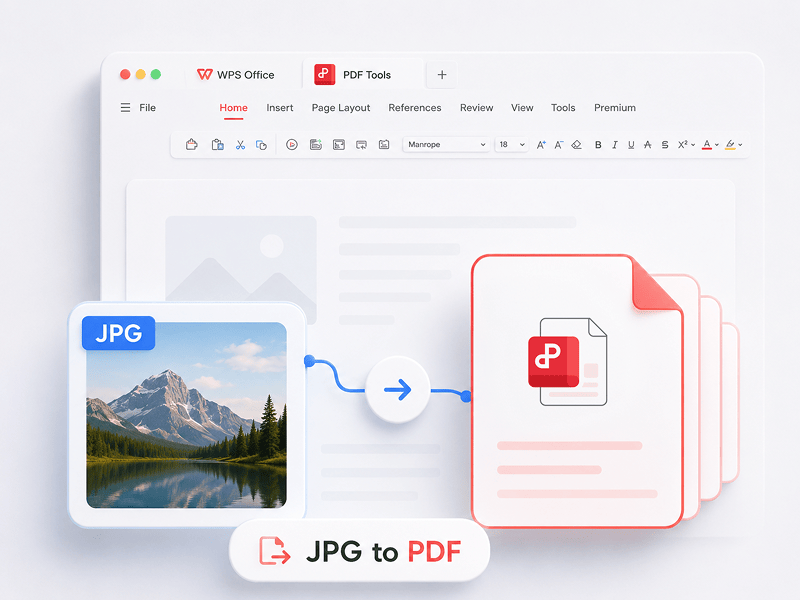
Konverter billeder (JPG, JPEG, PNG, BMP) til PDF-filer gratis, og juster nemt PDF-retning og -margener
Prøv dette værktøj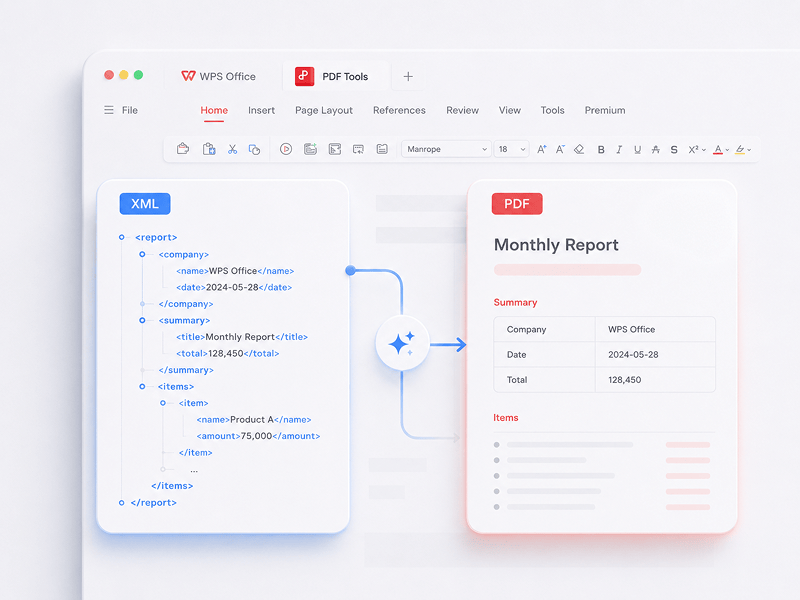
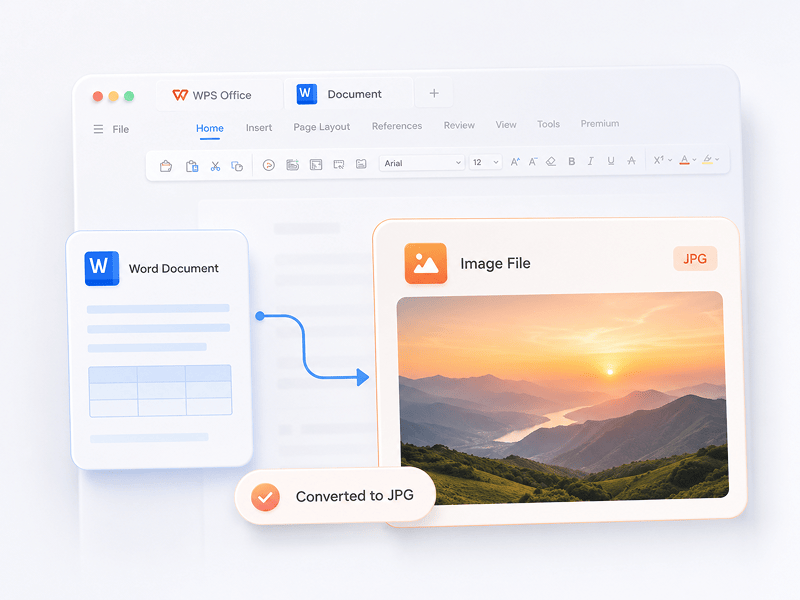
Konverter Word-dokumenter til JPG-billeder online i høj kvalitet uden krav om registrering
Prøv dette værktøj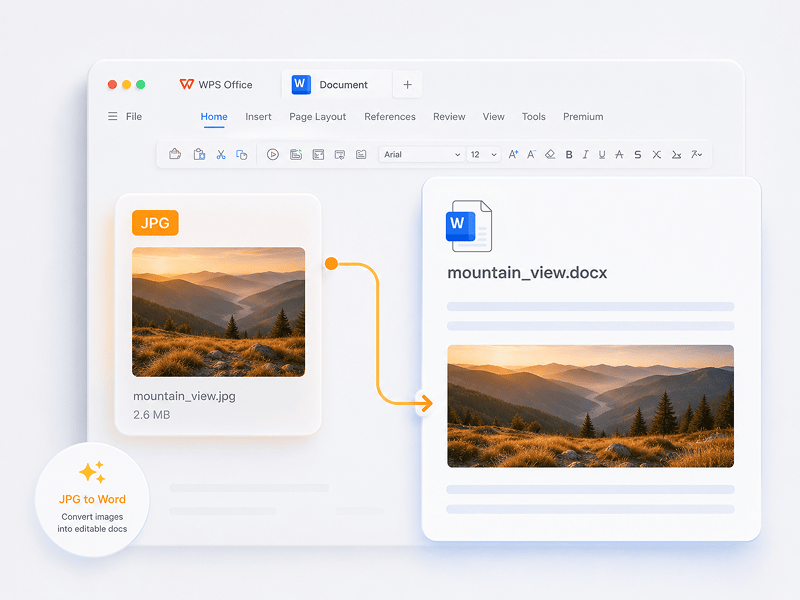
Konverter JPG-billeder til redigerbare Word-dokumenter online med OCR-teknologi
Prøv dette værktøj
Konvertér en ODS-fil til en redigerbar Excel-projektmappe (XLSX) online.
Prøv dette værktøj
Konvertér en ODP-fil til en redigerbar PowerPoint-præsentation (PPTX) online.
Prøv dette værktøj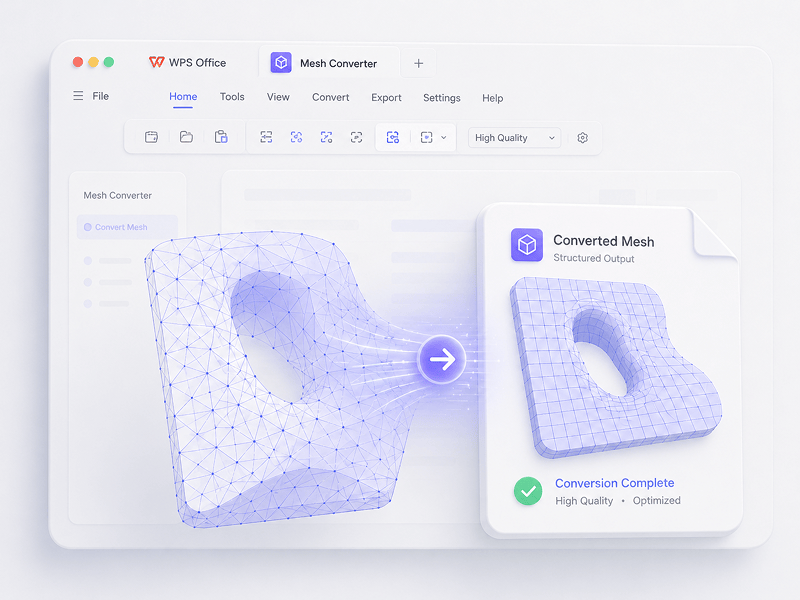
I Mesh-scenarier kan du konvertere OBJ, STL, FBX, GLB/GLTF, DAE, 3DS, X, 3MF, OFF, AC3D og PLY til OBJ, STL, FBX, GLB/GLTF, DAE, 3MF og PLY.
Prøv dette værktøj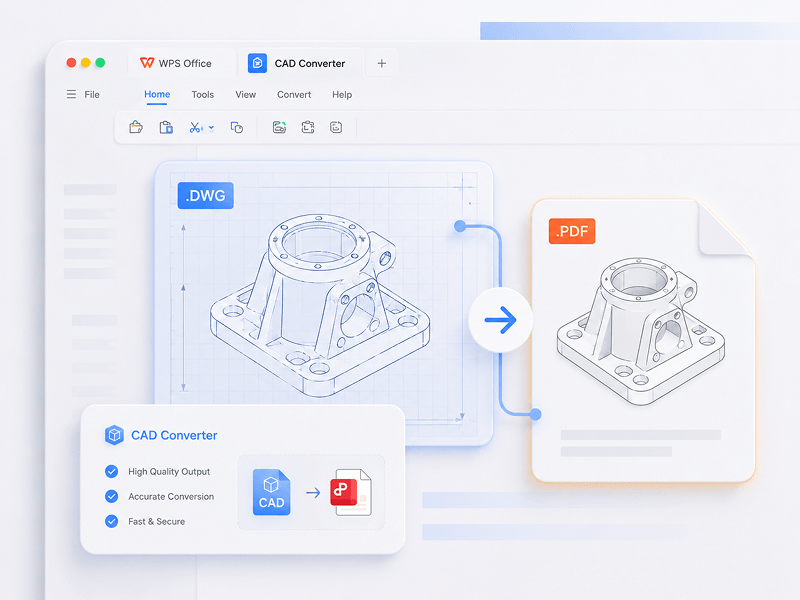
I CAD-scenarier kan du konvertere STEP, IGES, CATIA V5, NX, Creo, SolidWorks, Parasolid, Inventor, JT, PRC, ACIS og Solid Edge til STEP, GLB/GLTF, FBX, OBJ og STL.
Prøv dette værktøj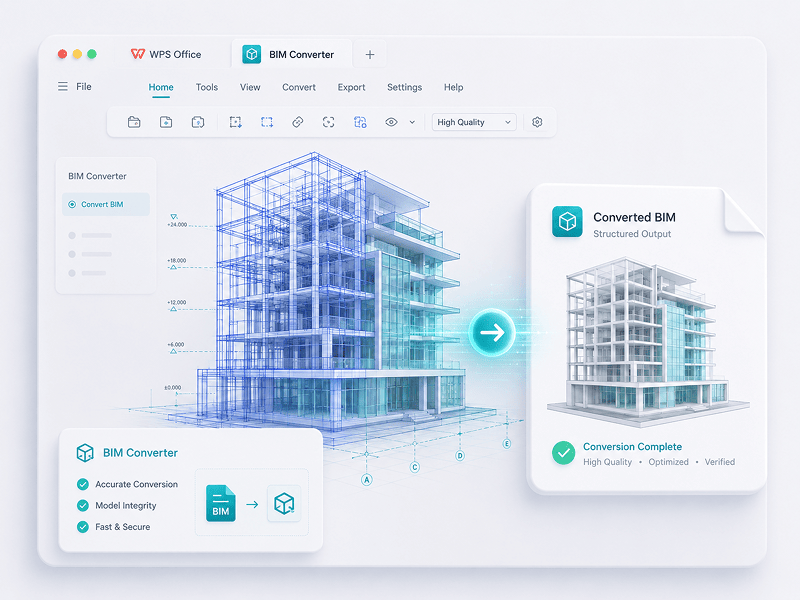
I BIM-scenarier kan du konvertere IFC, Revit, Navisworks, DWF, AutoCAD og SKP til GLB/GLTF, FBX, OBJ og STL.
Prøv dette værktøjOplev skiftet fra manuelt arbejde til intelligent skabelse. WPS-softwaren er din copilot til enhver opgave.
 14:14:00
Et kraftfuldt Microsoft Office-alternativ med et velkendt design, fuld kompatibilitet og indbyggede PDF-værktøjer – betroet af millioner verden over.
 07:04:00
Fremragende kompatibilitet med Office-formater samt 100.000+ skabeloner og en komplet pakke af værktøjer – alt sammen tilgængeligt på både computer og mobil.
 08:53:00
Opret, rediger og administrer alle dine dokumenter på ét sted – med skabeloner, PDF-værktøjer og fuld understøttelse på tværs af platforme.
 09:16:00
Med en velkendt brugerflade, kraftfulde AI-funktioner til skrivning og oversættelse samt problemfri ydeevne på tværs af enheder er WPS en smart og effektiv måde at få dit arbejde fra hånden på.
 08:28:00
Designet til at føles velkendt med det samme, med en ren brugerflade og en problemfri, brugervenlig oplevelse.
 14:06:00
Bringer en pc-lignende Office-oplevelse til mobilen – velkendt, nem at bruge og kraftfuld i én alt-i-en-app.
 04:05:00
Med kraftfulde AI-værktøjer kan du generere indhold, oversætte hele dokumenter med det samme, opsummere lange filer og endda chatte med dine PDF-filer for at få hurtig indsigt.
 08:02:00
Hurtig, let og nem at bruge – det er et af de bedste valg til at oprette og redigere dokumenter, regneark og præsentationer uden besvær.
Download WPS Office for at få flere PDF-administrationsfunktioner, såsom OCR (billedscanning og konvertering), tilføjelse af vandmærker og e-signaturer samt konvertering fra PDF til billede.

WPS Office
Download WPS Office Desktop Editor for at få et let PDF-værktøj, der giver komplette løsninger på alle PDF-problemer.

WPS Office
WPS Office er en gratis kontorpakke, der understøtter Linux. Download WPS Office-appen for at få adgang til PDF-værktøjer når som helst.

WPS Office
WPS Office er fuldt kompatibel med macOS-systemet på Mac og understøtter Intel- og Apple-chips, så du nemt kan redigere PDF-filer.

WPS Office
Perfekt tilpasset til iPhone. Se, rediger og del dokumenter problemfrit, uanset hvor du er.

WPS Office
Rediger på farten. Download WPS-appen, og få den bedst bedømte mobile editor.
 Deb-pakke Rpm-pakke
1. Åbn WPS PDF-editoren, eller download WPS Office for at åbne en PDF-fil. 2. Klik på Tekstværktøjer på den øverste navigationslinje. 3. Tilføj tekst til PDF-siden. Klik på den eksisterende tekst for at starte redigeringen. 4. Tilføj billeder til PDF-siden. Træk og flyt, tilpas størrelsen, eller roter billederne. 5. Udfyld PDF-filer, og tilføj en elektronisk signatur ved at tegne, skrive eller uploade dit signaturbillede. 6. Annoter PDF-sider med fremhævet tekst, og marker ændringer.
1. Åbn WPS Office-startside, og find PDF-værktøjet i det venstre panel. 2. Træk en PDF-fil ind i konverteringsområdet, eller tilføj filen manuelt. 3. Vælg Opdel PDF eller Flet PDF afhængigt af dit behov. 4. Ved opdeling: Indstil opdelingsområdet – efter start- og slutsider, eksporter hver side som én PDF, eller vælg specifikke sider. Ved fletning: Indstil de sider, der skal kombineres, og indtast et outputnavn, hvis det er nødvendigt. 5. Klik på Opdel eller Flet for at eksportere resultatet, og tjek derefter de genererede filer i din lokale mappe.
1. Åbn PDF-dokumentet i WPS Office. 2. Gå til fanen Beskyt, og klik på knappen Signaturfelt. 3. Træk på dokumentet for at tegne signaturfeltområdet, indstil derefter feltnavnet og signaturkravene i dialogboksen, og klik på OK. 4. Klik på det oprettede signaturfelt, og vælg derefter en nyligt brugt signatur, eller klik på Opret signatur i signaturpanelet. 5. Bekræft signaturen for at fuldføre.
PDF-bloggen hjælper dig med at få fuld forståelse for, hvordan du bruger PDF-værktøjer, giver dig hurtig adgang til softwarenyheder, anbefaler forskellige typer kontorsoftware, der er værd at downloade, og tilbyder dig oplysninger om PDF-versionsopdateringer.

How To Scan Multiple Pages into One PDF Windows 10: Step-by-Step Guide. Scanning multiple pages into a single pdf document can be a convenient way to store or share important documents in a compact and organized manner. Windows 10 has a built-in scanning utility that allows you....

Unlock the full potential of PDF editing with Smallpdf! Dive into our ultimate guide on how to edit PDFs effortlessly. Discover step-by-step instructions, handy tips, and explore the user-friendly features that make Smallpdf the go-to choice for seamless PDF editing. Transform your document experience today!

Unlock the simplicity of PDF editing in 2023 with iLovePDF! Dive into a seamless experience of modifying and enhancing your PDFs effortlessly. Our step-by-step guide provides expert tips for smooth navigation, ensuring you harness the full potential of iLovePDF's user-friendly tools. Elevate your document management game – edit with confidence, edit with iLovePDF!

Rediger, konverter og underskriv PDF-filer direkte uden download, konti eller vandmærker. Over 15 gratis onlineværktøjer til PDF- og 3D-konvertering leverer professionelle resultater med det samme fra en enkelt fane i browseren.

WPS PDF kører indbygget på Windows, Mac, Linux, Android, iOS og internettet. Forbind dine arbejdsgange problemfrit mellem hurtige redigeringer i browseren og tunge skrivebordsopgaver når som helst og hvor som helst.

WPS PDF er en del af et samlet produktivitetsøkosystem sammen med Writer, Spreadsheets og Presentation. Rediger PDF-filer, udtræk data, og opret præsentationer i én problemfri grænseflade uden at skifte app.

Forvandl statiske dokumenter til interaktive vidensbaser. Udnyt den indbyggede WPS AI til at chatte med dine PDF-filer, generere øjeblikkelige resuméer og oversætte komplekse, flersprogede rapporter på få sekunder.

Anvendt på over 0,6 milliarder aktive enheder og understøttet af Google Play, App Store og G2-priser. Sikker backup i skyen og end-to-end-kryptering garanterer, at dine immaterielle rettigheder forbliver strengt fortrolige.

Bygget til en global arbejdsstyrke med understøttelse af 46 sprog og 47 formater. Oplev fejlfri PDF-gengivelse, præcise lokaliserede grænseflader og universel kompatibilitet, der opfylder internationale dokumentstandarder.


