
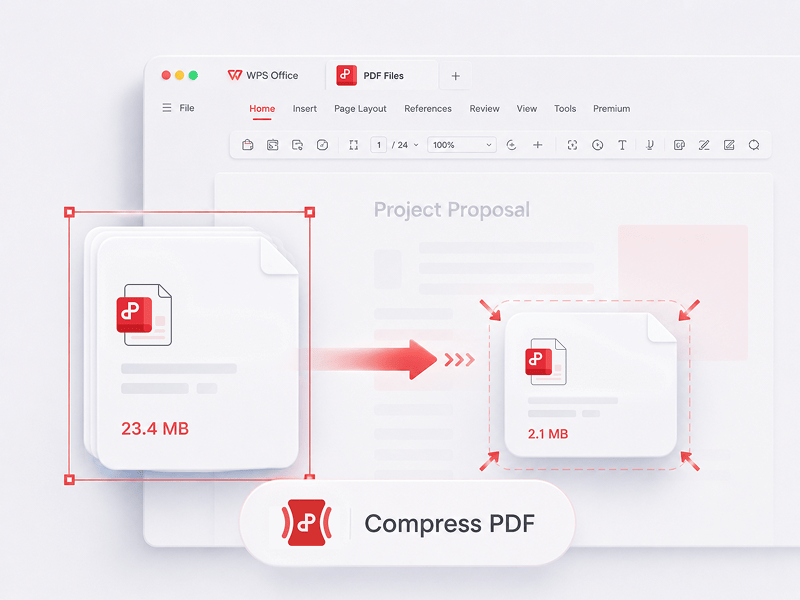
PDF komprimieren
Reduzieren Sie die Größe von PDF-Dateien online mit 3 Komprimierungsmethoden.
Dieses Tool testen
PDFs ganz einfach bearbeiten, konvertieren, zusammenführen, komprimieren, unterzeichnen, ausfüllen und organisieren. Nahtloses Arbeiten mit PDF-, Word-, Excel-, PPT- und Bilddateien – schnell, einfach und kostenlos.
Der beste kostenlose Online-PDF-Editor, -Konverter, -Merger, -Formularausfüller und -Organizer für die einfache Bearbeitung von Seiten, Text oder Layout in PDF-Dokumenten wie in Word – kostenlos und in Sekundenschnelle.
Reduzieren Sie die Größe von PDF-Dateien online mit 3 Komprimierungsmethoden.
Dieses Tool testen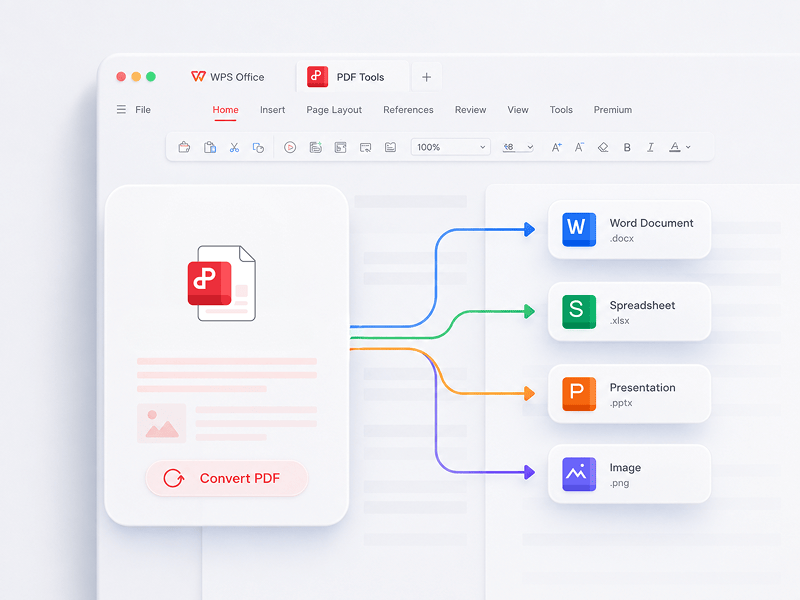
Der beste Online-PDF-Editor, Konverter, Zusammenführer, Formularausfüller und Organisator für die einfache Bearbeitung von Seiten, Text oder Layout in PDF-Dokumenten - so schnell und unkompliziert wie in Word, und das völlig KOSTENLOS.
Dieses Tool testen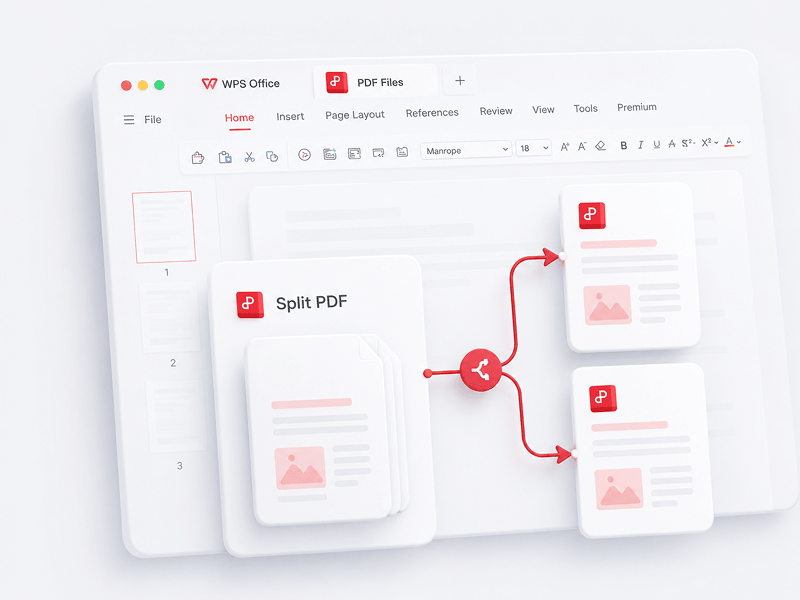
Trennen Sie online alle Seiten einer einzelnen PDF-Datei und extrahieren Sie sie in mehrere PDF-Dateien
Dieses Tool testen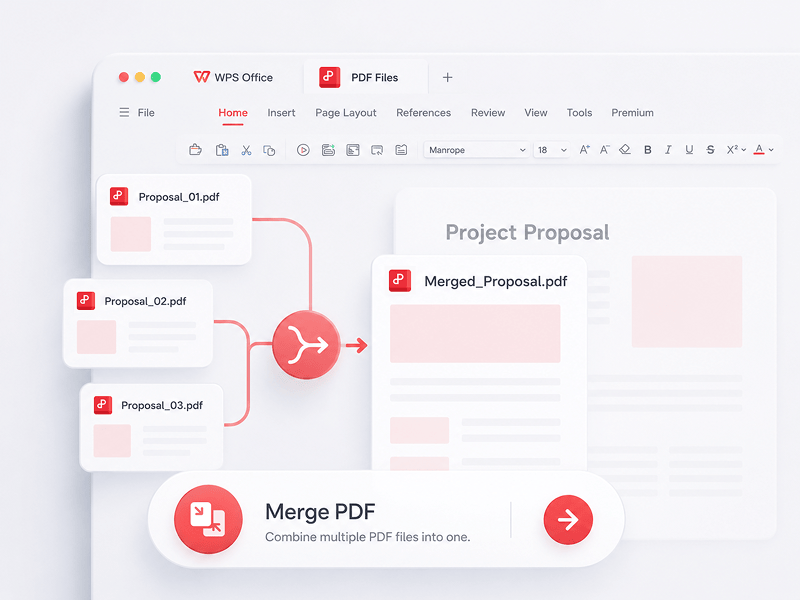
Wählen Sie online mehrere PDF-Dateien aus und führen Sie sie in einer einzigen PDF-Datei zusammen
Dieses Tool testen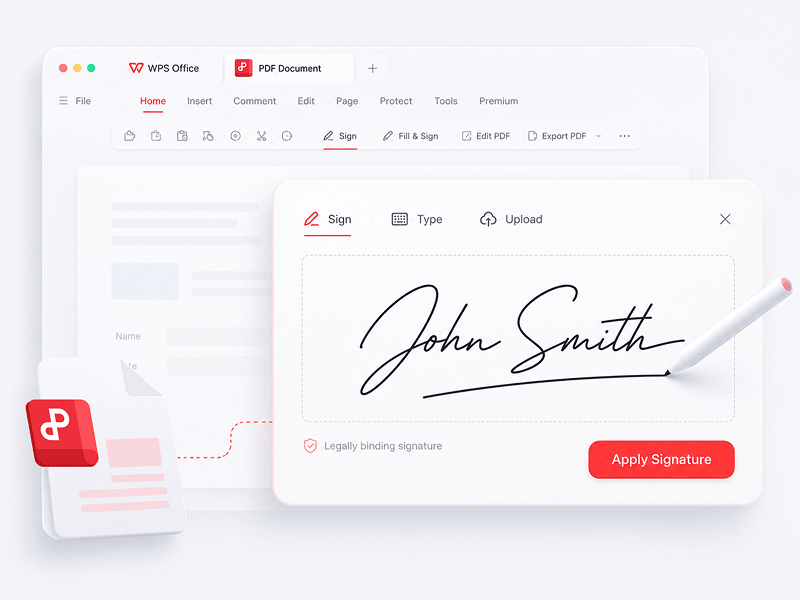
Erstellen und füllen Sie elektronische Signaturen in PDF-Dateien online aus und schützen Sie Ihre elektronische Signatur.
Dieses Tool testen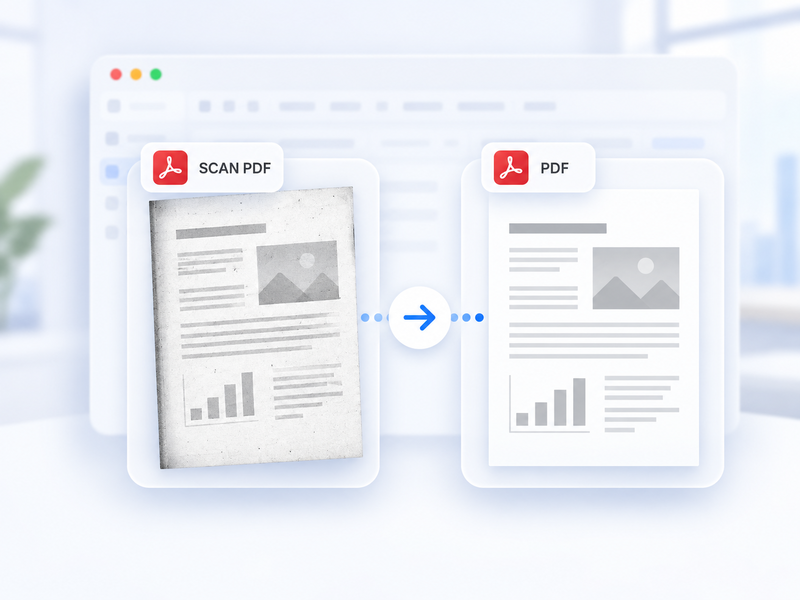
Konvertieren Sie ein gescanntes PDF online automatisch in ein Standard-PDF.
Dieses Tool testen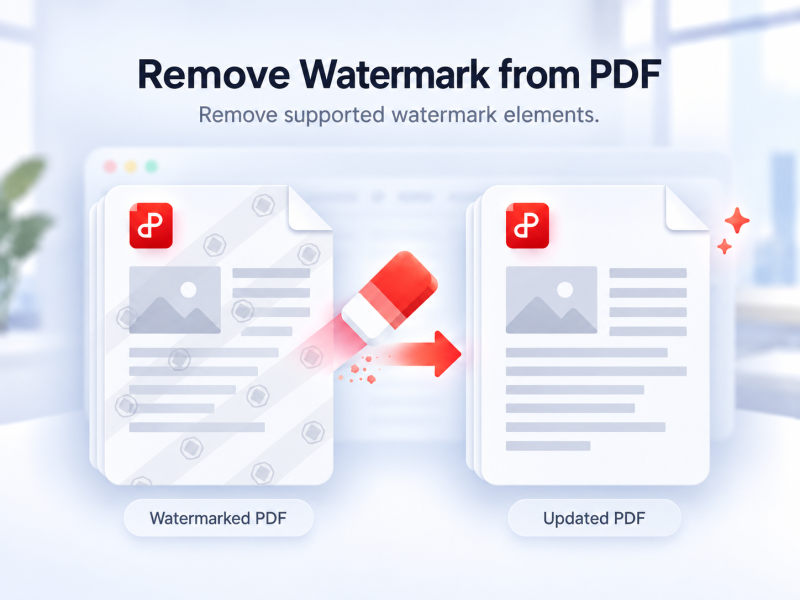
Entfernen Sie unterstützte Wasserzeichen online automatisch aus einem PDF.
Dieses Tool testen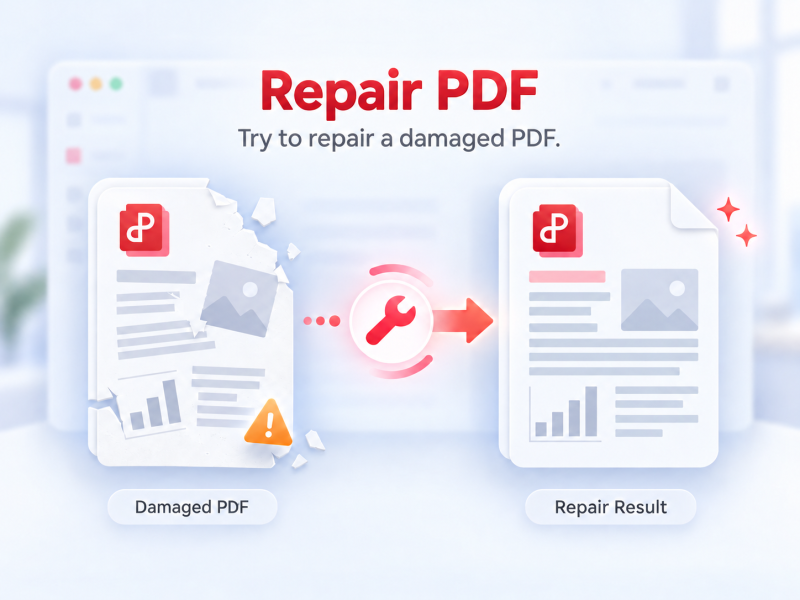
Versuchen Sie, ein PDF zu reparieren, das sich nicht richtig öffnen oder anzeigen lässt.
Dieses Tool testen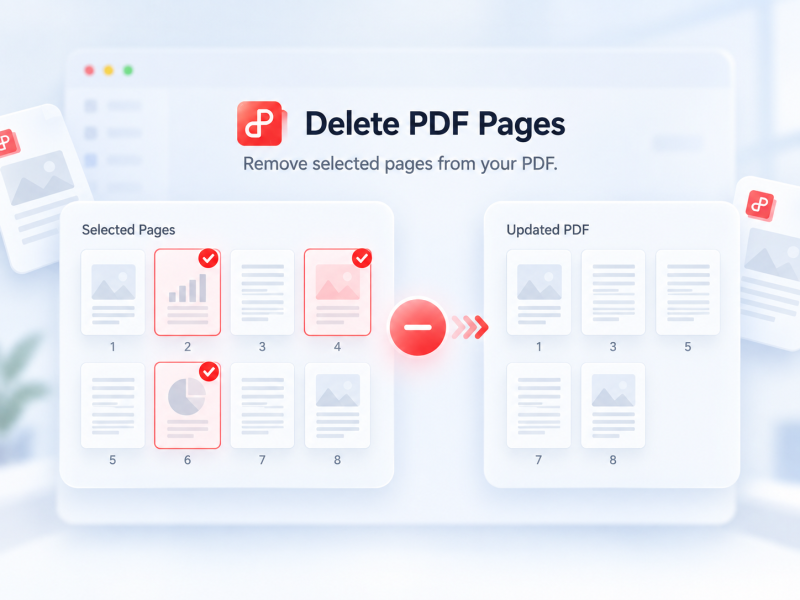
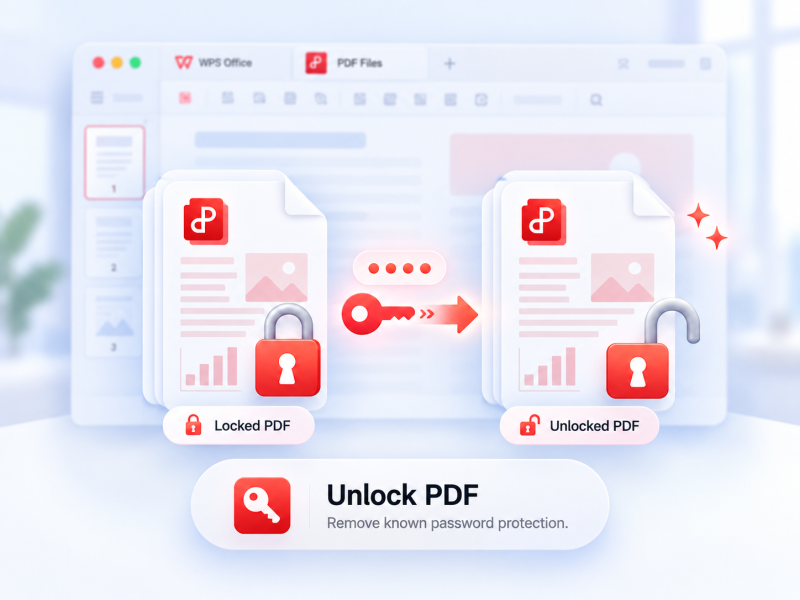
Entfernen Sie unterstützten PDF-Passwortschutz mit Erlaubnis und bei Bedarf dem aktuellen Passwort.
Dieses Tool testen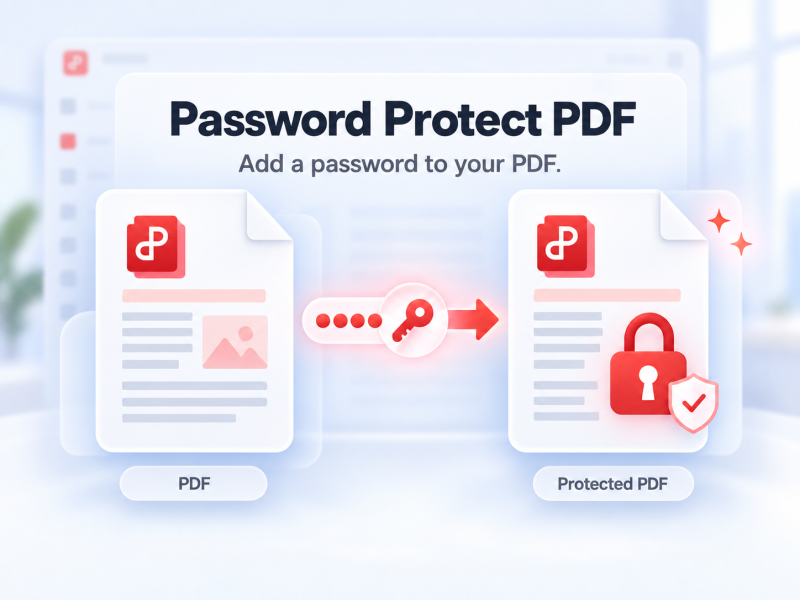
Schützen Sie ein PDF online mit einem Passwort zum Öffnen.
Dieses Tool testen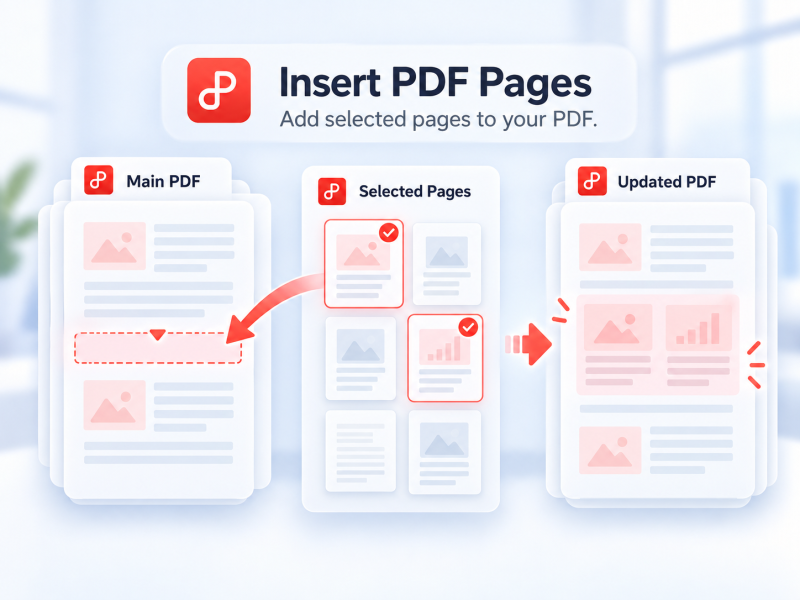
Wählen Sie Seiten aus einer zweiten PDF aus und fügen Sie sie online in Ihre Haupt-PDF ein.
Dieses Tool testen
Konvertieren Sie PDF-Dateien in Sekundenschnelle in editierbare Word-Dokumente (Formate .doc, .docx)
Dieses Tool testen
Konvertieren Sie PDF-Dateien online in editierbare Excel-Tabellen, ohne Software herunterladen zu müssen
Dieses Tool testen
WPS PDF Tools zu PPT kann PDF in bearbeitbare PPT- oder PPTX-Präsentationen umwandeln. Ohne Wasserzeichen wird PDF in Sekundenschnelle zu PowerPoint konvertiert.
Dieses Tool testen
Konvertieren Sie PDF-Dateien online in hochwertige JPG-Bilder – keine Registrierung erforderlich.
Dieses Tool testen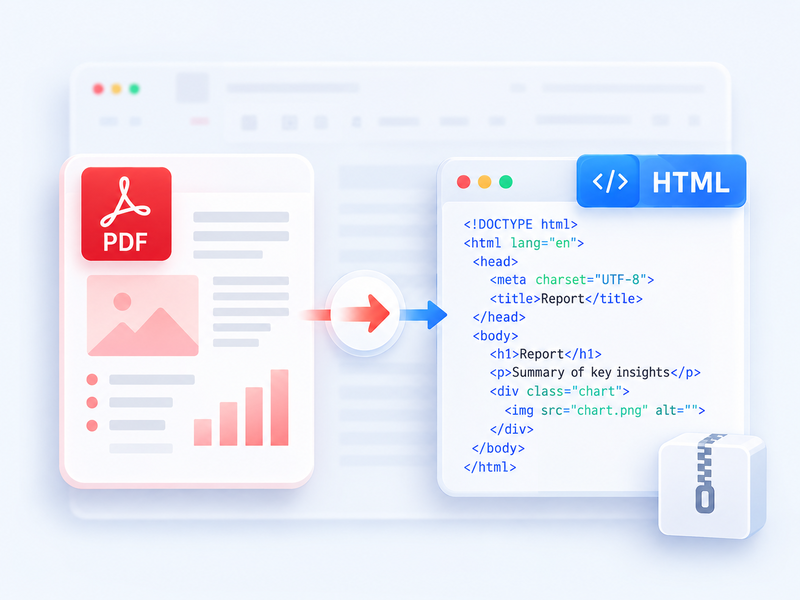
Konvertieren Sie PDF in HTML für den Browser und laden Sie das Ergebnis als ZIP herunter.
Dieses Tool testen
Konvertieren Sie Word-Dateien (.doc, .docx) kostenlos in leicht zu teilende PDF-Dateien, während das ursprüngliche Layout beibehalten wird
Dieses Tool testen
Konvertieren Sie Excel-Tabellen (.xls, .xlsx) kostenlos in leicht lesbare PDF-Dateien
Dieses Tool testen
Konvertieren Sie PowerPoint-Präsentationen (.ppt, .pptx) kostenlos in leicht anzuzeigende und zu teilende PDF-Dateien
Dieses Tool testen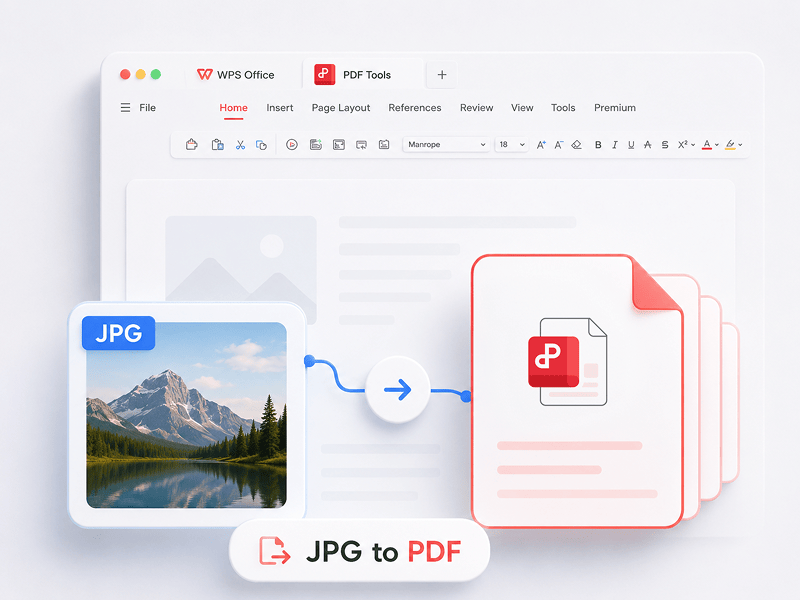
Konvertieren Sie Bilder (JPG, JPEG, PNG, BMP) kostenlos in PDF-Dateien und passen Sie die PDF-Ausrichtung und -Ränder ganz einfach an.
Dieses Tool testen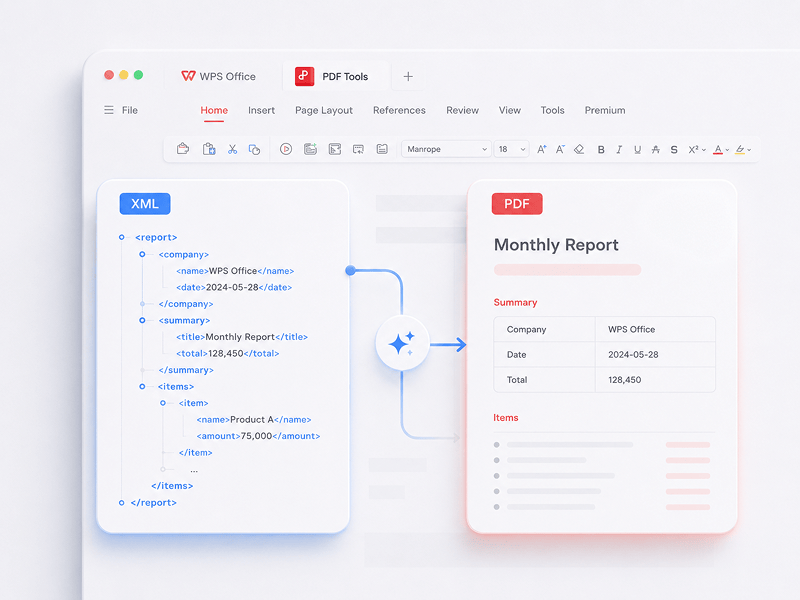
Konvertieren Sie XML-Dateien (NFE/CTE) kostenlos online in PDF-Dokumente.
Dieses Tool testen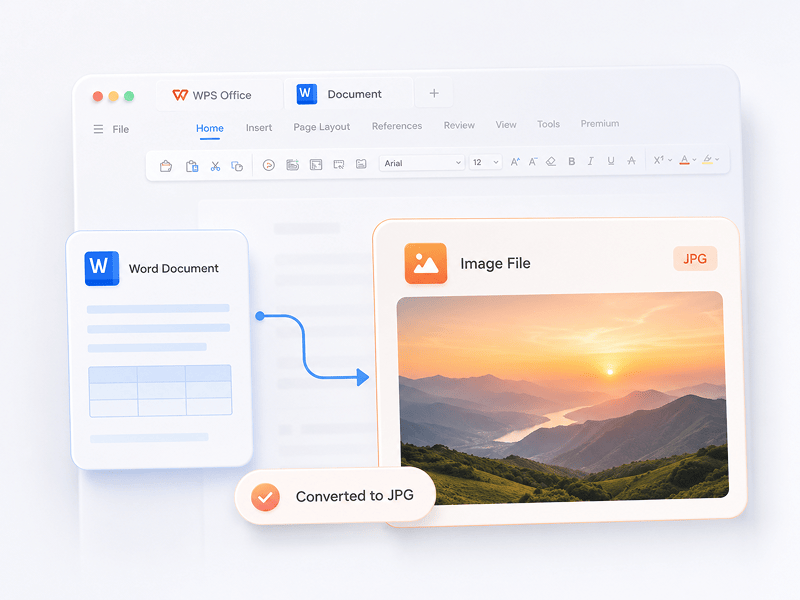
Konvertieren Sie Word-Dokumente online in hochwertige JPG-Bilder – keine Registrierung erforderlich.
Dieses Tool testen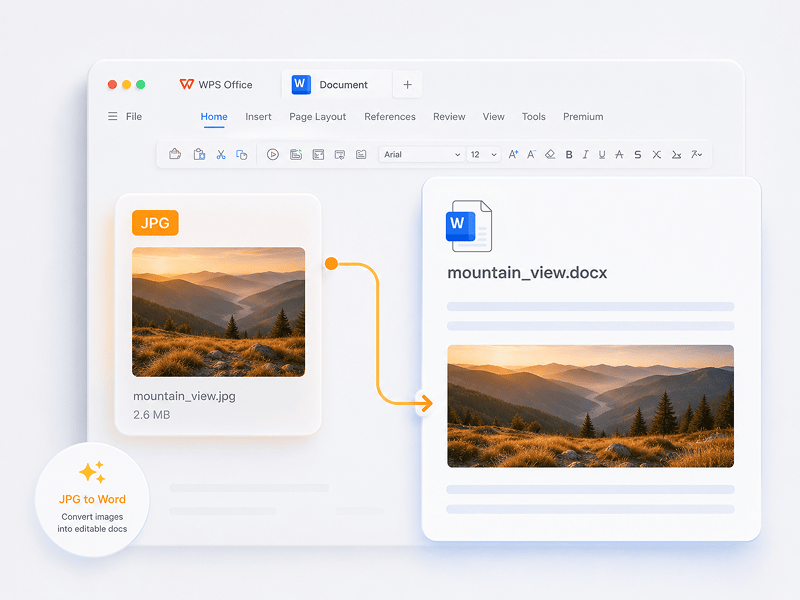
Konvertieren Sie JPG-Bilder mithilfe von OCR-Technologie online in bearbeitbare Word-Dokumente.
Dieses Tool testen
Konvertieren Sie ODS online in eine bearbeitbare Excel-Arbeitsmappe (XLSX).
Dieses Tool testen
Konvertieren Sie ODP online in eine bearbeitbare PowerPoint-Präsentation (PPTX).
Dieses Tool testen
Konvertieren Sie in Mesh-Szenarien OBJ, STL, FBX, GLB/GLTF, DAE, 3DS, X, 3MF, OFF, AC3D und PLY in OBJ, STL, FBX, GLB/GLTF, DAE, 3MF und PLY.
Dieses Tool testen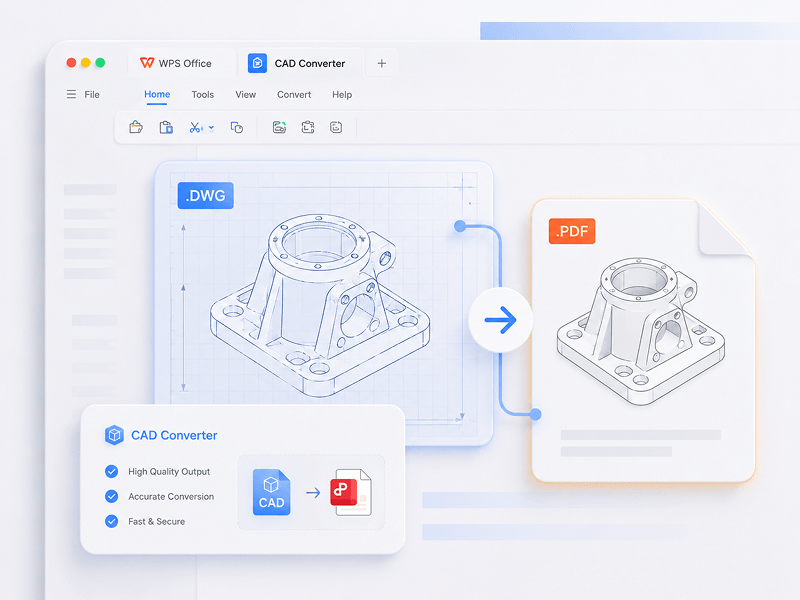
Konvertieren Sie in CAD-Szenarien STEP, IGES, CATIA V5, NX, Creo, SolidWorks, Parasolid, Inventor, JT, PRC, ACIS und Solid Edge in STEP, GLB/GLTF, FBX, OBJ und STL.
Dieses Tool testen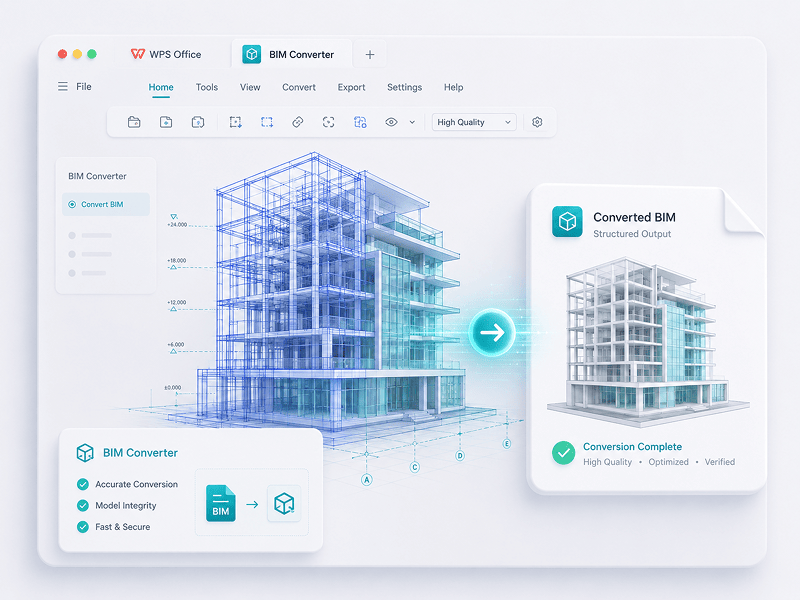
Konvertieren Sie in BIM-Szenarien IFC, Revit, Navisworks, DWF, AutoCAD und SKP in GLB/GLTF, FBX, OBJ und STL.
Dieses Tool testenErleben Sie den Wandel von manueller Arbeit zu intelligenter Kreation. Die WPS-Software ist Ihr Co-Pilot für jede Aufgabe.
 14:14:00
Eine leistungsstarke Alternative zu Microsoft Office mit vertrautem Design, vollständiger Kompatibilität und integrierten PDF-Tools – weltweit von Millionen von Benutzern geschätzt.
 07:04:00
Hervorragende Kompatibilität mit Office-Formaten, plus über 100.000 Vorlagen und eine vollständige Suite von Tools – alles verfügbar für Desktop und Mobilgeräte.
 08:53:00
Erstellen, bearbeiten und verwalten Sie alle Ihre Dokumente an einem Ort – mit Vorlagen, PDF-Tools und voller plattformübergreifender Unterstützung.
 09:16:00
Mit einer vertrauten Benutzeroberfläche, leistungsstarken KI-Funktionen für das Schreiben und Übersetzen sowie einer reibungslosen Leistung auf allen Geräten ist WPS eine intelligente und effiziente Lösung für Ihre Arbeit.
 08:28:00
Sofort vertrautes Design mit einer übersichtlichen Benutzeroberfläche und einer reibungslosen, benutzerfreundlichen Bedienung.
 14:06:00
Bringt ein Desktop-ähnliches Office-Erlebnis auf Mobilgeräte – vertraut, benutzerfreundlich und leistungsstark in einer All-in-One-App.
 04:05:00
Mit leistungsstarken KI-Tools können Sie Inhalte erstellen, ganze Dokumente sofort übersetzen, lange Dateien zusammenfassen und sogar mit Ihren PDFs chatten, um schnelle Einblicke zu erhalten.
 08:02:00
Schnell, leichtgewichtig und benutzerfreundlich – eine der besten Optionen, um Dokumente, Tabellen und Präsentationen mühelos zu erstellen und zu bearbeiten.
Laden Sie WPS Office herunter, um weitere PDF-Verwaltungsfunktionen wie OCR (Bildscannen und -konvertierung), das Hinzufügen von Wasserzeichen und elektronischen Signaturen sowie die Konvertierung von PDF in Bilder zu nutzen.

WPS Office
Laden Sie den WPS Office Desktop-Editor herunter, um ein leichtgewichtiges PDF-Tool zu erhalten, das umfassende Lösungen für alle PDF-Probleme bietet.

WPS Office
WPS Office ist eine kostenlose Office-Suite, die Linux-Systeme unterstützt. Laden Sie die WPS Office-App herunter, um jederzeit auf PDF-Tools zuzugreifen.

WPS Office
WPS Office ist vollständig mit macOS auf dem Mac kompatibel und unterstützt Intel- und Apple-Chips, sodass Sie PDFs mühelos bearbeiten können.

WPS Office
Perfekt auf das iPhone zugeschnitten. Dokumente überall nahtlos anzeigen, bearbeiten und teilen.

WPS Office
Bearbeiten Sie Dokumente unterwegs. Laden Sie die WPS App herunter und nutzen Sie den bestbewerteten mobilen Editor.
 Deb-Paket Rpm-Paket
1. Öffnen Sie den WPS PDF-Editor oder laden Sie WPS Office herunter, um eine PDF-Datei zu öffnen. 2. Klicken Sie in der oberen Navigationsleiste auf „Textwerkzeuge“. 3. Fügen Sie Text zur PDF-Seite hinzu. Klicken Sie auf den vorhandenen Text, um mit der Bearbeitung zu beginnen. 4. Fügen Sie Bilder zur PDF-Seite hinzu. Sie können die Bilder ziehen, verschieben, in der Größe anpassen oder drehen. 5. Füllen Sie PDFs aus und fügen Sie eine elektronische Signatur hinzu, indem Sie Ihre Unterschrift zeichnen, eintippen oder ein Bild Ihrer Unterschrift hochladen. 6. Versehen Sie PDF-Seiten mit Anmerkungen durch hervorgehobenen Text und markieren Sie Änderungen.
1. Öffnen Sie die WPS Office-Startseite und suchen Sie das PDF-Tool im linken Bereich. 2. Ziehen Sie eine PDF-Datei in den Konvertierungsbereich oder fügen Sie die Datei manuell hinzu. 3. Wählen Sie je nach Bedarf „PDF teilen“ oder „PDF zusammenführen“. 4. Zum Teilen: Legen Sie den Teilungsbereich fest (nach Start- und Endseiten), exportieren Sie jede Seite als einzelne PDF-Datei oder wählen Sie bestimmte Seiten aus. Zum Zusammenführen: Wählen Sie die zusammenzuführenden Seiten aus und geben Sie bei Bedarf einen Ausgabenamen ein. 5. Klicken Sie auf „Teilen“ oder „Zusammenführen“, um das Ergebnis zu exportieren, und überprüfen Sie anschließend die generierten Dateien in Ihrem lokalen Ordner.
1. Öffnen Sie das PDF-Dokument in WPS Office. 2. Wechseln Sie zur Registerkarte „Schützen“ und klicken Sie auf die Schaltfläche „Signaturfeld“. 3. Ziehen Sie den Mauszeiger über das Dokument, um den Bereich für das Signaturfeld zu zeichnen, legen Sie dann im Dialogfeld den Feldnamen sowie die Signaturanforderungen fest und klicken Sie auf „OK“. 4. Klicken Sie auf das erstellte Signaturfeld und wählen Sie eine kürzlich verwendete Signatur aus oder klicken Sie im Signaturbereich auf „Signatur erstellen“. 5. Bestätigen Sie die Signatur, um den Vorgang abzuschließen.
Der PDF-Blog hilft Ihnen, die Verwendung von PDF-Tools vollständig zu verstehen, bietet Ihnen schnellen Zugriff auf Software-News, empfiehlt verschiedene Arten von bürotauglicher Software, die sich zum Herunterladen lohnen, und bietet Ihnen Informationen über PDF-Versionsupdates.

Looking for a quick and easy way to convert PDF files to Google Docs? In this comprehensive guide, you'll learn all the tips and tricks you need to know to convert your PDFs to Google Docs quickly and easily, without losing any formatting or data.

Elevate your PDF experience in Chrome with our guide on automatic openings and WPS PDF Extension. Make 2024 your year of seamless browsing and editing!

Master downloading and using iLovePDF across multiple platforms. Get insights into downloading it on various operating systems.

Bearbeiten, konvertieren und signieren Sie PDFs direkt ohne Downloads, Konten oder Wasserzeichen. Über 15 kostenlose Online-Tools für PDF- und 3D-Konvertierungen liefern sofort professionelle Ergebnisse in einem einzigen Browser-Tab.

WPS PDF läuft nativ unter Windows, Mac, Linux, Android, iOS und im Web. Schlagen Sie jederzeit und überall nahtlos die Brücke zwischen schnellen Bearbeitungen im Browser und anspruchsvollen Desktop-Aufgaben.

WPS PDF ist Teil eines einheitlichen Produktivitäts-Ökosystems neben Writer, Spreadsheets und Presentation. Bearbeiten Sie PDFs, extrahieren Sie Daten und erstellen Sie Präsentationen in einer einzigen, reibungslosen Benutzeroberfläche, ohne die App wechseln zu müssen.

Verwandeln Sie statische Dokumente in interaktive Wissensdatenbanken. Nutzen Sie die integrierte WPS KI, um mit Ihren PDFs zu chatten, sofortige Zusammenfassungen zu erstellen und komplexe, mehrsprachige Berichte in Sekundenschnelle zu übersetzen.

Bewährt auf über 0,6 Mrd. aktiven Geräten und unterstützt durch Auszeichnungen von Google Play, dem App Store und G2. Sichere Cloud-Backups und End-to-End-Verschlüsselung garantieren, dass Ihr geistiges Eigentum streng vertraulich bleibt.

Entwickelt für globale Teams mit Unterstützung für 46 Sprachen und 47 Formate. Erleben Sie eine makellose PDF-Darstellung, präzise lokalisierte Benutzeroberflächen und universelle Kompatibilität, die internationalen Dokumentenstandards entspricht.


