
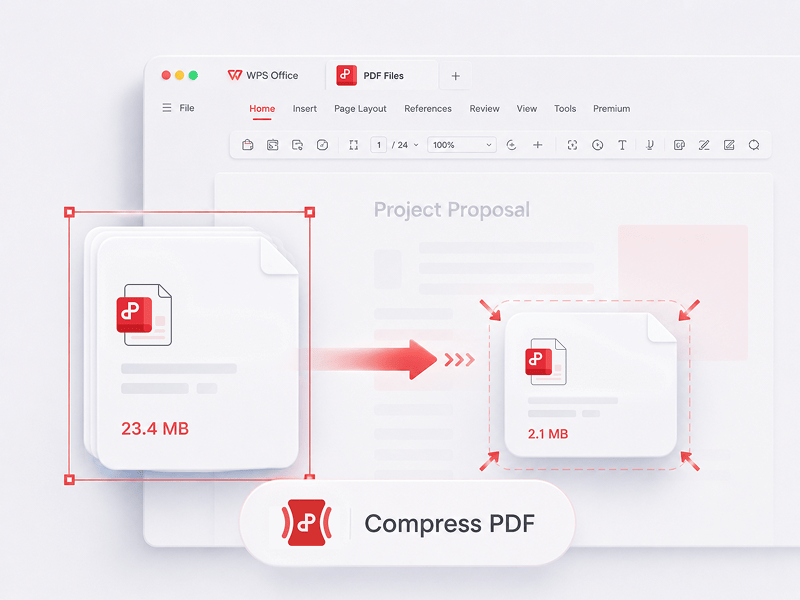
Pakkaa PDF
Pienennä PDF-tiedostojen kokoa verkossa käyttämällä 3 pakkausmenetelmää
Kokeile tätä työkalua
Muokkaa, muunna, yhdistä, pakkaa, allekirjoita, täytä ja järjestä PDF-tiedostoja helposti. Työskentele saumattomasti PDF-, Word-, Excel-, PPT- ja kuvatiedostojen kanssa – nopeasti, yksinkertaisesti ja ilmaiseksi.
Tämä on paras ilmainen online-PDF-editori, joka tukee PDF-muokkausta, tiedostomuodon muuntamista, tiedostojen yhdistämistä, lomakkeiden täyttämistä ja sivujen järjestämistä. Muokkaa sivuja, tekstiä ja asettelua nopeasti aivan kuten Wordissa – helppoa ja vie vain muutaman sekunnin!
Pienennä PDF-tiedostojen kokoa verkossa käyttämällä 3 pakkausmenetelmää
Kokeile tätä työkalua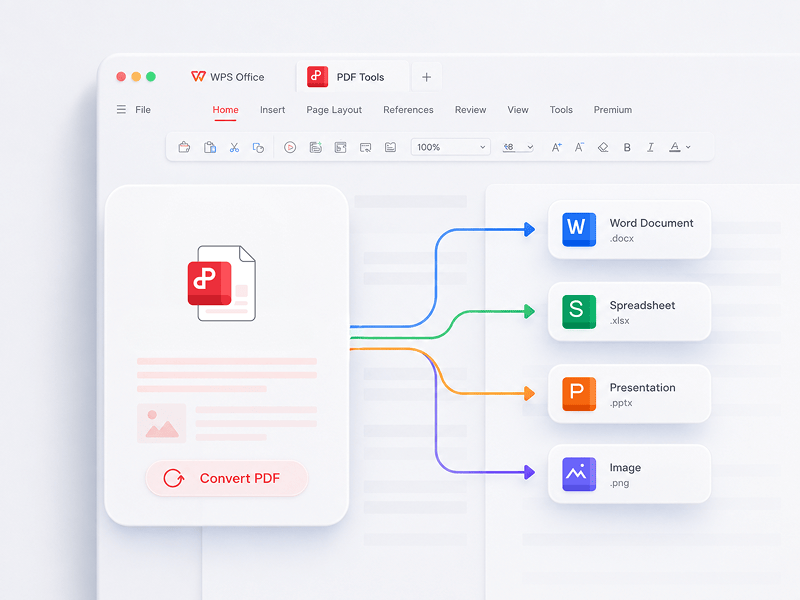
Paras verkossa toimiva PDF-editori, muunnin, yhdistäjä, lomakkeiden täyttäjä ja järjestäjä PDF-dokumenttien sivujen, tekstin tai asettelun helppoon muokkaamiseen ilmaiseksi sekunneissa - kuin Word, mutta PDF-tiedostoille.
Kokeile tätä työkalua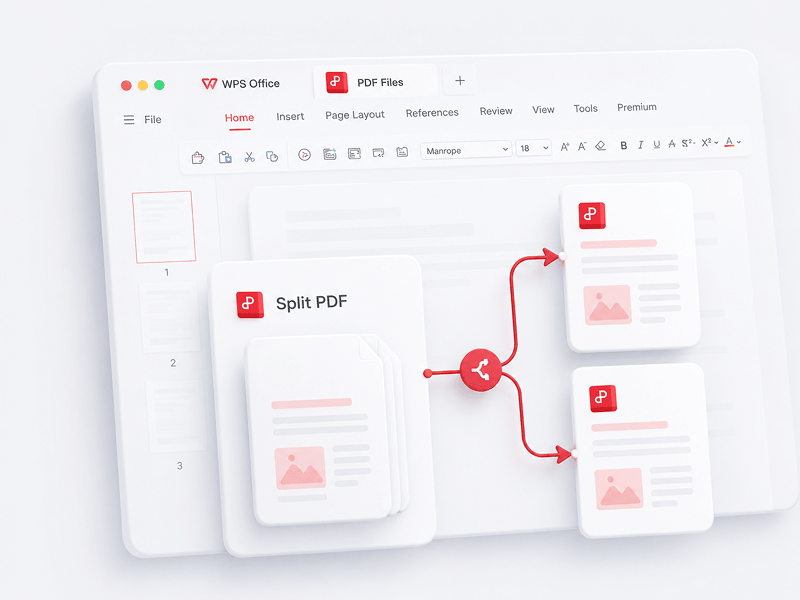
Erota yksittäisen PDF-tiedoston kaikki sivut verkossa ja pura ne useiksi PDF-tiedostoiksi
Kokeile tätä työkalua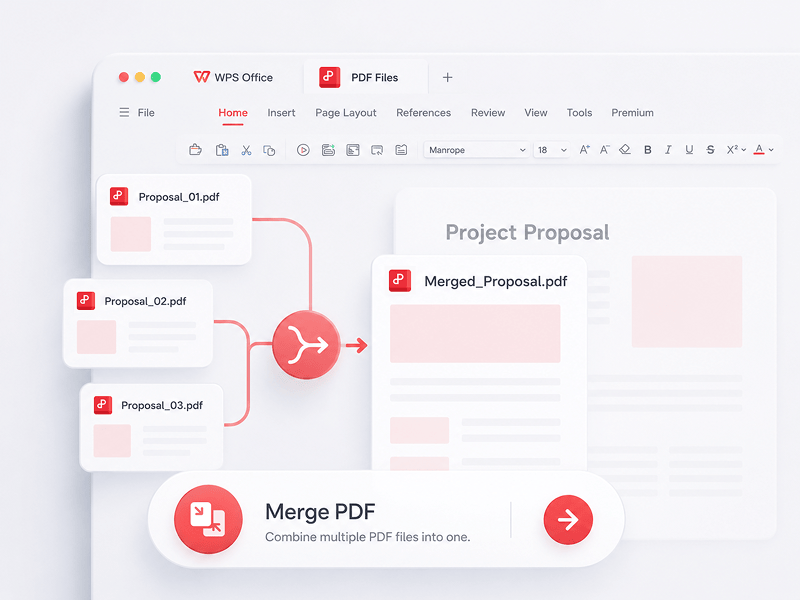
Valitse useita PDF-tiedostoja ja yhdistä ne yhdeksi PDF-tiedostoksi verkossa
Kokeile tätä työkalua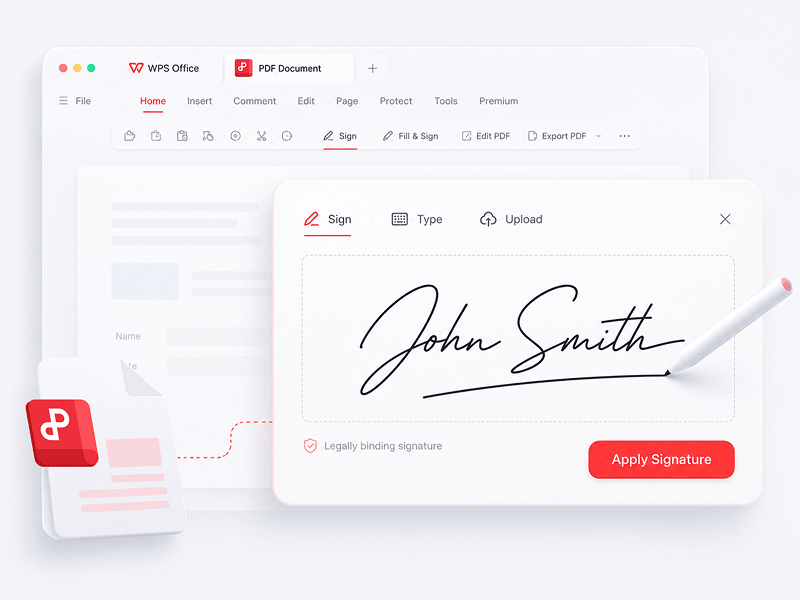
Luo ja täytä sähköisiä allekirjoituksia PDF-tiedostoissa verkossa ja suojaa sähköinen allekirjoituksesi
Kokeile tätä työkalua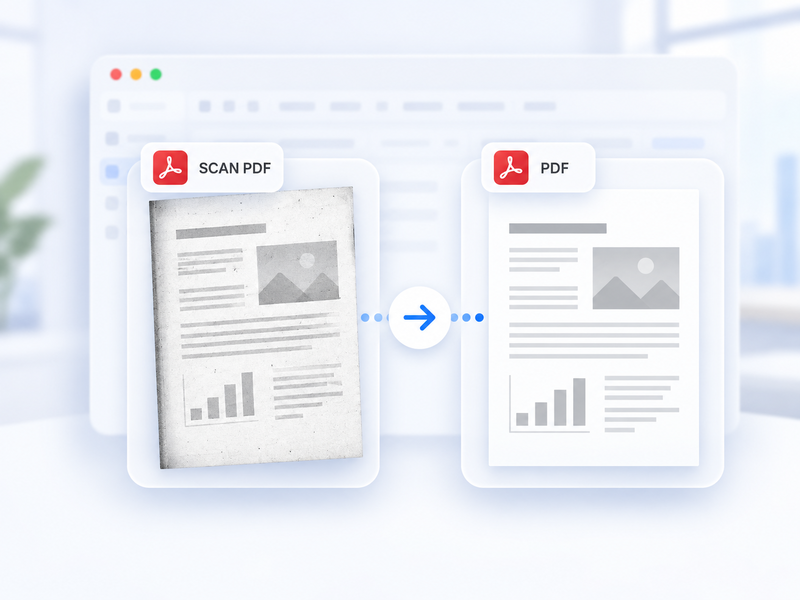
Muunna skannattu PDF automaattisesti tavalliseksi PDF:ksi verkossa.
Kokeile tätä työkalua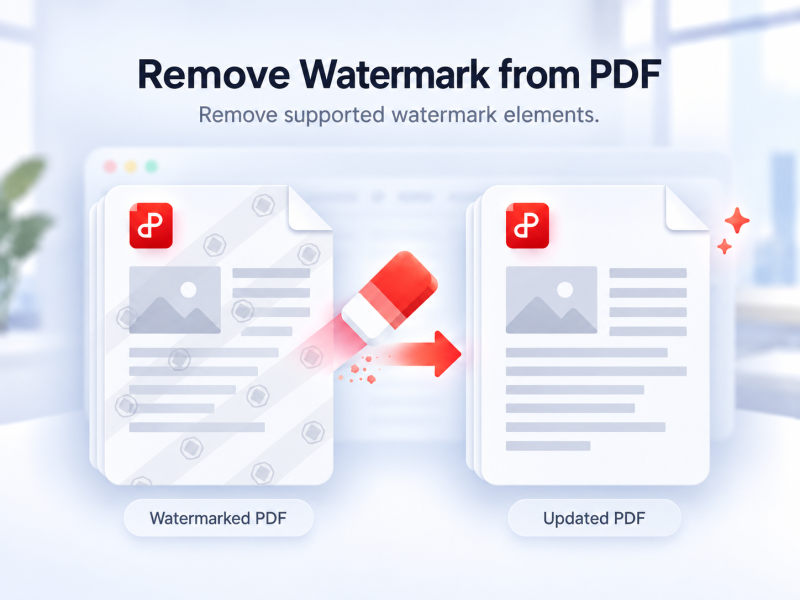
Poista tuetut vesileimat PDF:stä automaattisesti verkossa.
Kokeile tätä työkalua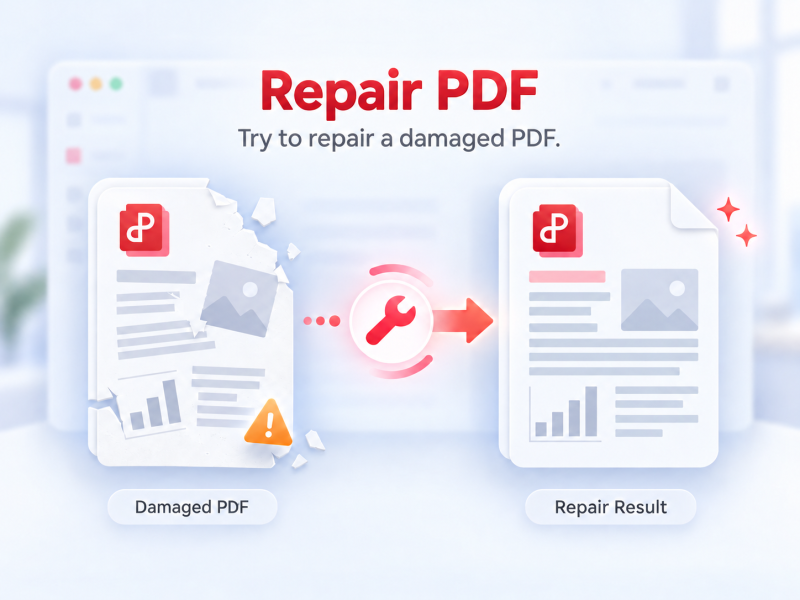
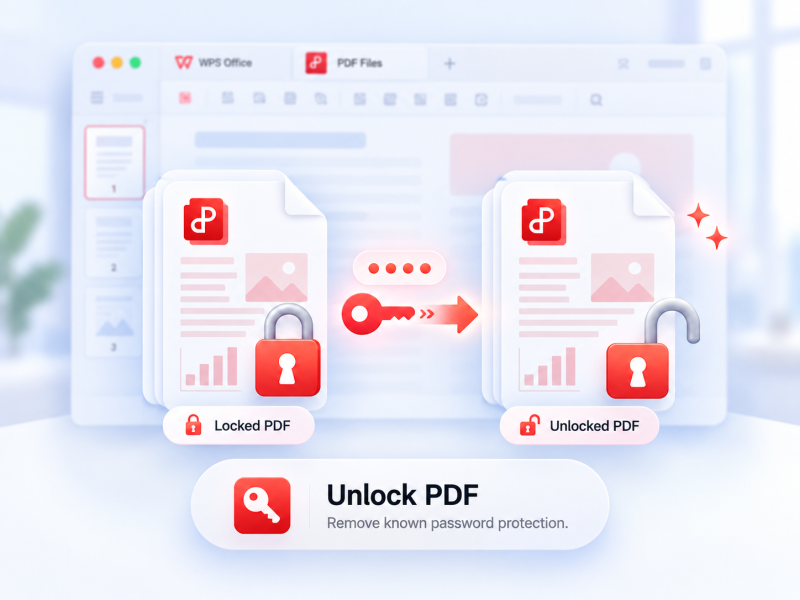
Poista tuettu PDF-suojaus luvallisesti ja anna tarvittaessa nykyinen salasana.
Kokeile tätä työkalua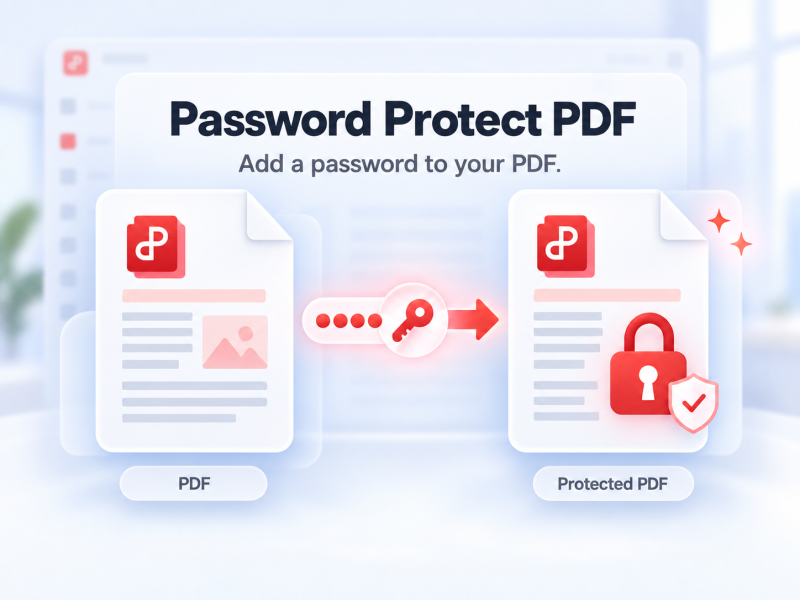
Suojaa PDF salasanalla verkossa ja määritä, kuka voi avata sen.
Kokeile tätä työkalua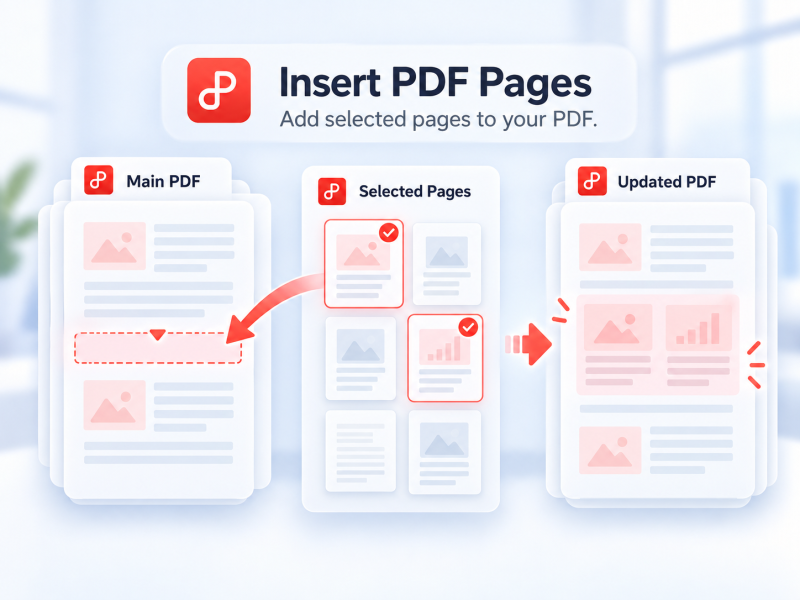
Valitse sivut toisesta PDF-tiedostosta ja lisää ne verkossa pää-PDF:ään.
Kokeile tätä työkalua
Muunna PDF-tiedostot muokattaviksi Word-asiakirjoiksi sekunneissa (doc- ja docx-muodot)
Kokeile tätä työkalua
Muunna PDF-tiedostot muokattaviksi Excel-taulukoiksi verkossa ilman ohjelmistojen lataamista
Kokeile tätä työkalua
WPS PDF Tools to PPT voi muuntaa PDF-tiedostot muokattaviksi PPT- tai PPTX-esityksiksi. Ei vesileimoja, PDF muunnetaan PowerPoint-muotoon sekunneissa.
Kokeile tätä työkalua
Muunna PDF-tiedostot laadukkaiksi JPG-kuviksi verkossa ilman rekisteröitymistä
Kokeile tätä työkalua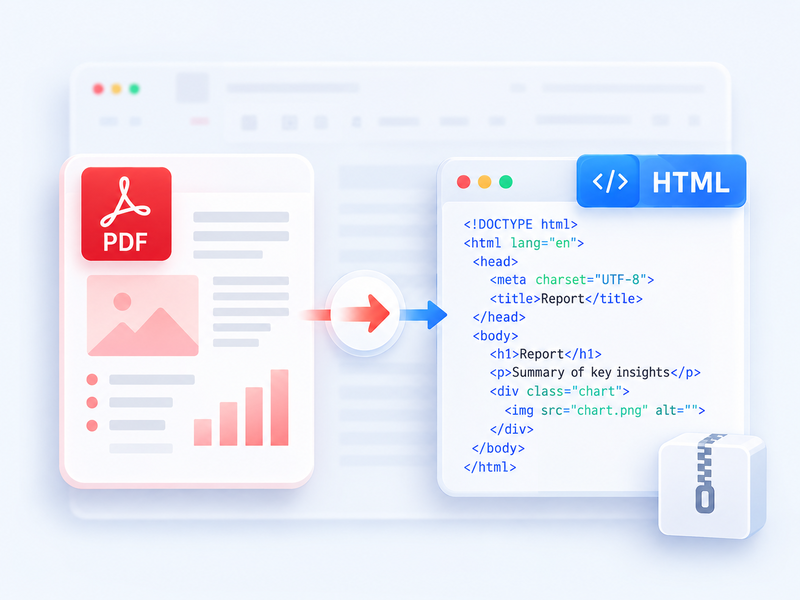
Muunna PDF selaimessa luettavaksi HTML:ksi ja lataa tulos ZIP-tiedostona.
Kokeile tätä työkalua
Muunna Word-tiedostot (doc, docx) helposti jaettaviksi PDF-tiedostoiksi ilmaiseksi säilyttäen alkuperäisen asettelun
Kokeile tätä työkalua
Muunna Excel-taulukot (xls, xlsx) helposti luettaviksi PDF-tiedostoiksi ilmaiseksi
Kokeile tätä työkalua
Muunna PowerPoint-esitykset (ppt, pptx) helposti katseltaviksi ja jaettaviksi PDF-tiedostoiksi ilmaiseksi
Kokeile tätä työkalua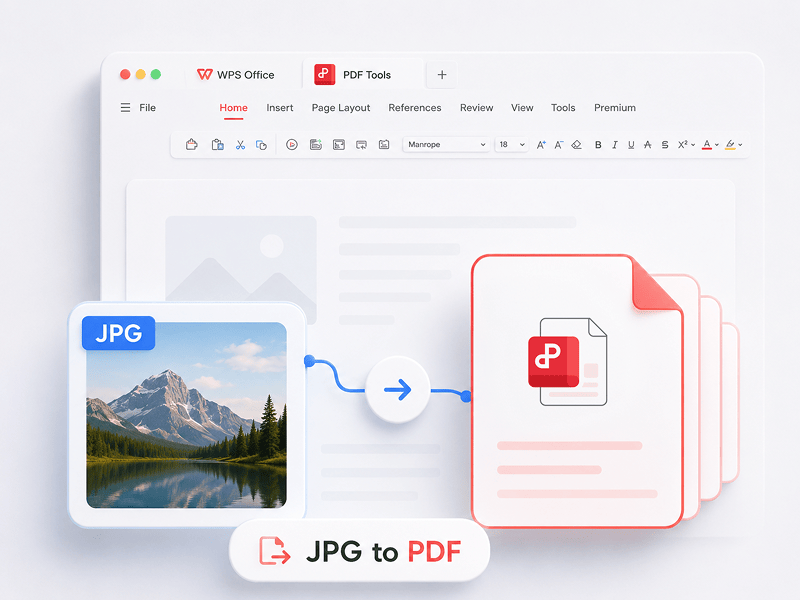
Muunna kuvat (JPG, JPEG, PNG, BMP) PDF-tiedostoiksi ilmaiseksi ja säädä helposti PDF-sivun suuntaa ja marginaaleja
Kokeile tätä työkalua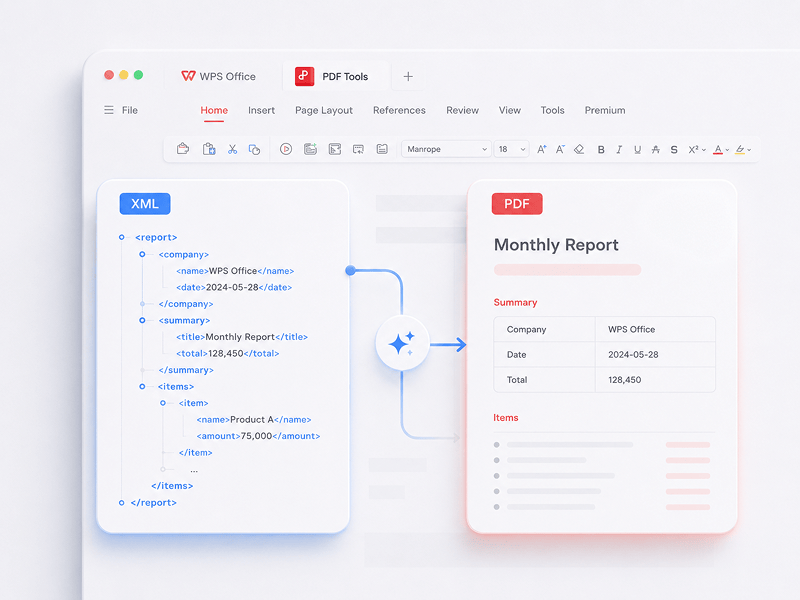
Muunna XML-tiedostot (NFE/CTE) PDF-asiakirjoiksi verkossa ilmaiseksi
Kokeile tätä työkalua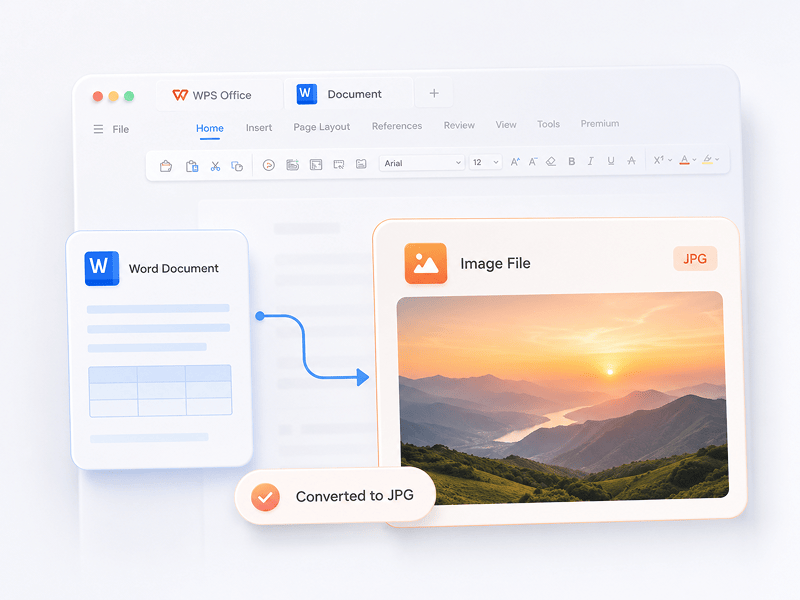
Muunna Word-asiakirjat laadukkaiksi JPG-kuviksi verkossa ilman rekisteröitymistä
Kokeile tätä työkalua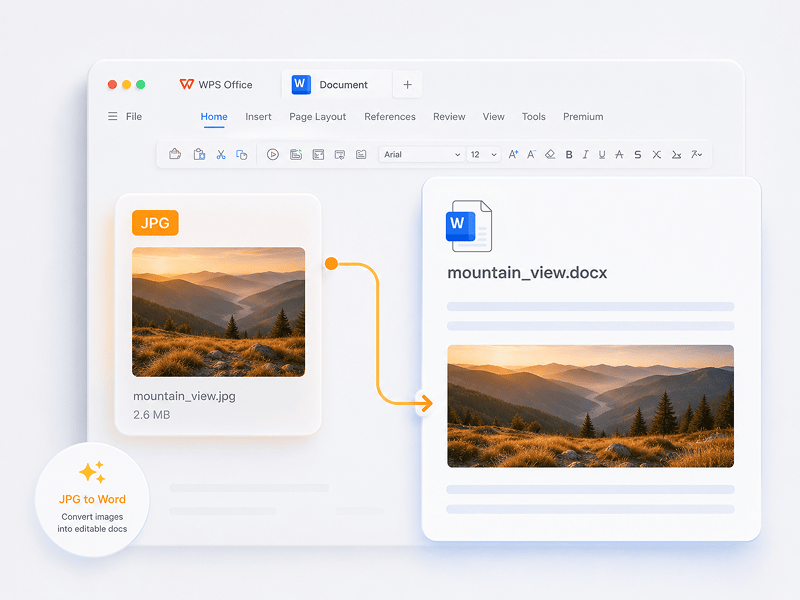
Muunna JPG-kuvat muokattaviksi Word-asiakirjoiksi verkossa OCR-tekniikan avulla
Kokeile tätä työkalua
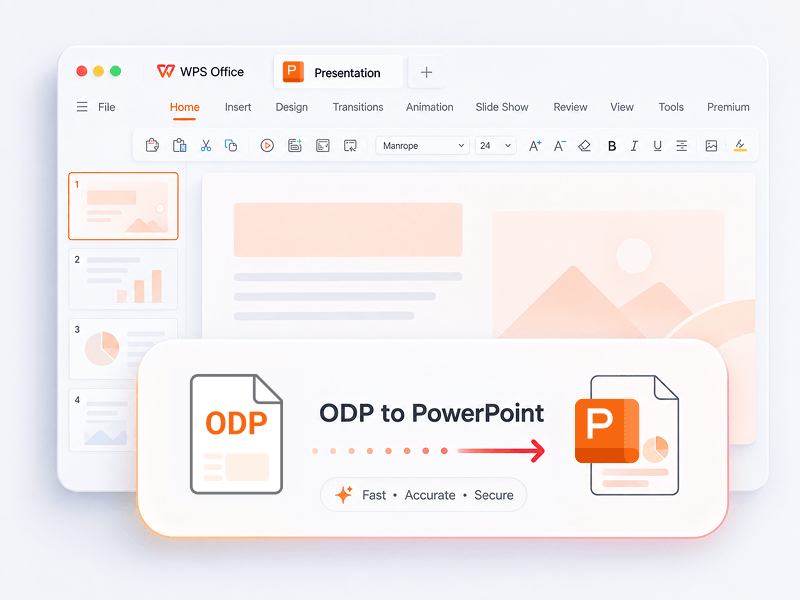
Muunna ODP muokattavaksi PowerPoint-esitykseksi (PPTX) verkossa.
Kokeile tätä työkalua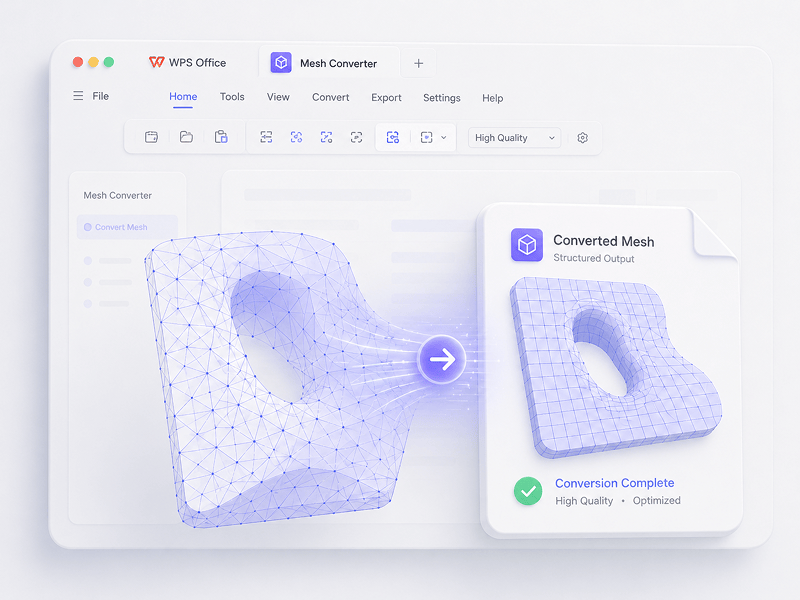
Mesh-skenaarioissa voit muuntaa OBJ-, STL-, FBX-, GLB/GLTF-, DAE-, 3DS-, X-, 3MF-, OFF-, AC3D- ja PLY-tiedostot muotoihin OBJ, STL, FBX, GLB/GLTF, DAE, 3MF ja PLY.
Kokeile tätä työkalua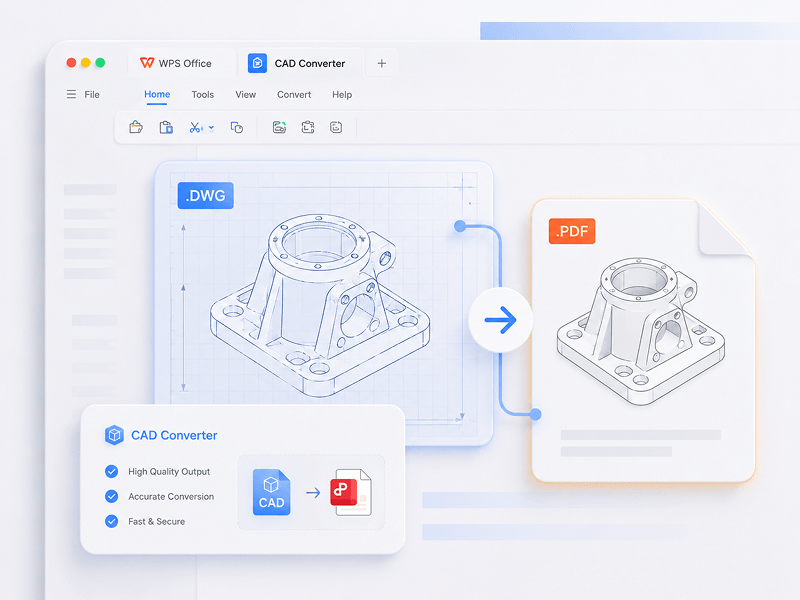
CAD-skenaarioissa voit muuntaa STEP-, IGES-, CATIA V5-, NX-, Creo-, SolidWorks-, Parasolid-, Inventor-, JT-, PRC-, ACIS- ja Solid Edge -tiedostot muotoihin STEP, GLB/GLTF, FBX, OBJ ja STL.
Kokeile tätä työkalua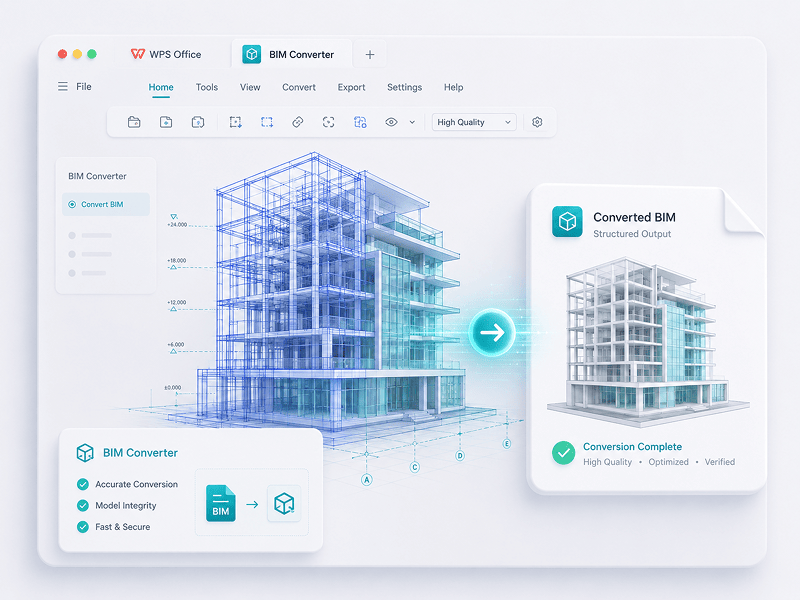
BIM-skenaarioissa voit muuntaa IFC-, Revit-, Navisworks-, DWF-, AutoCAD- ja SKP-tiedostot muotoihin GLB/GLTF, FBX, OBJ ja STL.
Kokeile tätä työkaluaKoe siirtymä manuaalisesta työstä älykkääseen luomiseen. WPS-ohjelmisto on apulaisesi kaikissa tehtävissä.
 14:14:00
Tehokas Microsoft Office -vaihtoehto, jossa on tuttu muotoilu, täysi yhteensopivuus ja sisäänrakennetut PDF-työkalut – miljoonien käyttäjien luottama maailmanlaajuisesti.
 07:04:00
Erinomainen yhteensopivuus Office-muotojen kanssa, yli 100 000 mallipohjaa ja kattava työkalupaketti – käytettävissä sekä tietokoneella että mobiililaitteilla.
 08:53:00
Luo, muokkaa ja hallitse kaikkia asiakirjojasi yhdessä paikassa – käytössäsi on mallipohjia, PDF-työkaluja ja täysi monialustatuki.
 09:16:00
WPS:ssä on tuttu käyttöliittymä, tehokkaat tekoälytoiminnot kirjoittamiseen ja kääntämiseen sekä sujuva suorituskyky kaikilla laitteilla – se on älykäs ja tehokas tapa saada työt tehdyksi.
 08:28:00
Suunniteltu tuntumaan heti tutulta: selkeä käyttöliittymä ja sujuva, helppokäyttöinen kokemus.
 14:06:00
Tuo tietokonetason Office-kokemuksen mobiililaitteille – tuttu, helppokäyttöinen ja tehokas monitoimisovellus.
 04:05:00
Tehokkaiden tekoälytyökalujen avulla voit luoda sisältöä, kääntää kokonaisia asiakirjoja välittömästi, tiivistää pitkiä tiedostoja ja jopa keskustella PDF-tiedostojesi kanssa saadaksesi nopeita oivalluksia.
 08:02:00
Nopea, kevyt ja helppokäyttöinen – se on yksi parhaista valinnoista asiakirjojen, taulukoiden ja esitysten vaivattomaan luomiseen ja muokkaamiseen.
Lataamalla WPS Officen saat käyttöösi lisää PDF-hallintaominaisuuksia, kuten OCR-toiminnon (kuvan skannaus ja muuntaminen), vesileimojen ja sähköisten allekirjoitusten lisäämisen sekä PDF-tiedostojen muuntamisen kuviksi.

WPS Office
Lataamalla WPS Office -työpöytäeditorin saat kevyen PDF-työkalun, joka tarjoaa kattavat ratkaisut kaikkiin PDF-ongelmiin.

WPS Office
WPS Office on ilmainen Linux-järjestelmää tukeva toimisto-ohjelmisto. Lataa WPS Office -sovellus, jotta voit käyttää PDF-työkaluja milloin tahansa.

WPS Office
WPS Office on täysin yhteensopiva Macin macOS-järjestelmän kanssa ja tukee Intel- ja Apple-siruja, mikä tekee PDF-tiedostojen muokkaamisesta helppoa.

WPS Office
Täydellisesti iPhonelle räätälöity. Katsele, muokkaa ja jaa asiakirjoja saumattomasti missä tahansa.

WPS Office
Muokkaa missä tahansa. Lataa WPS-sovellus ja ota käyttöösi parhaiten arvioitu mobiilieditori.
 Deb-paketti Rpm-paketti
1. Avaa WPS PDF -editori tai lataa WPS Office avataksesi PDF-tiedoston. 2. Napsauta ylänavigointipalkin Tekstityökalut-painiketta. 3. Lisää tekstiä PDF-sivulle. Aloita muokkaus napsauttamalla aiemmin luotua tekstiä. 4. Lisää kuvia PDF-sivulle. Voit vetää, siirtää, muuttaa kokoa tai kiertää kuvia. 5. Täytä PDF-tiedostoja ja lisää sähköinen allekirjoitus piirtämällä, kirjoittamalla tai lataamalla allekirjoituskuvasi. 6. Tee PDF-sivuille merkintöjä korostetulla tekstillä ja merkitse muutokset.
1. Avaa WPS Officen kotisivu ja etsi PDF-työkalun kuvake vasemmasta paneelista. 2. Vedä PDF-tiedosto muuntoalueelle tai lisää tiedosto manuaalisesti. 3. Valitse tarpeesi mukaan PDF-jako tai PDF-yhdistäminen. 4. Jakaminen: määritä jakoalue (aloitus- ja lopetussivujen mukaan), vie jokainen sivu erillisenä PDF-tiedostona tai valitse tietyt sivut. Yhdistäminen: määritä yhdistettävät sivut ja anna tarvittaessa tulostiedoston nimi. 5. Vie tulos napsauttamalla Jaa tai Yhdistä ja tarkista sitten luodut tiedostot paikallisesta kansiostasi.
1. Avaa PDF-asiakirja WPS Officessa. 2. Siirry Suojaa-välilehdelle ja napsauta Allekirjoituskenttä-painiketta. 3. Piirrä allekirjoituskenttä vetämällä asiakirjassa, määritä sitten kentän nimi ja allekirjoitusvaatimukset valintaikkunassa ja napsauta OK. 4. Napsauta luotua allekirjoituskenttää ja valitse sitten äskettäin käytetty allekirjoitus tai napsauta allekirjoituspaneelissa Luo allekirjoitus. 5. Viimeistele allekirjoitus vahvistamalla se.
PDF-blogi auttaa sinua ymmärtämään täysin PDF-työkalujen käytön, tarjoaa nopean pääsyn ohjelmistouutisiin, suosittelee erilaisia lataamisen arvoisia toimisto-ohjelmistoja ja tarjoaa tietoa PDF-versiopäivityksistä.

Meta: Let's unlock a world of knowledge in 2023 with our top picks for the 4 Best Sites to Download Free PDF Books. Dive into a vast library of literary treasures, from timeless classics to modern must-reads, all at your fingertips. Start your reading journey and expand your horizons without spending a dime. Explore, discover, and read more in the year ahead!

Master downloading and using iLovePDF across multiple platforms. Get insights into downloading it on various operating systems.

Unlock PDF-to-Keynote conversion in 2023. Transform PDFs into dynamic Keynote presentations with these 3 concise methods. Simplify your file transformations.

Aloita PDF-tiedostojen muokkaaminen, muuntaminen ja allekirjoittaminen suoraan ilman latauksia, tilejä tai vesileimoja. Yli 15 maksutonta PDF- ja 3D-muunnosten verkkotyökalua tarjoavat ammattitason tuloksia välittömästi yhdessä selaimen välilehdessä.

WPS PDF toimii natiivisti Windows-, Mac-, Linux-, Android-, iOS- ja Web-alustoilla. Yhdistä työnkulkusi saumattomasti nopeiden selainmuokkausten ja vaativien työpöytätehtävien välillä milloin ja missä tahansa.

WPS PDF toimii yhtenäisessä tuottavuusekosysteemissä yhdessä Writer-, Spreadsheets- ja Presentation-sovellusten kanssa. Muokkaa PDF-tiedostoja, pura tietoja ja luo esityksiä yhdessä saumattomassa käyttöliittymässä ilman tarvetta vaihtaa sovellusten välillä.

Muunna staattiset asiakirjat vuorovaikutteisiksi tietokannoiksi. Hyödynnä sisäänrakennettua WPS AI -tekoälyä keskustellaksesi PDF-tiedostojesi kanssa, luodaksesi välittömiä yhteenvetoja ja kääntääksesi monimutkaisia monikielisiä raportteja sekunneissa.

Luotettu yli 600 miljoonassa aktiivisessa laitteessa, ja palvelulla on Google Play-, App Store- ja G2-palkintojen tuki. Turvalliset pilvivarmuuskopiot ja päästä päähän -salaus takaavat, että immateriaalioikeutesi pysyvät täysin luottamuksellisina.

Suunniteltu maailmanlaajuiselle käyttäjäkunnalle, tukee 46 kieltä ja 47 tiedostomuotoa. Koe virheetön PDF-renderöinti, tarkat lokalisoidut käyttöliittymät ja yleinen yhteensopivuus, joka täyttää kansainväliset asiakirjastandardit.


