
Alat PDF online gratis
Semua Alat PDF Anda, di Satu Tempat.
Edit, konversi, gabungkan, kompres, tanda tangani, isi, dan atur file PDF dengan mudah. Bekerja secara lancar dengan file PDF, Word, Excel, PPT, dan gambar—cepat, mudah, dan gratis.
Alat PDF pintar dengandampak nyata.
Editor, pengonversi, penggabung, pengisi formulir, dan pengatur PDF online gratis terbaik untuk mengedit halaman, teks, atau tata letak pada dokumen PDF seperti Word dengan mudah dalam hitungan detik.

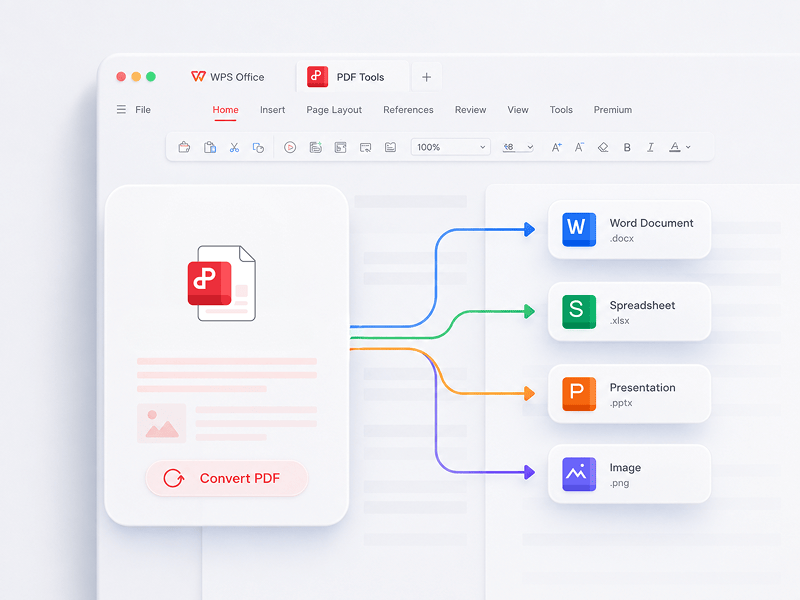
Konversi PDF
Editor PDF online terbaik, konverter, penggabung, pengisi formulir, dan pengorganisir untuk mengedit halaman, teks, atau tata letak dokumen PDF seperti Word dengan GRATIS dalam hitungan detik.
Coba Alat Ini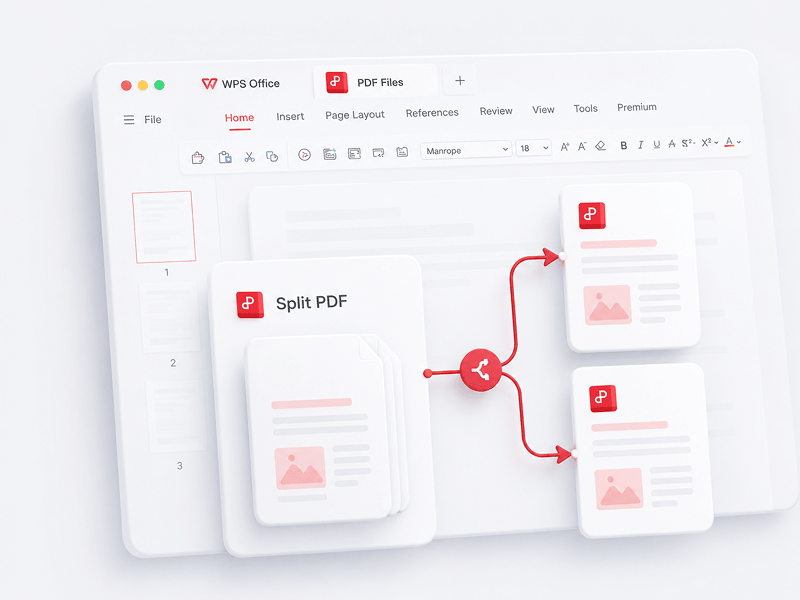
Pisahkan PDF
Pisahkan semua halaman dari satu file PDF secara online dan ekstrak halaman ke beberapa file PDF
Coba Alat Ini
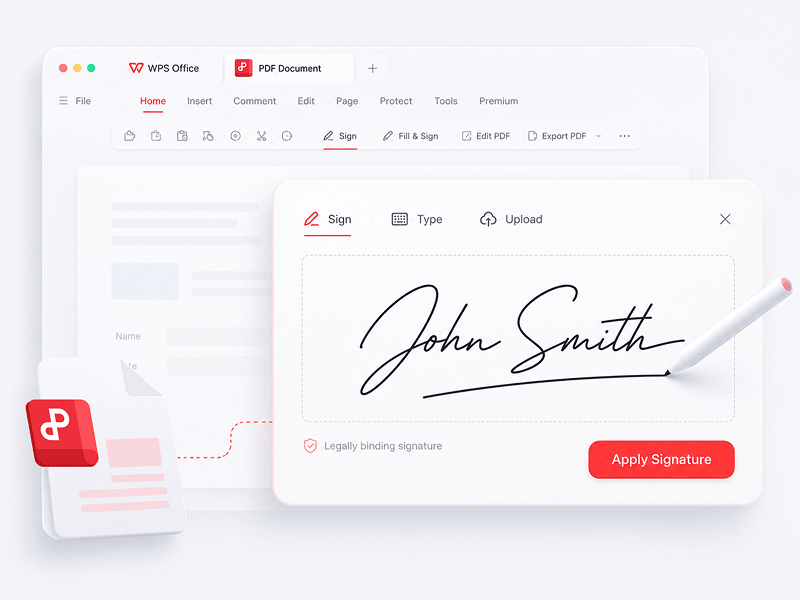
Tanda Tangani PDF
Buat dan isi tanda tangan elektronik dalam file PDF secara online dan amankan tanda tangan elektronik Anda
Coba Alat Ini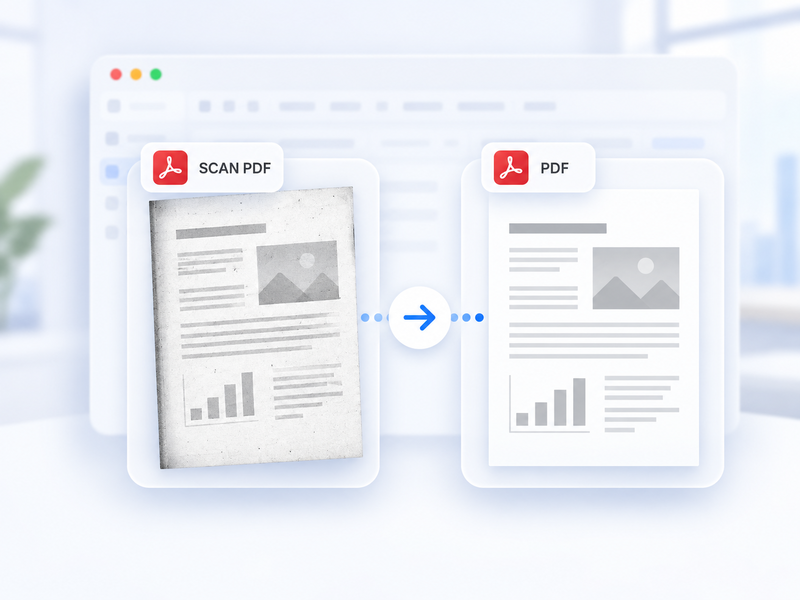
PDF hasil pindai → PDF standar
Ubah PDF hasil pindai menjadi PDF standar secara otomatis dan online.
Coba Alat Ini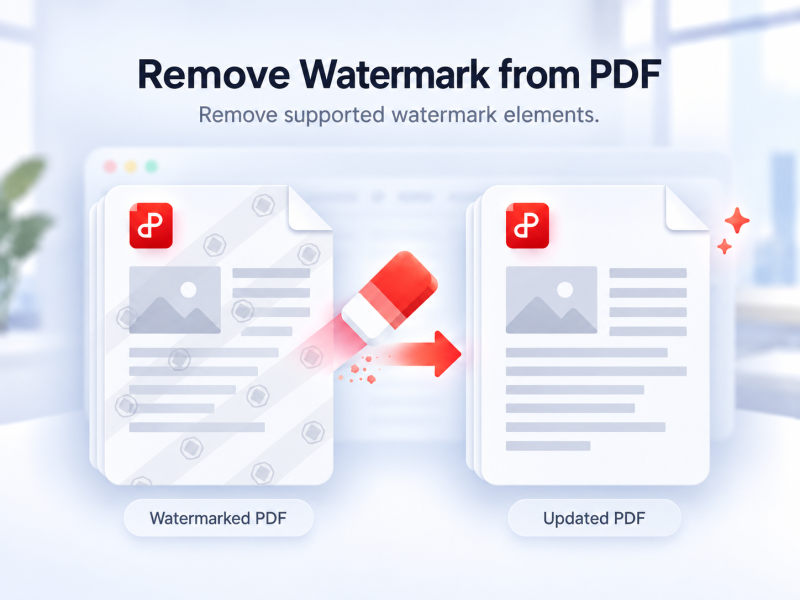
Hapus Tanda Air dari PDF
Hapus tanda air yang didukung dari PDF secara otomatis dan online.
Coba Alat Ini
Buka Kunci PDF
Hapus proteksi PDF yang didukung dengan izin pemilik dan kata sandi saat ini jika diperlukan.
Coba Alat Ini
Lindungi PDF dengan Kata Sandi
Lindungi PDF dengan kata sandi secara online untuk mengatur siapa yang dapat membukanya.
Coba Alat Ini
Sisipkan Halaman PDF
Pilih halaman dari PDF kedua dan sisipkan ke PDF utama secara online.
Coba Alat Ini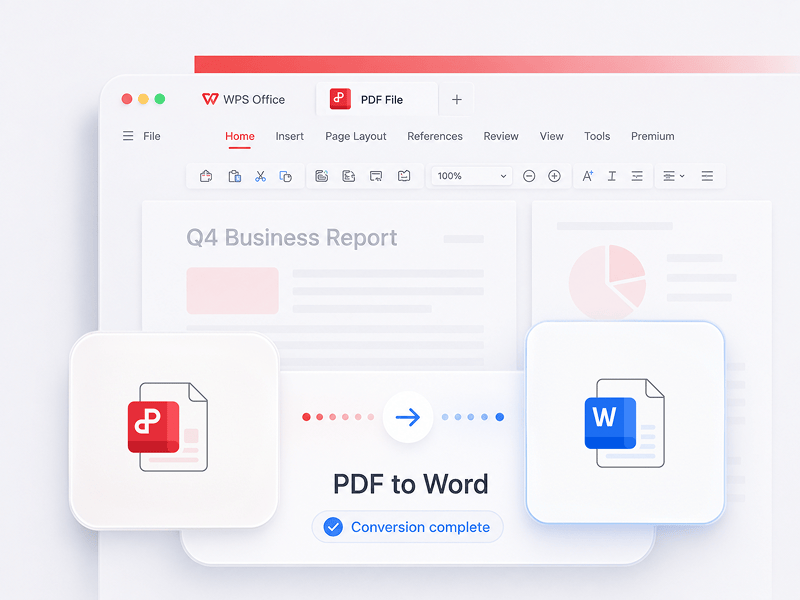
PDF ke Word
Konversikan file PDF ke dokumen Word yang dapat diedit dalam hitungan detik (format doc, docx)
Coba Alat Ini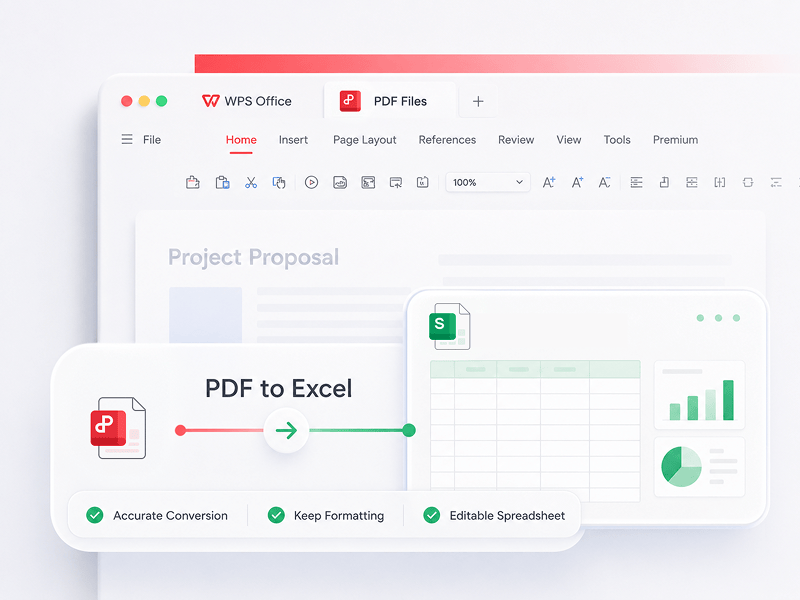
PDF ke Excel
Konversikan file PDF ke spreadsheet Excel yang dapat diedit secara online tanpa mengunduh perangkat lunak apa pun
Coba Alat Ini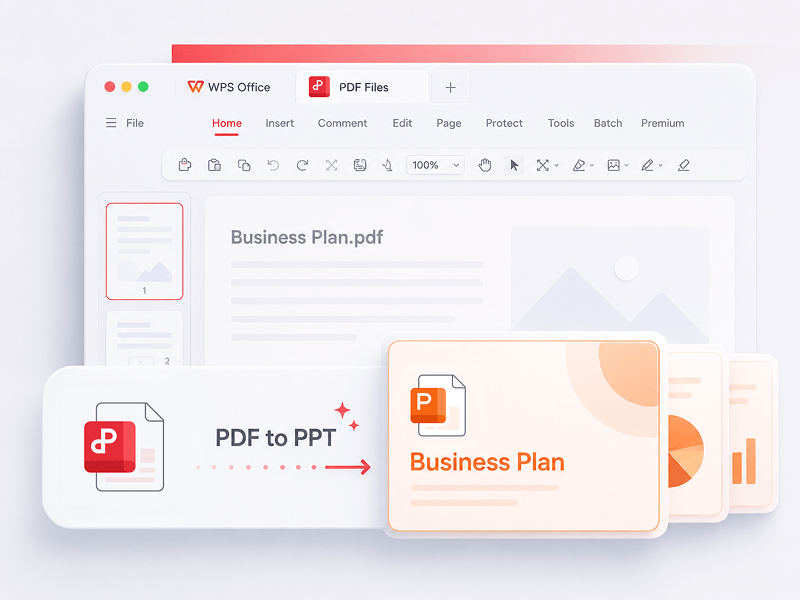
PDF ke PPT
WPS PDF Tools ke PPT dapat mengonversi PDF menjadi presentasi PPT atau PPTX yang dapat diedit. Tanpa watermark, hanya perlu beberapa detik untuk mengubah PDF menjadi PowerPoint.
Coba Alat Ini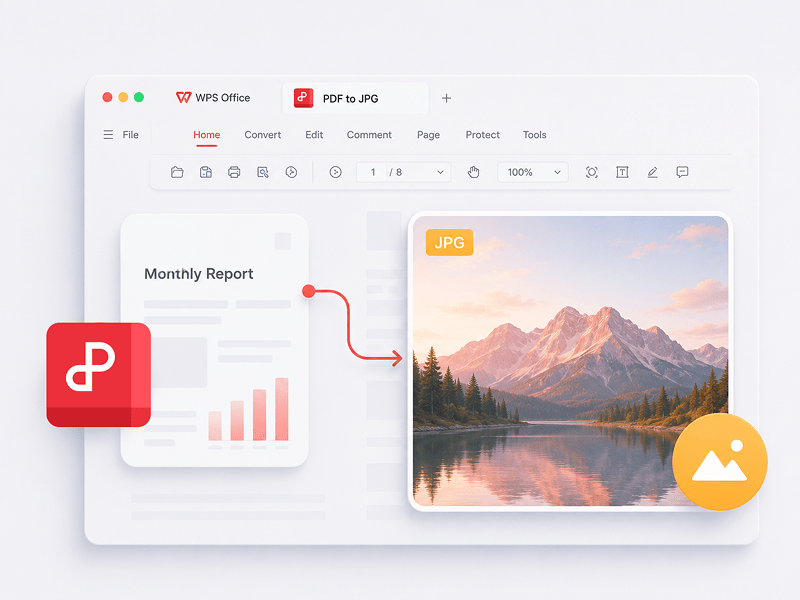
PDF ke JPG
Konversikan file PDF ke gambar JPG secara online dengan kualitas tinggi dan tanpa perlu mendaftar
Coba Alat Ini
Word ke PDF
Konversikan file Word (doc, docx) ke file PDF yang mudah dibagikan sekaligus mempertahankan tata letak secara gratis
Coba Alat Ini
Excel ke PDF
Konversikan spreadsheet Excel (xls, xlsx) ke file PDF yang mudah dibaca secara gratis
Coba Alat Ini
PPT ke PDF
Konversikan presentasi PowerPoint (ppt, pptx) ke file PDF yang mudah dilihat dan dibagikan secara gratis
Coba Alat Ini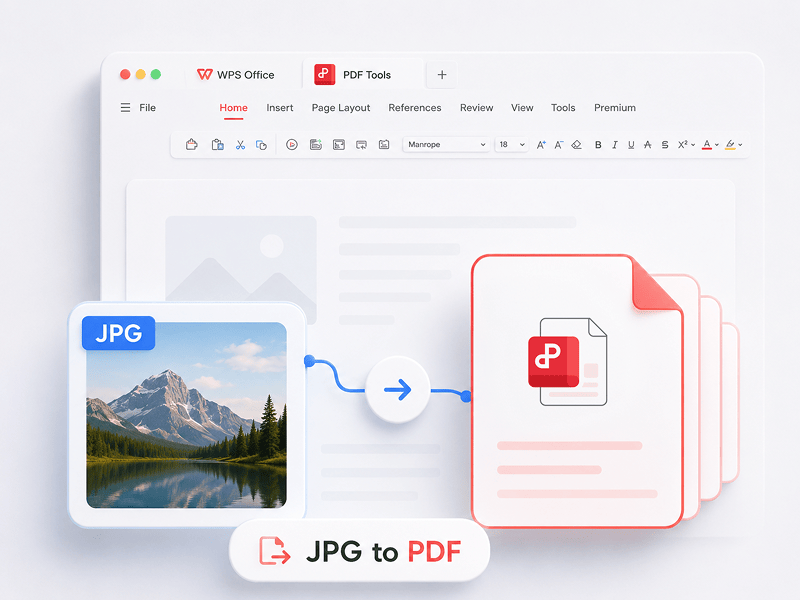
JPG ke PDF
Konversikan gambar (JPG, JPEG, PNG, BMP) ke file PDF secara gratis dan sesuaikan orientasi serta margin PDF dengan mudah
Coba Alat Ini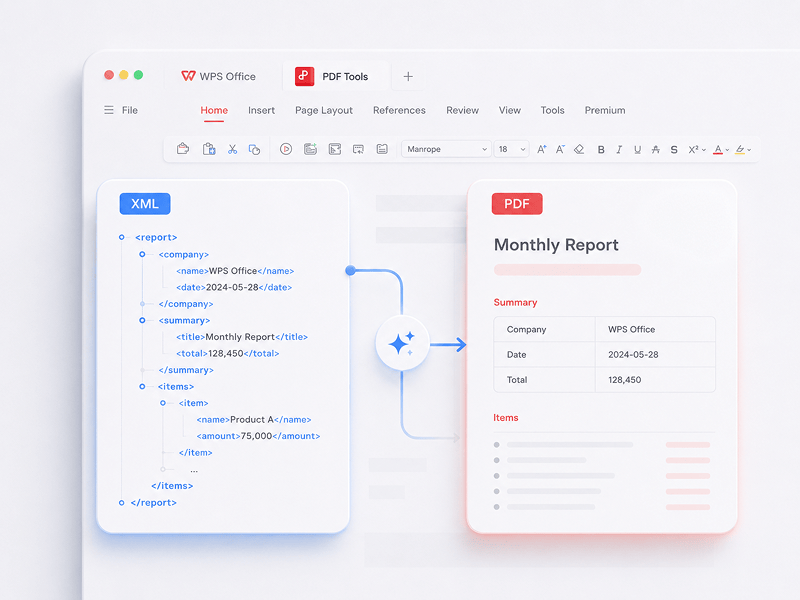
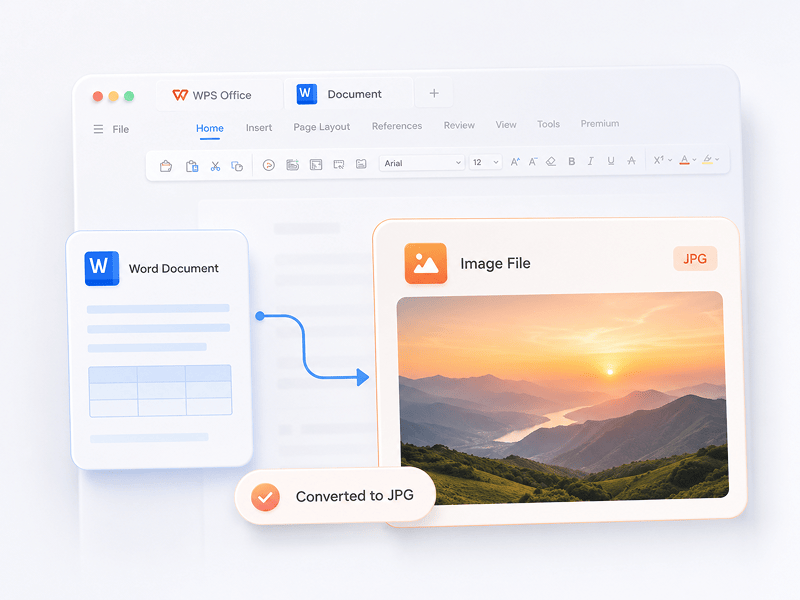
Word ke JPG
Konversikan dokumen Word ke gambar JPG secara online dengan kualitas tinggi dan tanpa perlu mendaftar
Coba Alat Ini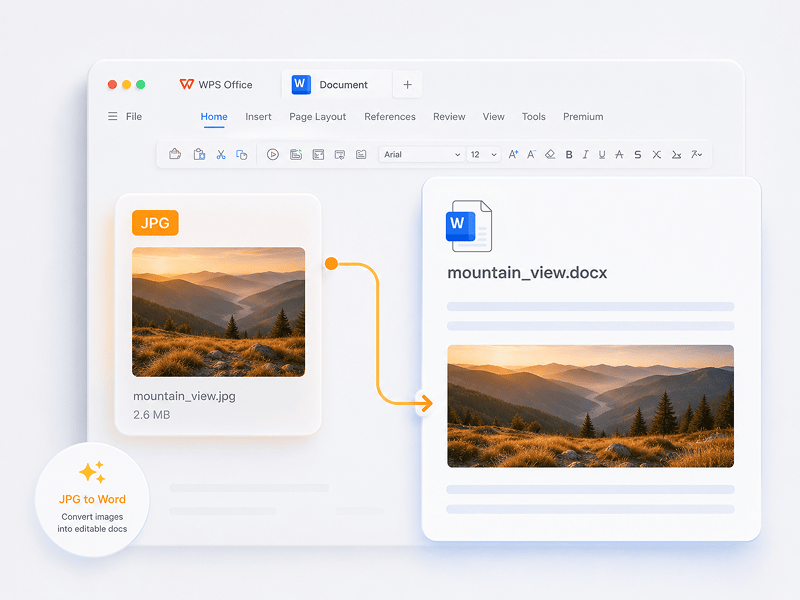
JPG ke Word
Konversikan gambar JPG ke dokumen Word yang dapat diedit secara online dengan teknologi OCR
Coba Alat Ini
ODS ke Excel
Ubah file ODS menjadi buku kerja Excel yang dapat diedit (XLSX) secara online.
Coba Alat Ini
ODP ke PPT
Ubah file ODP menjadi presentasi PowerPoint yang dapat diedit (PPTX) secara online.
Coba Alat Ini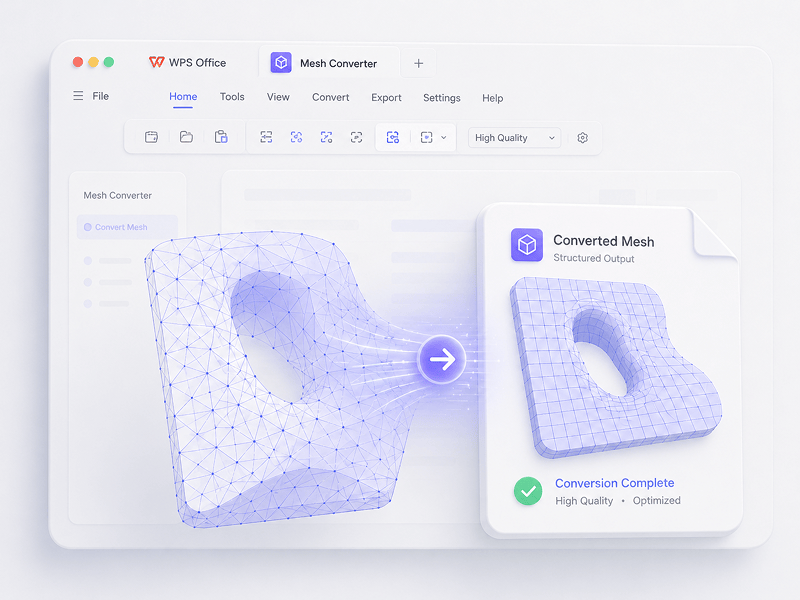
Konverter Mesh
Dalam skenario Mesh, konversikan OBJ, STL, FBX, GLB/GLTF, DAE, 3DS, X, 3MF, OFF, AC3D, dan PLY ke OBJ, STL, FBX, GLB/GLTF, DAE, 3MF, dan PLY.
Coba Alat Ini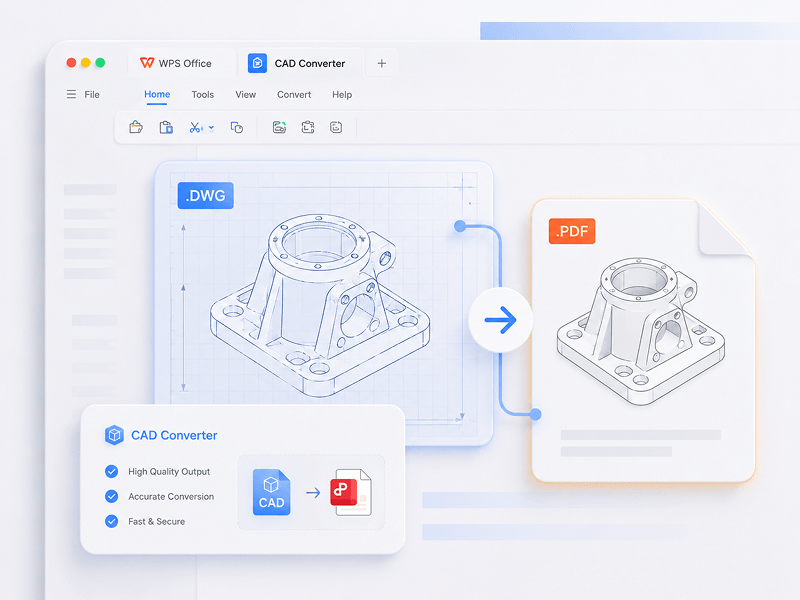
Konverter CAD
Dalam skenario CAD, konversikan STEP, IGES, CATIA V5, NX, Creo, SolidWorks, Parasolid, Inventor, JT, PRC, ACIS, dan Solid Edge ke STEP, GLB/GLTF, FBX, OBJ, dan STL.
Coba Alat Ini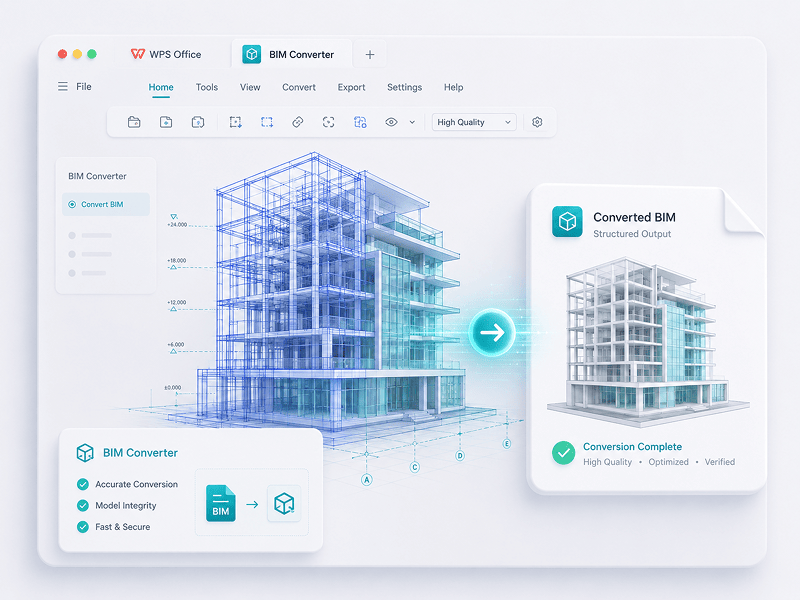
Konverter BIM
Dalam skenario BIM, konversikan IFC, Revit, Navisworks, DWF, AutoCAD, dan SKP ke GLB/GLTF, FBX, OBJ, dan STL.
Coba Alat IniDipercaya oleh Para Ahli.Terbukti oleh Pengguna
Rasakan transisi dari pekerjaan manual ke kreasi cerdas. Perangkat lunak WPS adalah asisten andalan Anda untuk setiap tugas.
 14:14:00


Alternatif Microsoft Office yang andal dengan desain familier, kompatibilitas penuh, dan alat PDF bawaan — dipercaya oleh jutaan pengguna di seluruh dunia.
Kevin Stratvert
 07:04:00
Kompatibilitas luar biasa dengan format Office, ditambah 100.000+ templat dan rangkaian alat lengkap — semuanya tersedia di desktop dan seluler.
Brett In Tech
 08:53:00
Buat, edit, dan kelola semua dokumen Anda di satu tempat — dengan templat, alat PDF, dan dukungan penuh lintas platform.
Levelup iD
 09:16:00
Dengan antarmuka yang familier, fitur AI yang andal untuk menulis dan menerjemahkan, serta performa yang lancar di berbagai perangkat, WPS adalah cara cerdas dan efisien untuk menyelesaikan pekerjaan Anda.
Học Viện
 08:28:00
Didesain agar langsung terasa familier, dengan antarmuka yang bersih dan pengalaman yang lancar serta mudah digunakan.
Michael Horn
 14:06:00
Menghadirkan pengalaman Office layaknya desktop ke perangkat seluler — familier, mudah digunakan, dan andal dalam satu aplikasi serbada.
Bogtechs
 04:05:00
Dengan alat AI yang andal, Anda dapat membuat konten, menerjemahkan dokumen lengkap secara instan, meringkas file panjang, dan bahkan mengobrol dengan PDF Anda untuk mendapatkan wawasan cepat.
AI BORDER
 08:02:00
Cepat, ringan, dan mudah digunakan, ini adalah salah satu pilihan terbaik untuk membuat dan mengedit dokumen, spreadsheet, dan presentasi tanpa hambatan.
Mazthertutoriales
Unduh WPS Office dan Edit PDF
Unduh WPS Office untuk mendapatkan lebih banyak fitur manajemen PDF seperti OCR (pemindaian dan konversi gambar), penambahan tanda air dan tanda tangan elektronik, serta konversi PDF ke gambar.

WPS Office
Windows
Unduh WPS Office Desktop Editor untuk mendapatkan alat PDF ringan yang menyediakan solusi lengkap untuk semua masalah PDF.

WPS Office
Linux
WPS Office adalah rangkaian aplikasi perkantoran gratis yang mendukung sistem Linux. Silakan unduh aplikasi WPS Office untuk menggunakan alat terkait PDF kapan saja.

WPS Office
Mac
WPS Office sepenuhnya kompatibel dengan sistem macOS di Mac, serta mendukung chip Intel dan Apple untuk membantu Anda mengedit file PDF dengan mudah.

WPS Office
iOS
Dirancang sempurna untuk iPhone. Lihat, edit, dan bagikan dokumen dengan lancar di mana saja.

WPS Office
Android
Edit saat bepergian. Unduh Aplikasi WPS untuk mendapatkan editor seluler dengan rating tertinggi.
 Paket DEB Paket RPM
Panduan PDF
Petunjuk Cara Penggunaan
1. Buka editor PDF WPS atau unduh WPS Office untuk membuka file PDF. 2. Klik Alat Teks di bilah navigasi atas. 3. Tambahkan teks ke halaman PDF. Klik teks yang ada untuk mulai mengedit. 4. Tambahkan gambar ke halaman PDF. Seret dan pindahkan, ubah ukuran, atau putar gambar. 5. Isi PDF dan tambahkan tanda tangan elektronik dengan menggambar, mengetik, atau mengunggah gambar tanda tangan Anda. 6. Berikan anotasi pada halaman PDF dengan teks sorotan, dan tandai perubahan.
1. Buka halaman beranda WPS Office dan temukan entri alat PDF di panel kiri. 2. Seret file PDF ke area konverter, atau tambahkan file secara manual. 3. Pilih Pisahkan PDF atau Gabungkan PDF tergantung kebutuhan Anda. 4. Untuk memisahkan: atur rentang pemisahan — berdasarkan halaman awal dan akhir, ekspor setiap halaman sebagai satu PDF, atau pilih halaman tertentu. Untuk menggabungkan: atur halaman yang akan digabungkan dan masukkan nama output jika diperlukan. 5. Klik Pisahkan atau Gabungkan untuk mengekspor hasilnya, lalu periksa file yang dihasilkan di folder lokal Anda.
1. Buka dokumen PDF di WPS Office. 2. Buka tab Lindungi dan klik tombol Kolom Tanda Tangan. 3. Seret pada dokumen untuk menggambar area kolom tanda tangan, lalu atur nama kolom dan persyaratan tanda tangan di kotak dialog, lalu klik OK. 4. Klik kolom tanda tangan yang dibuat, lalu pilih tanda tangan yang baru saja digunakan atau klik Buat Tanda Tangan di panel tanda tangan. 5. Konfirmasikan tanda tangan untuk menyelesaikan.
WPS PDF Blog
Blog PDF membantu Anda memahami sepenuhnya cara menggunakan alat PDF, memberi Anda akses cepat ke berita perangkat lunak, merekomendasikan berbagai jenis perangkat lunak perkantoran yang layak diunduh, dan menawarkan informasi tentang pembaruan versi PDF.

How to Scan Multiple Pages into One PDF Windows 10: Step-by-Step Guide
How To Scan Multiple Pages into One PDF Windows 10: Step-by-Step Guide. Scanning multiple pages into a single pdf document can be a convenient way to store or share important documents in a compact and organized manner. Windows 10 has a built-in scanning utility that allows you....

How to Download iLovePDF Easily:The Ultimate Guide
Master downloading and using iLovePDF across multiple platforms. Get insights into downloading it on various operating systems.

3 Quick Ways to Convert PDF to Keynote
Unlock PDF-to-Keynote conversion in 2023. Transform PDFs into dynamic Keynote presentations with these 3 concise methods. Simplify your file transformations.
Mengapa Memilih Alat WPS PDF dan 3D?

Tanpa Hambatan, Produktivitas Instan
Langsung edit, konversi, dan tandatangani PDF tanpa unduhan, akun, atau tanda air. Lebih dari 15 alat konversi PDF dan 3D online gratis memberikan hasil tingkat profesional secara instan dari satu tab browser.

Lancar di Semua Layar
WPS PDF berjalan secara native di Windows, Mac, Linux, Android, iOS, dan Web. Hubungkan alur kerja Anda dengan mulus antara pengeditan browser cepat dan tugas desktop yang berat kapan saja, di mana saja.

Ekosistem Kantor yang Terintegrasi Penuh
WPS PDF berada di dalam ekosistem produktivitas terpadu bersama Writer, Spreadsheets, dan Presentation. Edit PDF, ekstrak data, dan buat dek slide dalam satu antarmuka yang mulus tanpa beralih aplikasi.

Kecerdasan Didukung AI Generasi Berikutnya
Ubah dokumen statis menjadi basis pengetahuan interaktif. Manfaatkan WPS AI bawaan untuk mengobrol dengan PDF Anda, buat ringkasan instan, dan terjemahkan laporan multibahasa yang rumit dalam hitungan detik.

Keamanan dan Kepercayaan Kelas Perusahaan
Dipercaya di lebih dari 600 juta perangkat aktif dan didukung oleh penghargaan Google Play, App Store, dan G2. Cadangan cloud yang aman dan enkripsi end-to-end menjamin kekayaan intelektual Anda tetap sangat rahasia.

Standar Global, Presisi yang Terlokalisasi
Dibuat untuk tenaga kerja global dengan dukungan 46 bahasa dan 47 format. Rasakan rendering PDF yang sempurna, antarmuka terlokalisasi yang presisi, dan kompatibilitas universal yang memenuhi standar dokumen internasional.


