
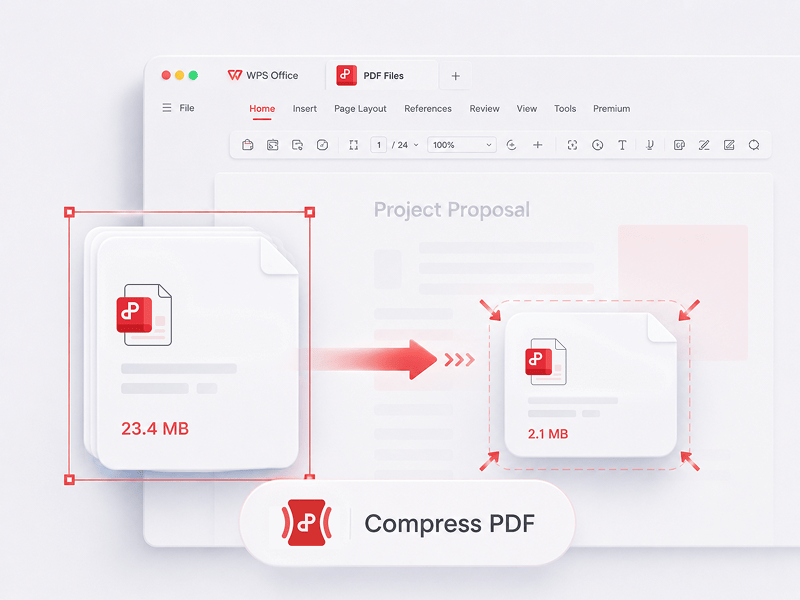
Comprimi PDF
Riduci le dimensioni dei file PDF online utilizzando 3 metodi di compressione
Prova questo strumento
Modifica, converti, unisci, comprimi, firma, compila e organizza i PDF con facilità. Lavora senza problemi con file PDF, Word, Excel, PPT e immagini: veloce, semplice e gratuito.
Il miglior editor, convertitore, strumento di unione, compilatore di moduli e organizzatore di PDF online per modificare facilmente pagine, testo o layout su documenti PDF come in Word, GRATIS e in pochi secondi.
Riduci le dimensioni dei file PDF online utilizzando 3 metodi di compressione
Prova questo strumento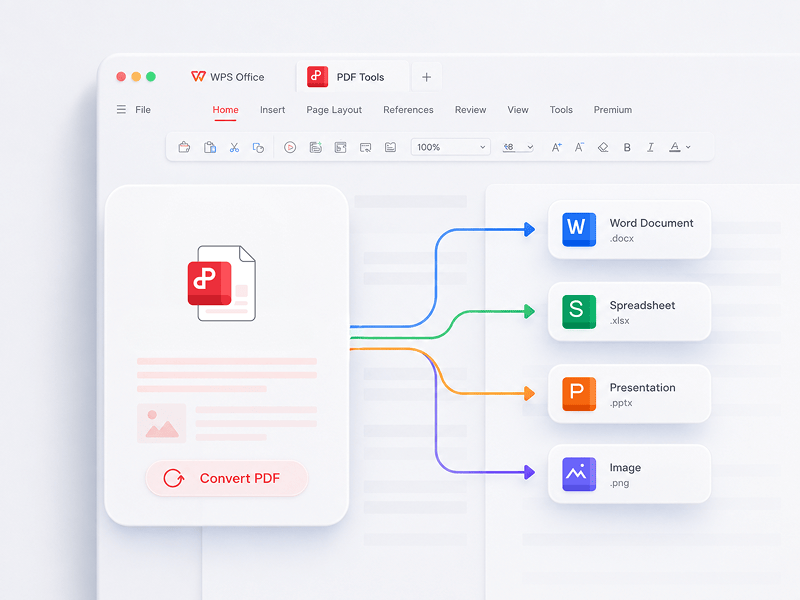
Il miglior editor PDF online, convertitore, unificatore, compilatore di moduli e organizzatore per modificare facilmente pagine, testo o layout di documenti PDF come se fossero file Word, gratuitamente e in pochi secondi.
Prova questo strumento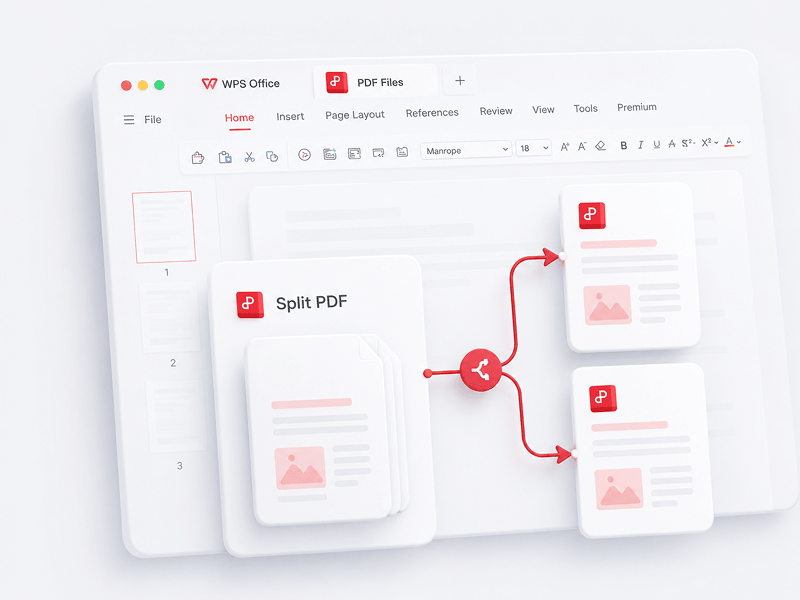
Separa online tutte le pagine di un singolo file PDF ed estraile in più file PDF
Prova questo strumento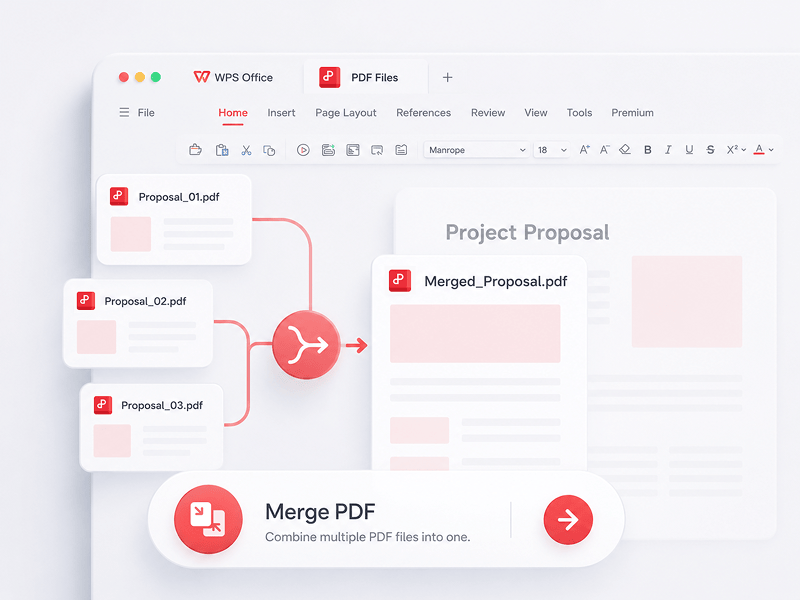
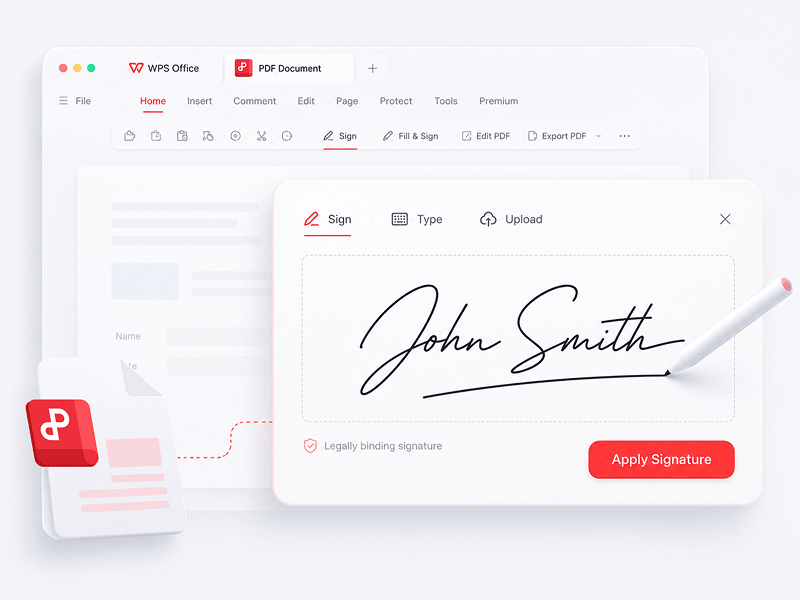
Crea e compila firme elettroniche nei file PDF online e proteggi la firma elettronica
Prova questo strumento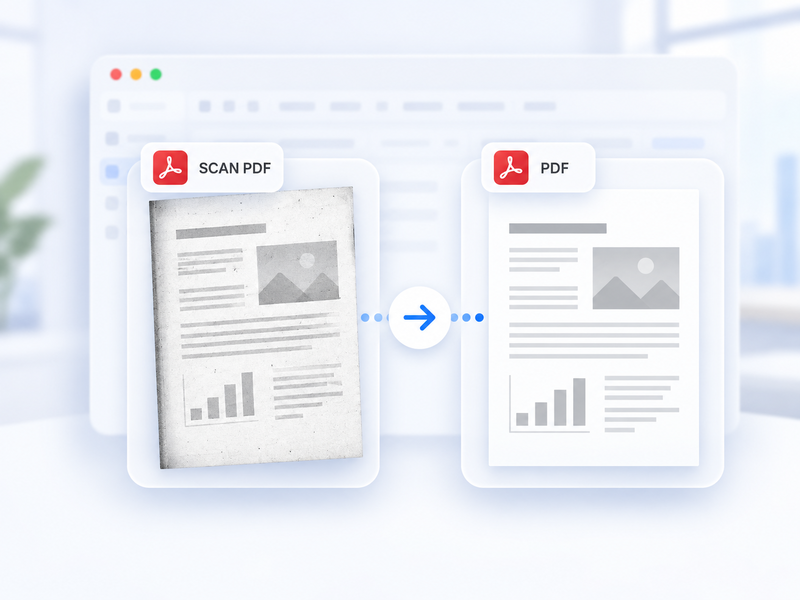
Converti automaticamente un PDF scansionato in un PDF standard online.
Prova questo strumento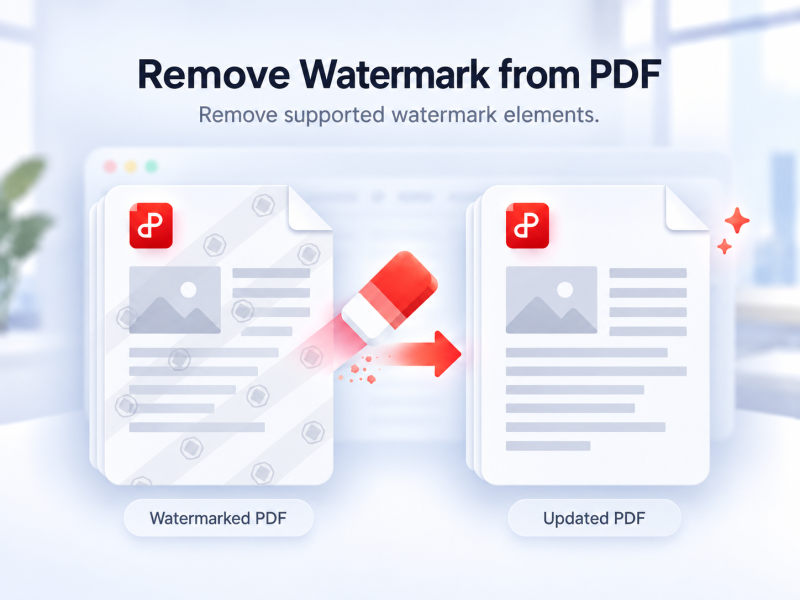
Rimuovi automaticamente le filigrane supportate da un PDF online.
Prova questo strumento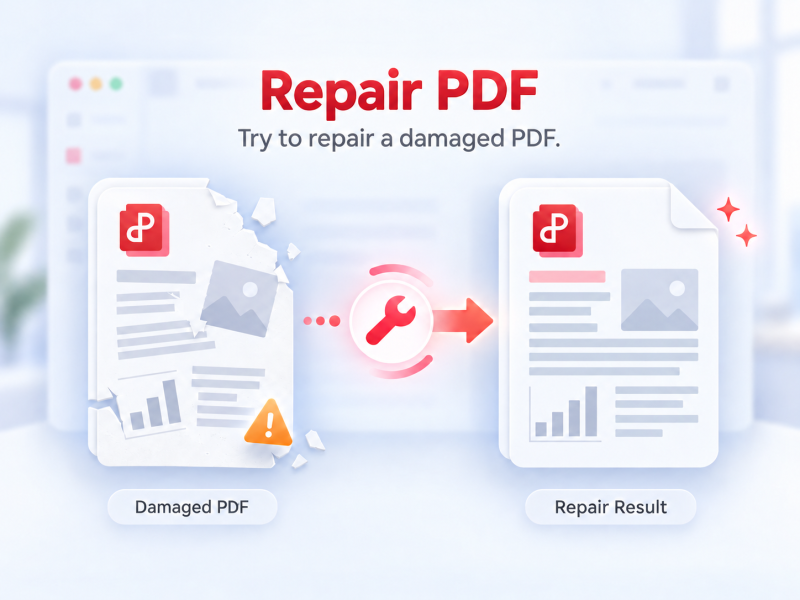
Prova a riparare un PDF che non si apre o non viene visualizzato correttamente.
Prova questo strumento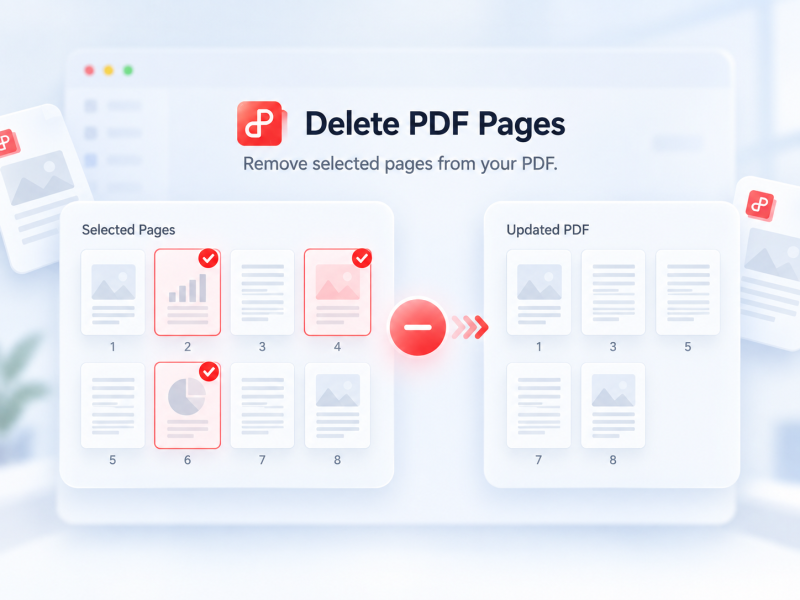
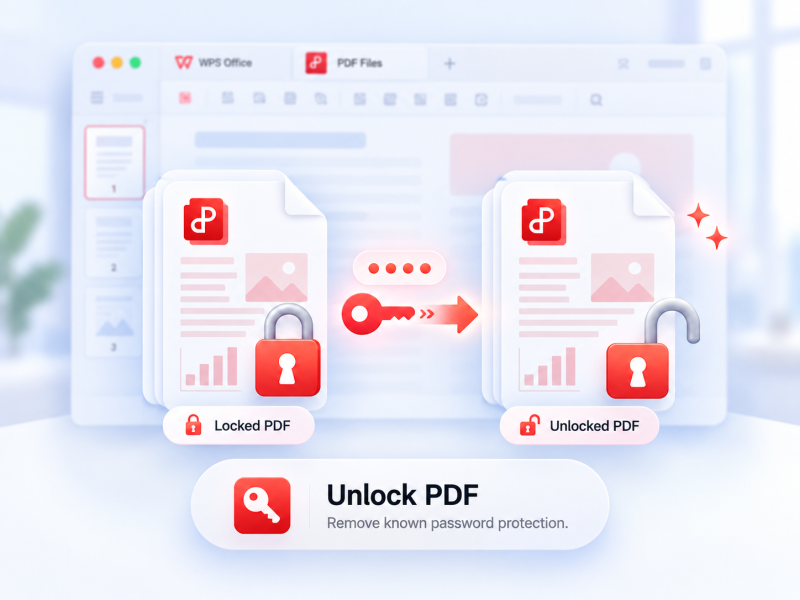
Rimuovi la protezione supportata da un PDF autorizzato con la password attuale, se richiesta.
Prova questo strumento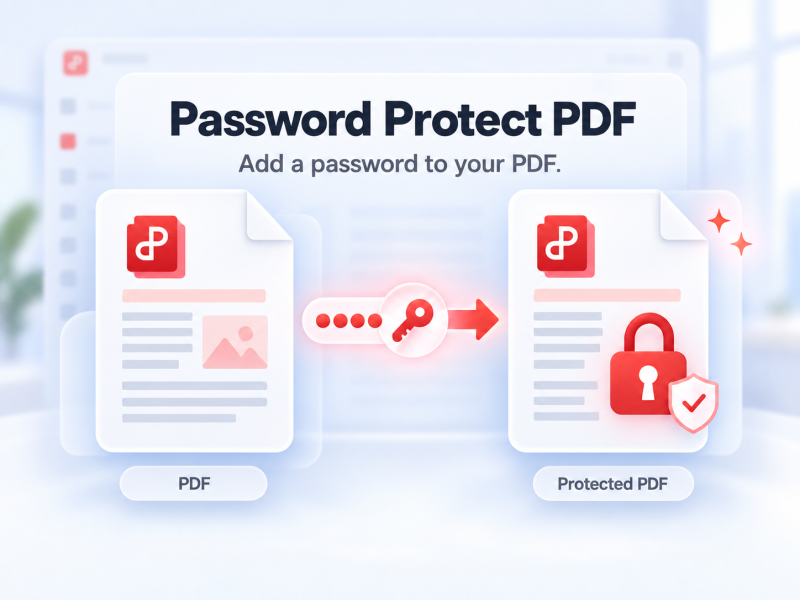
Proteggi un PDF con password online per controllare chi può aprirlo.
Prova questo strumento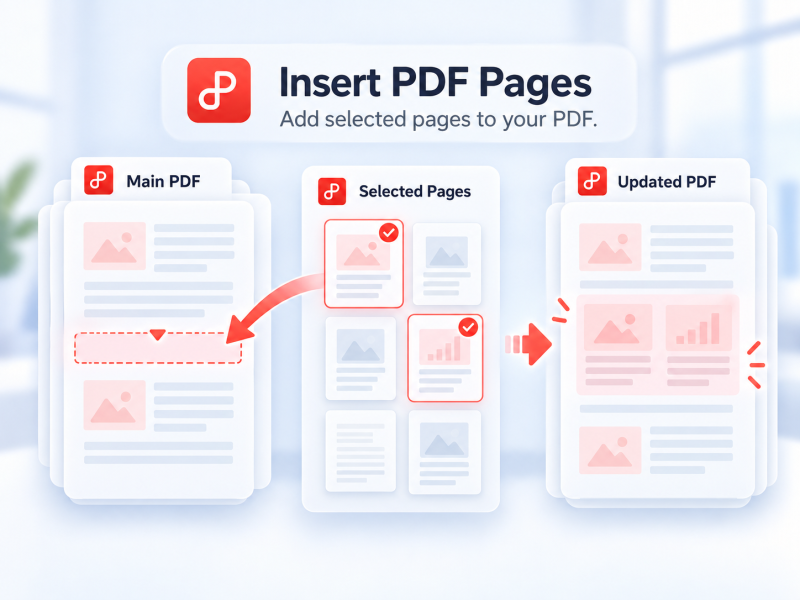
Scegli le pagine da un secondo PDF e inseriscile online nel PDF principale.
Prova questo strumento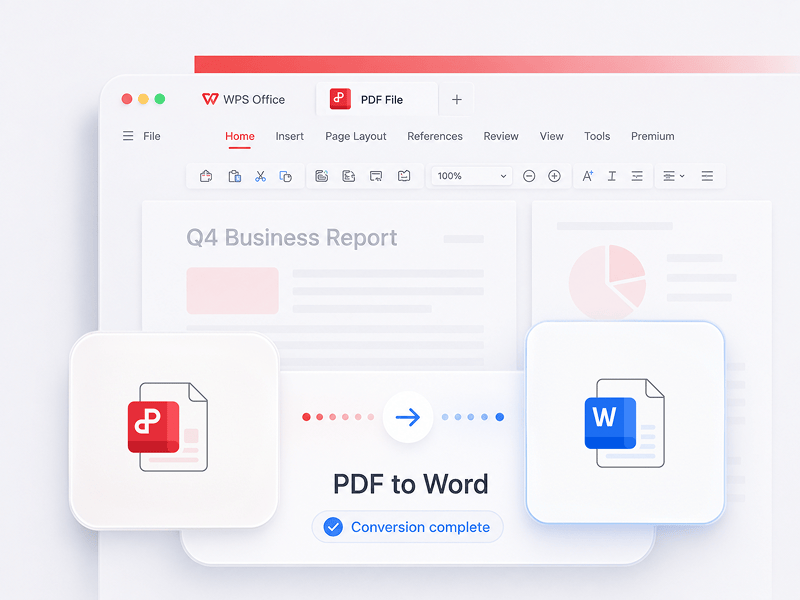
Converti file PDF in documenti Word modificabili in pochi secondi (formati doc, docx)
Prova questo strumento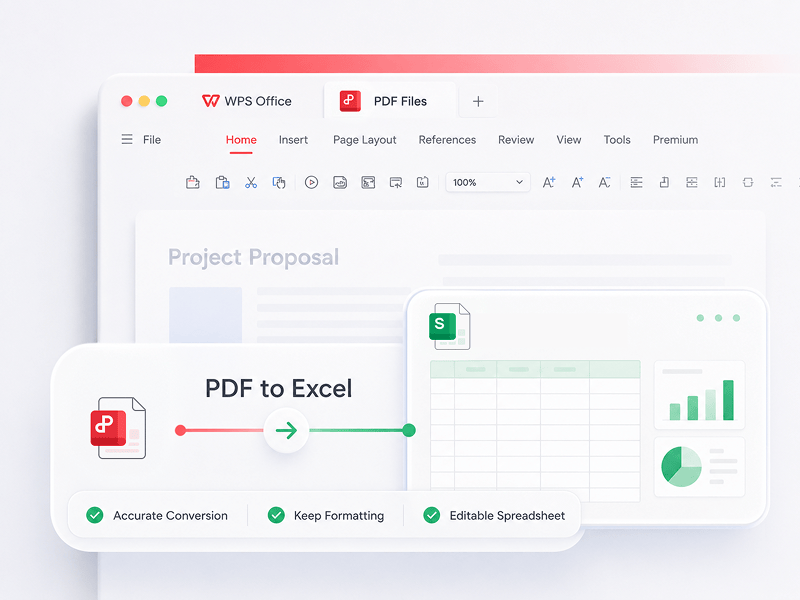
Converti file PDF in fogli di calcolo Excel modificabili online senza scaricare alcun software
Prova questo strumento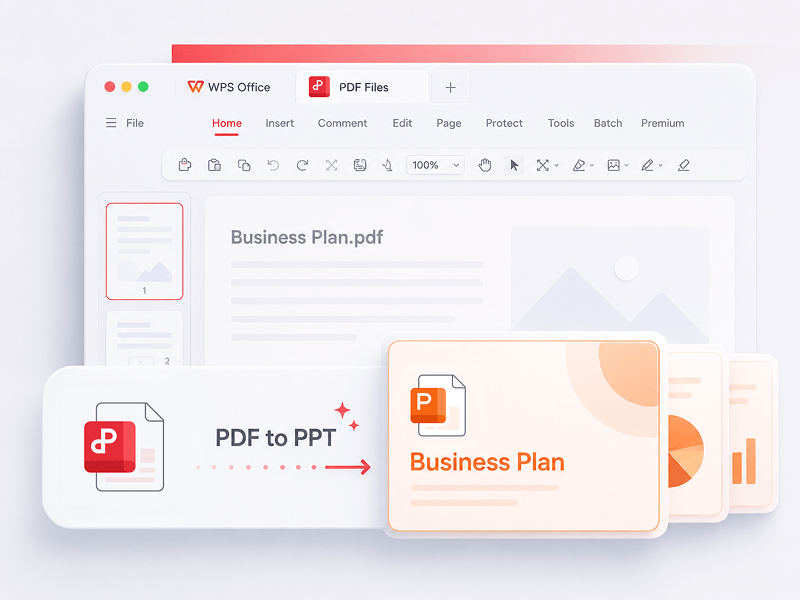
WPS PDF Tools per PPT consente di convertire PDF in presentazioni PPT o PPTX modificabili. Nessuna filigrana, solo una rapida conversione da PDF a PowerPoint in pochi secondi.
Prova questo strumento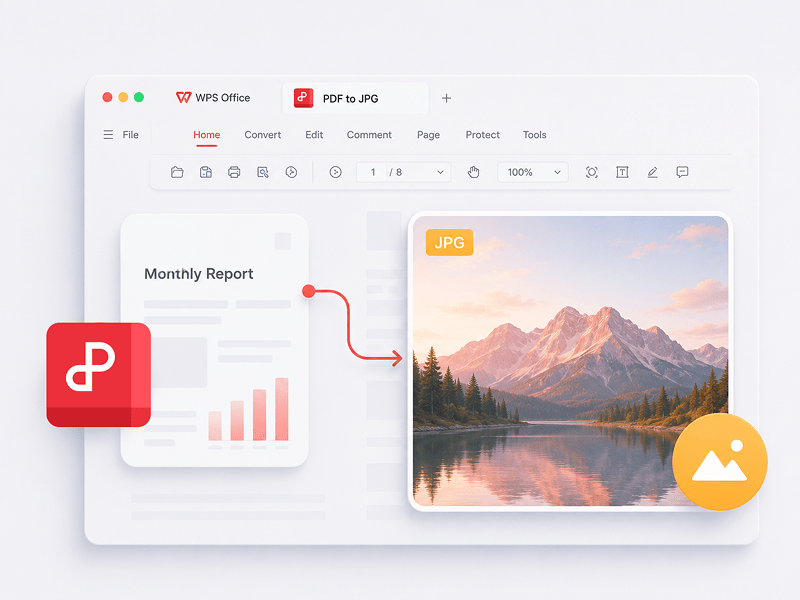
Converti online i file PDF in immagini JPG di alta qualità, senza registrazione
Prova questo strumento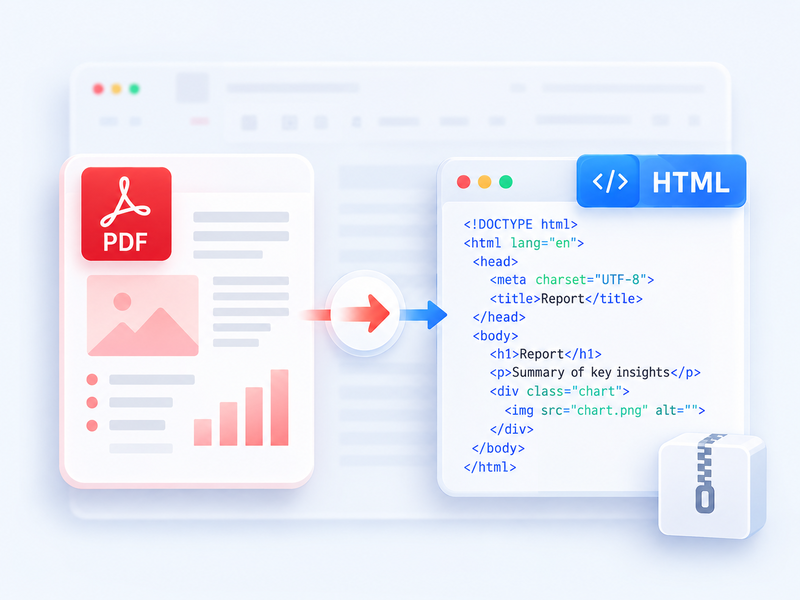
Converti un PDF in HTML leggibile nel browser e scarica il risultato in ZIP.
Prova questo strumento
Converti gratuitamente file Word (doc, docx) in file PDF facili da condividere mantenendo il layout originale
Prova questo strumento
Converti gratuitamente fogli di calcolo Excel (xls, xlsx) in file PDF facili da leggere
Prova questo strumento
Converti gratuitamente presentazioni PowerPoint (ppt, pptx) in file PDF facili da visualizzare e condividere
Prova questo strumento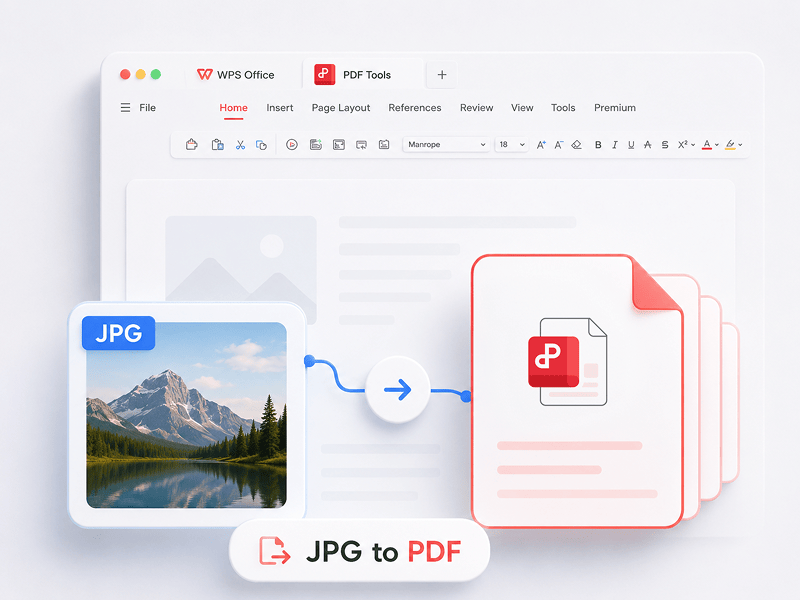
Converti gratuitamente le immagini (JPG, JPEG, PNG, BMP) in file PDF e regola facilmente l'orientamento e i margini del PDF
Prova questo strumento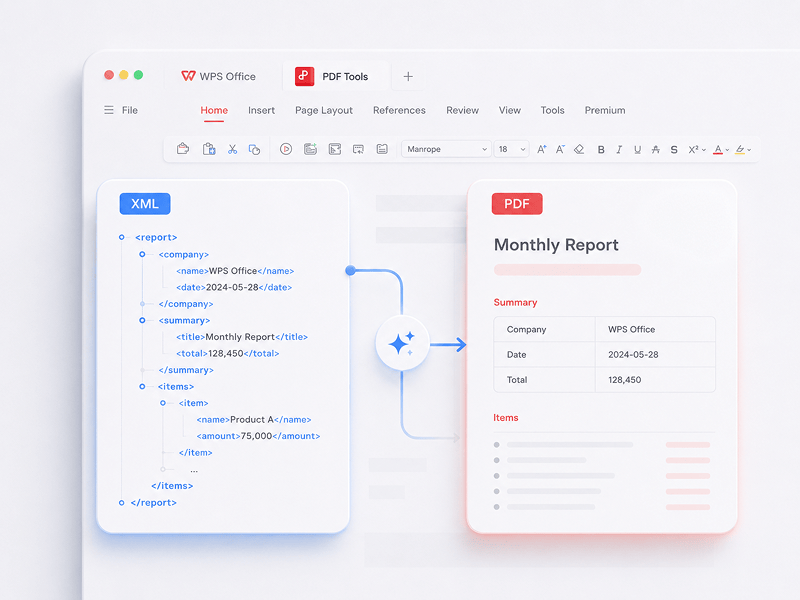
Converti online gratuitamente i file XML (NFE/CTE) in documenti PDF
Prova questo strumento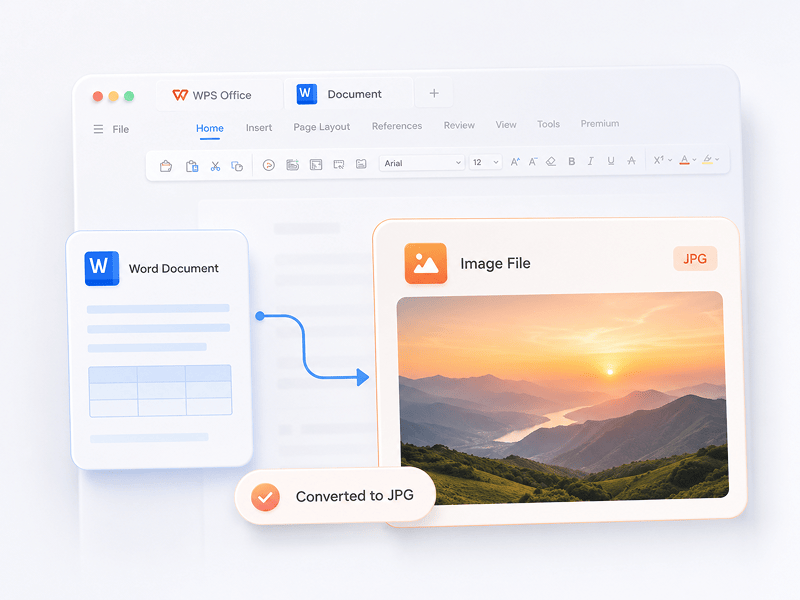
Converti online i documenti Word in immagini JPG di alta qualità, senza registrazione
Prova questo strumento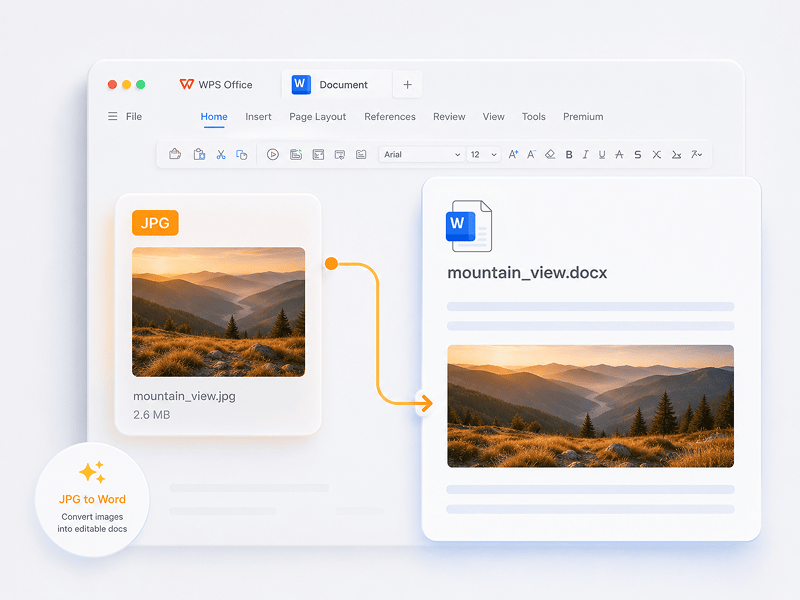
Converti online le immagini JPG in documenti Word modificabili con la tecnologia OCR
Prova questo strumento
Converti un file ODT in un documento Word modificabile (DOCX) online.
Prova questo strumento
Converti un file ODS in una cartella Excel modificabile (XLSX) online.
Prova questo strumento
Converti un file ODP in una presentazione PowerPoint modificabile (PPTX) online.
Prova questo strumento
In scenari Mesh, converti OBJ, STL, FBX, GLB/GLTF, DAE, 3DS, X, 3MF, OFF, AC3D e PLY in OBJ, STL, FBX, GLB/GLTF, DAE, 3MF e PLY.
Prova questo strumento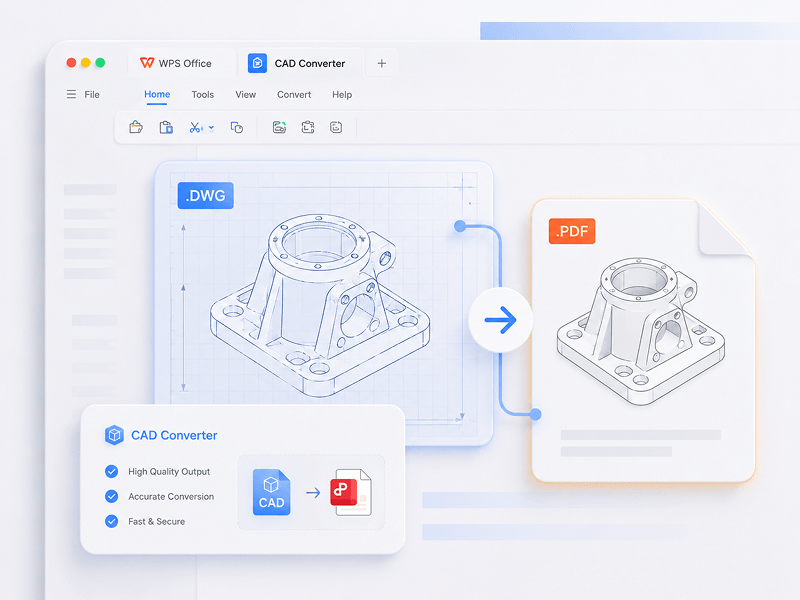
In scenari CAD, converti STEP, IGES, CATIA V5, NX, Creo, SolidWorks, Parasolid, Inventor, JT, PRC, ACIS e Solid Edge in STEP, GLB/GLTF, FBX, OBJ e STL.
Prova questo strumento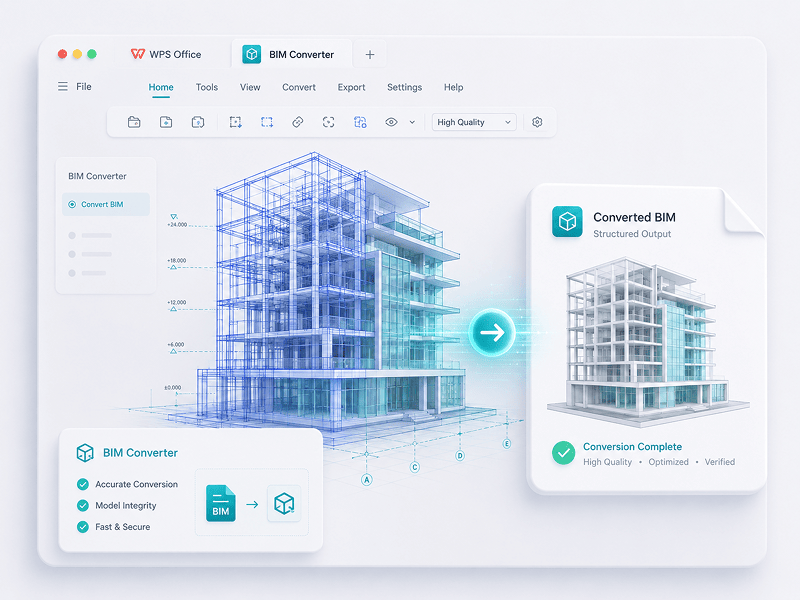
In scenari BIM, converti IFC, Revit, Navisworks, DWF, AutoCAD e SKP in GLB/GLTF, FBX, OBJ e STL.
Prova questo strumentoScopri il passaggio dal lavoro manuale alla creazione intelligente. WPS è il tuo co-pilota per ogni attività.
 14:14:00
Una potente alternativa a Microsoft Office con un design familiare, piena compatibilità e strumenti PDF integrati, scelta da milioni di utenti in tutto il mondo.
 07:04:00
Compatibilità eccellente con i formati Office, oltre 100.000 modelli e una suite completa di strumenti, tutto disponibile su desktop e mobile.
 08:53:00
Crea, modifica e gestisci tutti i documenti in un unico posto, con modelli, strumenti PDF e supporto multipiattaforma completo.
 09:16:00
Con un'interfaccia familiare, potenti funzionalità IA per la scrittura e la traduzione e prestazioni fluide su tutti i dispositivi, WPS è un modo intelligente ed efficiente per svolgere il proprio lavoro.
 08:28:00
Progettato per risultare immediatamente familiare, con un'interfaccia pulita e un'esperienza d'uso fluida e semplice.
 14:06:00
Porta l'esperienza Office di livello desktop su dispositivi mobili: familiare, facile da usare e potente, tutto in un'unica app.
 04:05:00
Grazie a potenti strumenti IA, puoi generare contenuti, tradurre istantaneamente interi documenti, riassumere file lunghi e persino chattare con i tuoi PDF per ottenere informazioni rapide.
 08:02:00
Veloce, leggero e facile da usare, è una delle migliori scelte per creare e modificare documenti, fogli di calcolo e presentazioni senza problemi.
Scarica WPS Office per ottenere altre funzionalità di gestione PDF come OCR (scansione e conversione di immagini), aggiunta di filigrane e firme digitali e conversione da PDF a immagine.

WPS Office
Scarica WPS Office Desktop Editor per ottenere uno strumento PDF leggero che offre soluzioni complete per tutti i problemi relativi ai PDF.

WPS Office
WPS Office è una suite per l'ufficio gratuita che supporta Linux. Scarica l'app WPS Office per accedere agli strumenti PDF in qualsiasi momento.

WPS Office
WPS Office è perfettamente compatibile con il sistema macOS su Mac e supporta i chip Intel e Apple per aiutarti a modificare facilmente i PDF.

WPS Office
Perfettamente ottimizzata per iPhone. Visualizza, modifica e condividi documenti senza interruzioni ovunque ti trovi.

WPS Office
Modifica ovunque ti trovi. Scarica l’app WPS e usa l’editor per dispositivi mobili con le valutazioni migliori.
 Pacchetto Deb Pacchetto Rpm
1. Apri l'editor PDF di WPS o scarica WPS Office per aprire un file PDF. 2. Fai clic su Strumenti di testo sulla barra di navigazione in alto. 3. Aggiungi testo alla pagina PDF. Fai clic sul testo esistente per iniziare a modificare. 4. Aggiungi immagini alla pagina PDF. Trascina e sposta, ridimensiona o ruota le immagini. 5. Compila i PDF e aggiungi una firma elettronica disegnando, digitando o caricando l'immagine della tua firma. 6. Annota le pagine PDF con testo evidenziato e contrassegna le modifiche.
1. Apri la home page di WPS Office e trova la voce dello strumento PDF nel pannello a sinistra. 2. Trascina un file PDF nell'area del convertitore o aggiungi il file manualmente. 3. Seleziona Dividi PDF o Unisci PDF a seconda delle tue esigenze. 4. Per la divisione: imposta l'intervallo di divisione (per pagine iniziali e finali), esporta ogni pagina come un singolo PDF o scegli pagine specifiche. Per l'unione: imposta le pagine da combinare e inserisci un nome di output, se necessario. 5. Fai clic su Dividi o Unisci per esportare il risultato, quindi controlla i file generati nella tua cartella locale.
1. Apri il documento PDF in WPS Office. 2. Vai alla scheda Proteggi e fai clic sul pulsante Campo firma. 3. Trascina sul documento per disegnare l'area del campo firma, quindi imposta il nome del campo e i requisiti di firma nella finestra di dialogo e fai clic su OK. 4. Fai clic sul campo firma creato, quindi scegli una firma usata di recente o fai clic su Crea firma nel pannello delle firme. 5. Conferma la firma per completare l'operazione.
Il blog PDF ti aiuta a comprendere appieno come utilizzare gli strumenti PDF, ti offre un accesso rapido alle novità del software, consiglia diversi tipi di software per l'ufficio da scaricare e fornisce informazioni sugli aggiornamenti della versione PDF.

Looking for a quick and easy way to convert PDF files to Google Docs? In this comprehensive guide, you'll learn all the tips and tricks you need to know to convert your PDFs to Google Docs quickly and easily, without losing any formatting or data.

How To Scan Multiple Pages into One PDF Windows 10: Step-by-Step Guide. Scanning multiple pages into a single pdf document can be a convenient way to store or share important documents in a compact and organized manner. Windows 10 has a built-in scanning utility that allows you....

Elevate your PDF experience in Chrome with our guide on automatic openings and WPS PDF Extension. Make 2024 your year of seamless browsing and editing!

Modifica, converti e firma direttamente i PDF senza download, account o filigrane. Oltre 15 strumenti gratuiti online per la conversione PDF e 3D offrono risultati di livello professionale all'istante da una singola scheda del browser.

WPS PDF viene eseguito in modo nativo su Windows, Mac, Linux, Android, iOS e Web. Collega perfettamente i tuoi flussi di lavoro tra rapide modifiche del browser e attività desktop impegnative, sempre e ovunque.

WPS PDF vive all'interno di un ecosistema di produttività unificato insieme a Writer, Spreadsheets e Presentation. Modifica i PDF, estrai i dati e crea presentazioni all'interno di un'unica interfaccia fluida senza cambiare app.

Trasforma i documenti statici in database di conoscenza interattivi. Sfrutta la WPS AI integrata per chattare con i tuoi PDF, generare riassunti istantanei e tradurre report multilingue complessi in pochi secondi.

Scelto su oltre 600 milioni di dispositivi attivi e supportato dai premi Google Play, App Store e G2. Backup cloud sicuri e crittografia end-to-end garantiscono che la proprietà intellettuale rimanga strettamente riservata.

Progettato per una forza lavoro globale con supporto per 46 lingue e 47 formati. Sperimenta un rendering PDF impeccabile, interfacce localizzate precise e una compatibilità universale che soddisfa gli standard internazionali dei documenti.


