
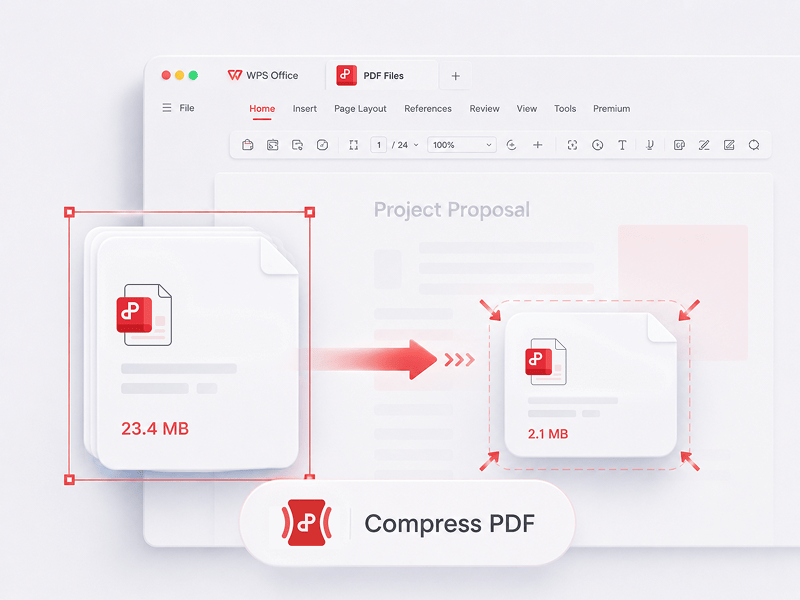
Komprimer PDF
Reduser størrelsen på PDF-filer på nettet med 3 komprimeringsmetoder
Prøv dette verktøyet
Rediger, konverter, slå sammen, komprimer, signer, fyll ut og organiser PDF-filer på en enkel måte. Arbeid sømløst med PDF-, Word-, Excel-, PPT- og bildefiler – raskt, enkelt og gratis.
Dette er det beste gratis PDF-redigeringsprogrammet på nettet, med støtte for PDF-redigering, formatkonvertering, sammenslåing av filer, skjemautfylling og organisering av sider. Endre sider, tekst og layout like raskt som i Word – enkelt gjort på sekunder!
Reduser størrelsen på PDF-filer på nettet med 3 komprimeringsmetoder
Prøv dette verktøyet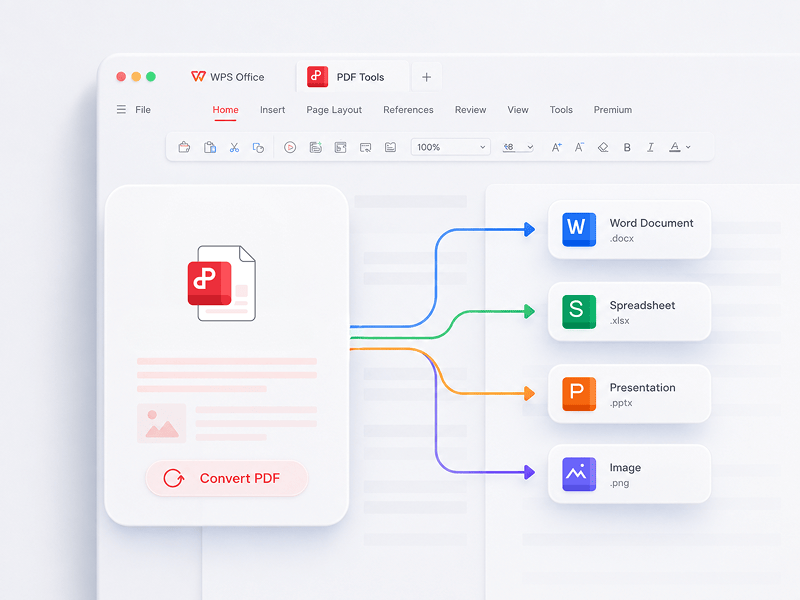
Den beste nettbaserte PDF-redigereren, konvertereren, sammenslåingsverktøyet, skjemautfylleren og organisatoren for enkel redigering av sider, tekst eller oppsett i PDF-dokumenter - som i Word, men GRATIS og på sekunder.
Prøv dette verktøyet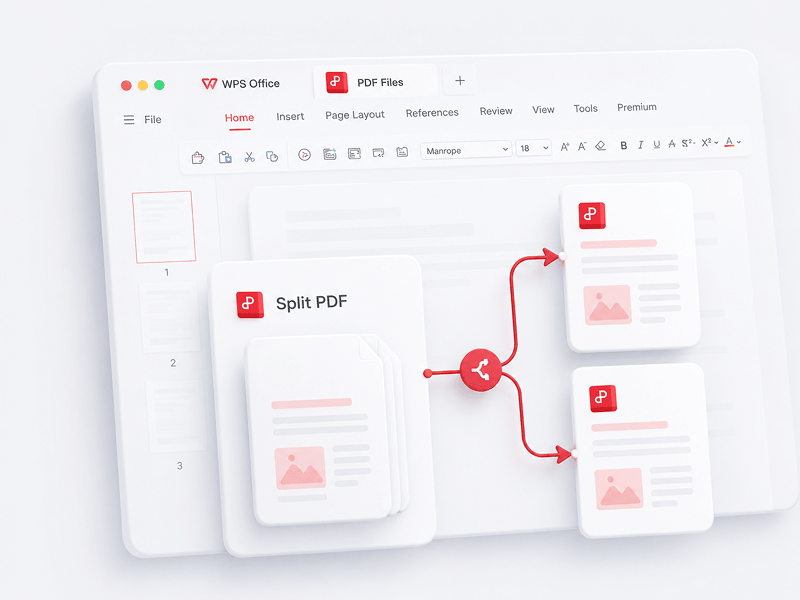
Separer alle sidene fra én enkelt PDF-fil på nettet, og trekk ut sidene til flere PDF-filer
Prøv dette verktøyet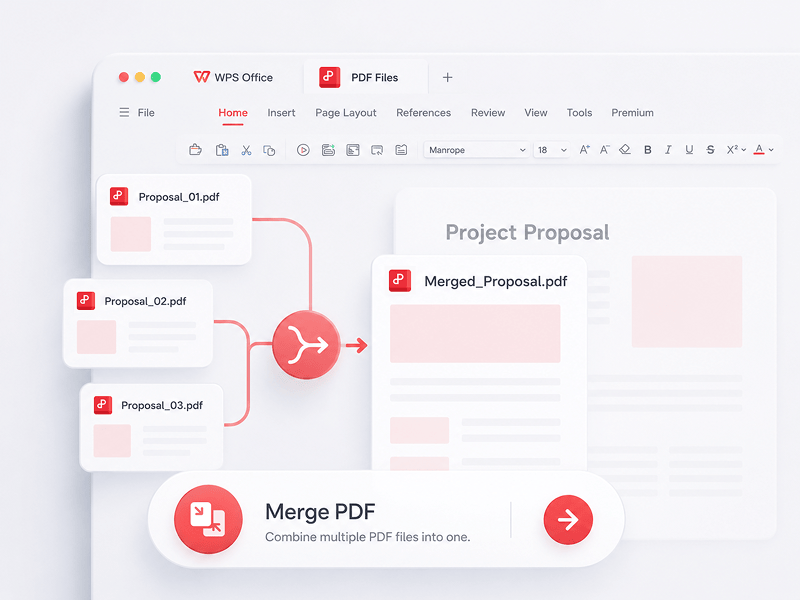
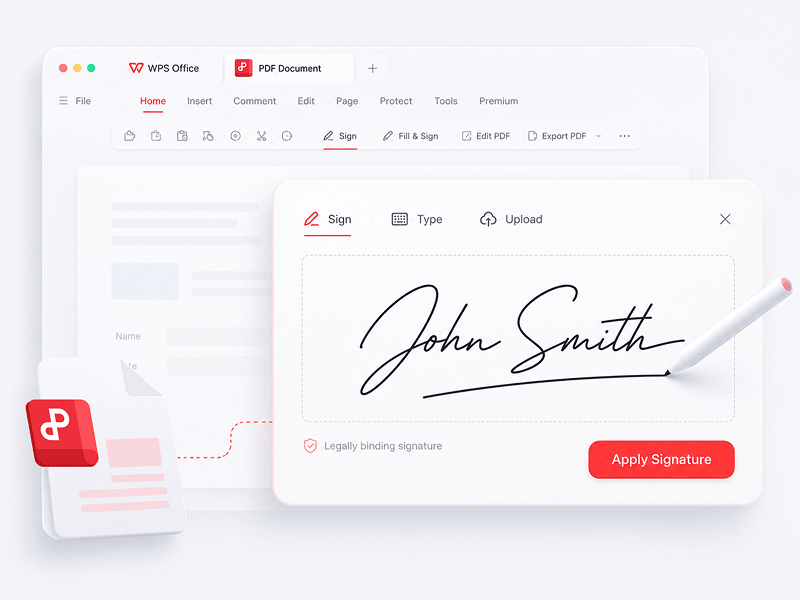
Opprett og fyll ut e-signaturer i PDF-filer på nettet, og sikre e-signaturen din
Prøv dette verktøyet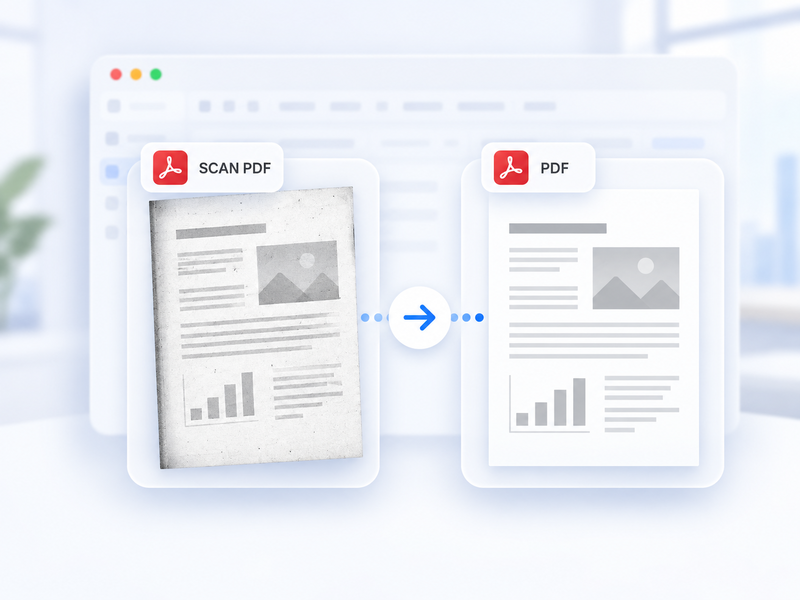
Konverter automatisk en skannet PDF til en standard-PDF på nett.
Prøv dette verktøyet
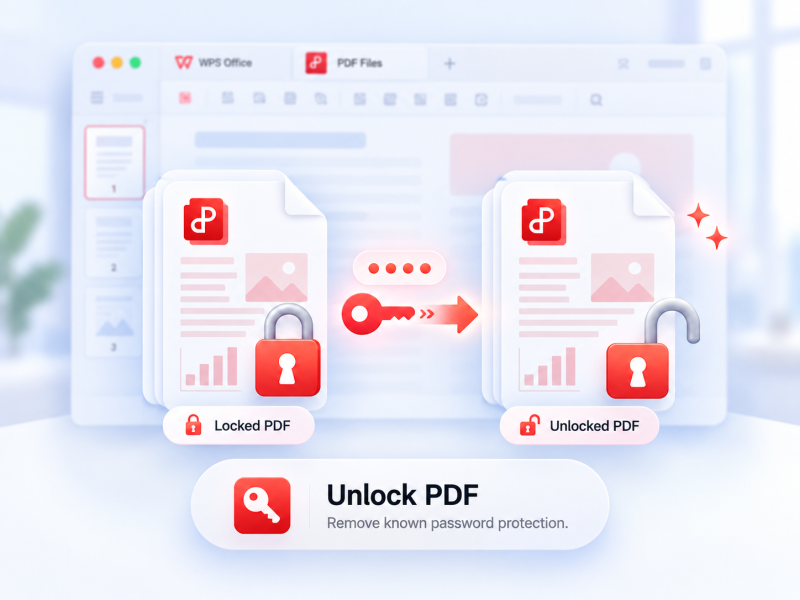
Fjern støttet PDF-beskyttelse med tillatelse og det gjeldende passordet ved behov.
Prøv dette verktøyet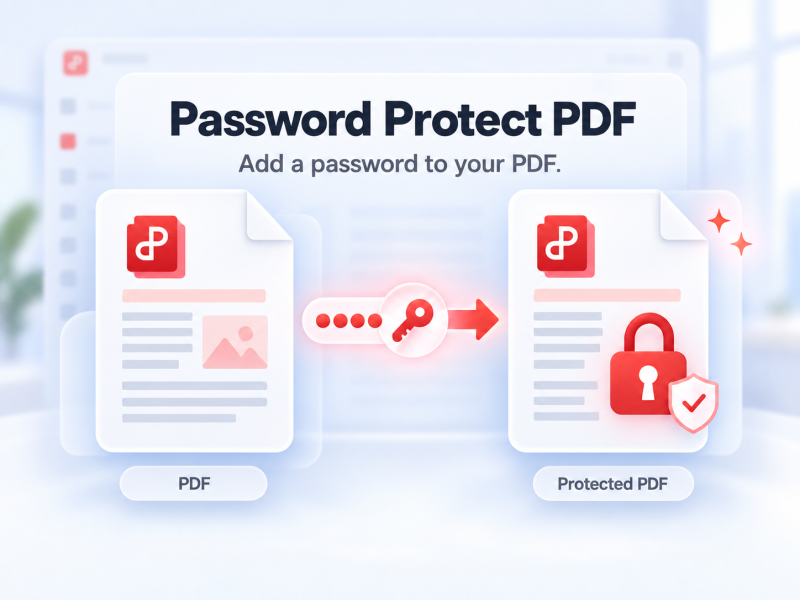
Passordbeskytt en PDF på nett for å styre hvem som kan åpne den.
Prøv dette verktøyet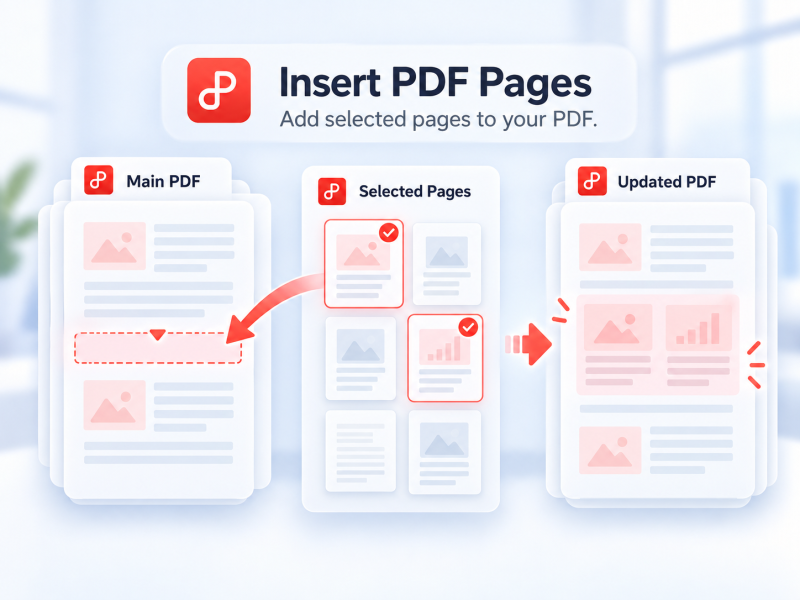
Velg sider fra en annen PDF, og sett dem inn i hoved-PDF-en på nett.
Prøv dette verktøyet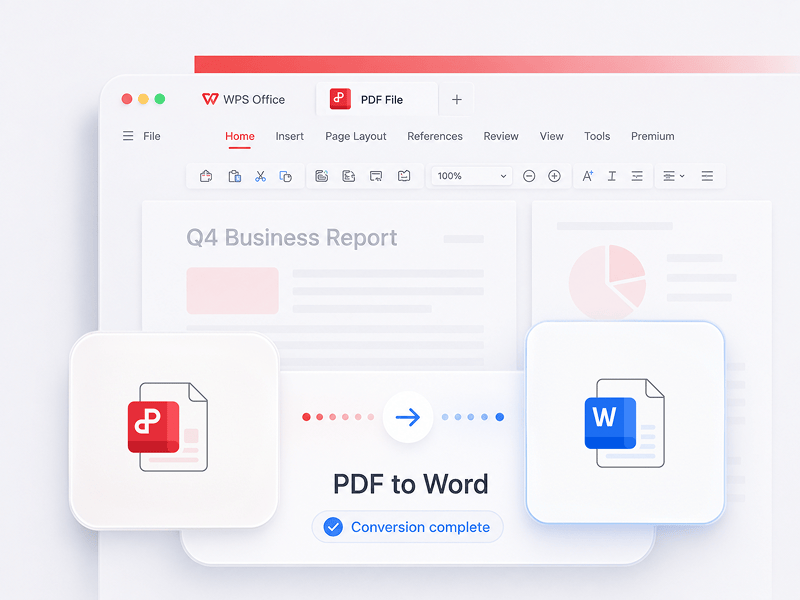
Konverter PDF-filer til redigerbare Word-dokumenter på sekunder (doc- og docx-formater)
Prøv dette verktøyet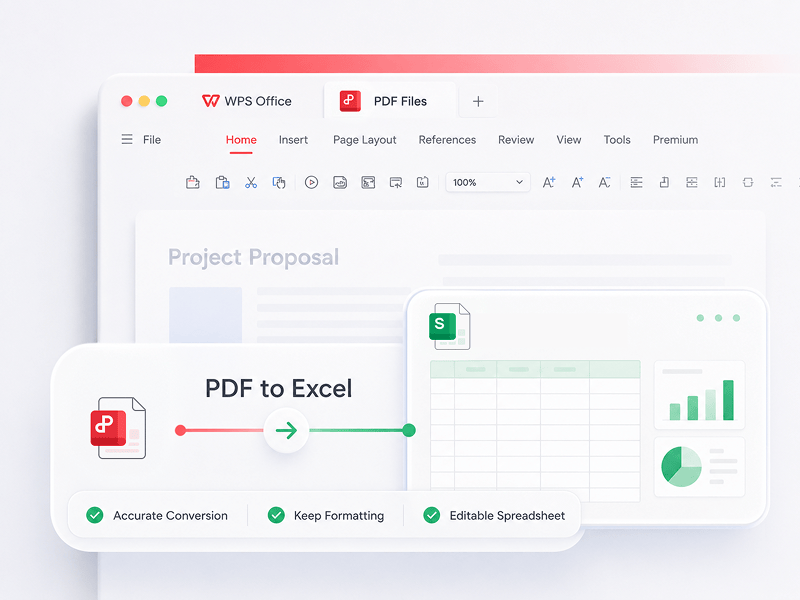
Konverter PDF-filer til redigerbare Excel-regneark på nettet uten å laste ned programvare
Prøv dette verktøyet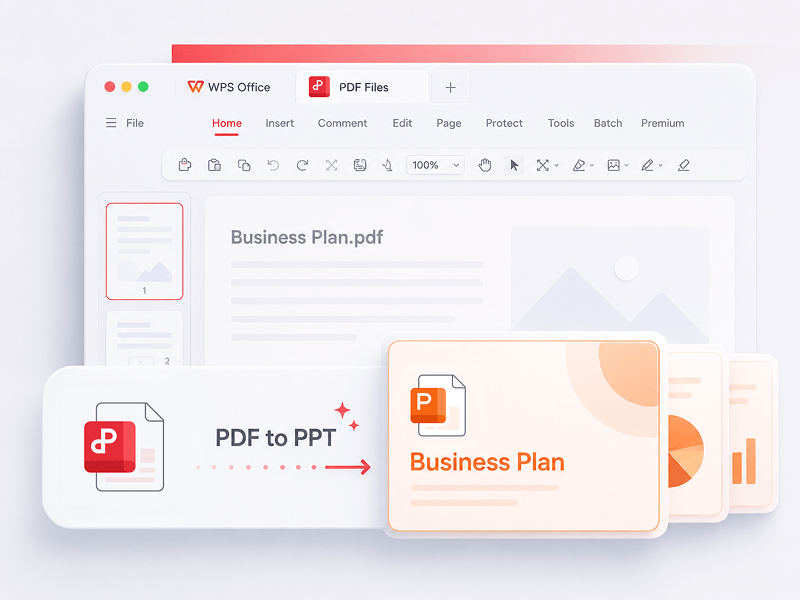
WPS PDF-verktøy til PPT kan konvertere PDF til redigerbare PPT- eller PPTX-presentasjoner. Ingen vannmerker, bare rask konvertering fra PDF til PowerPoint på sekunder.
Prøv dette verktøyet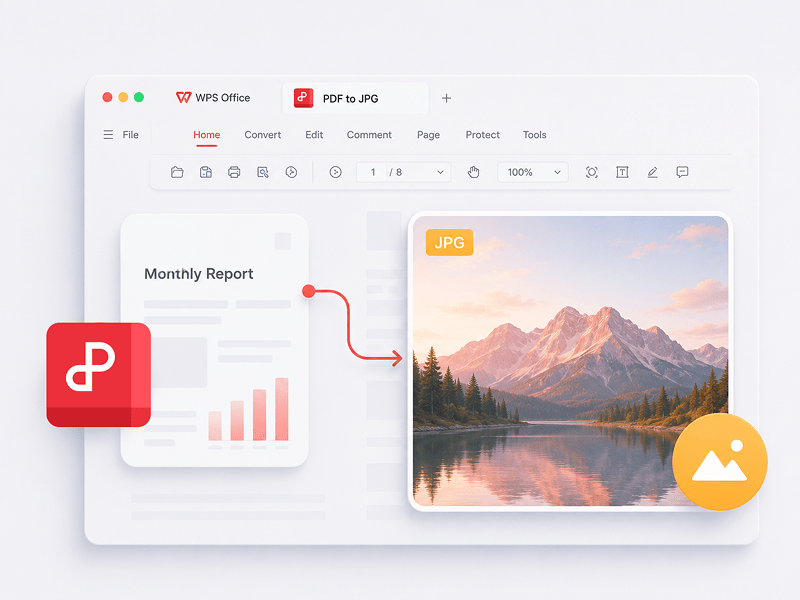
Konverter PDF-filer til JPG-bilder av høy kvalitet på nettet, uten krav om registrering
Prøv dette verktøyet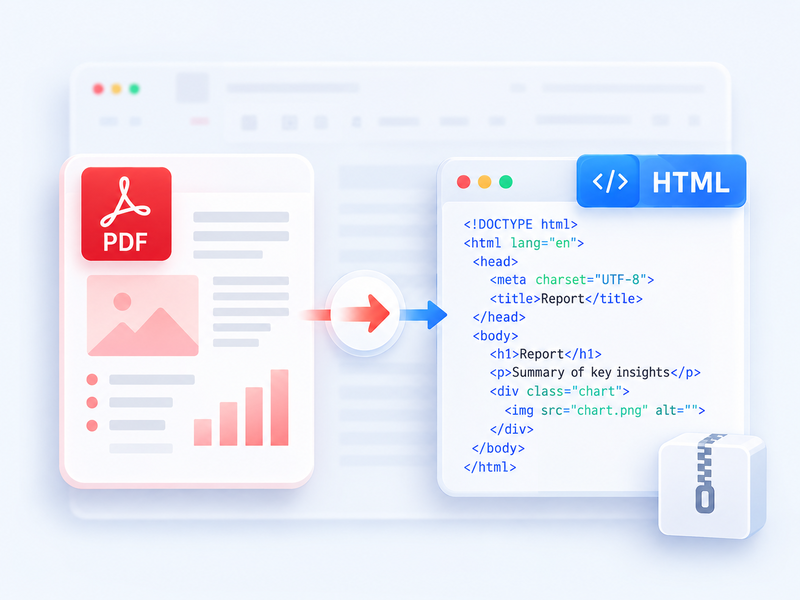
Konverter en PDF til HTML for nettleseren, og last ned resultatet som ZIP.
Prøv dette verktøyet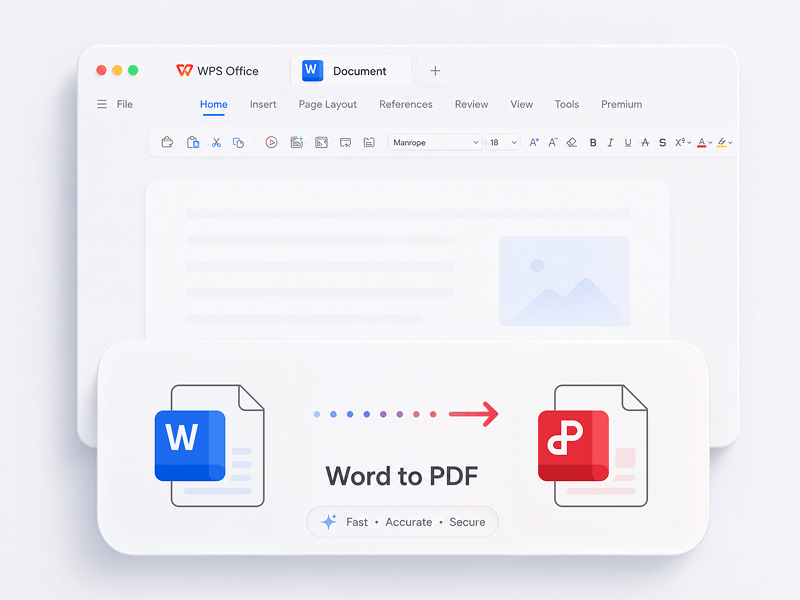
Konverter Word-filer (doc, docx) til PDF-filer som er enkle å dele, samtidig som oppsettet beholdes, helt gratis
Prøv dette verktøyet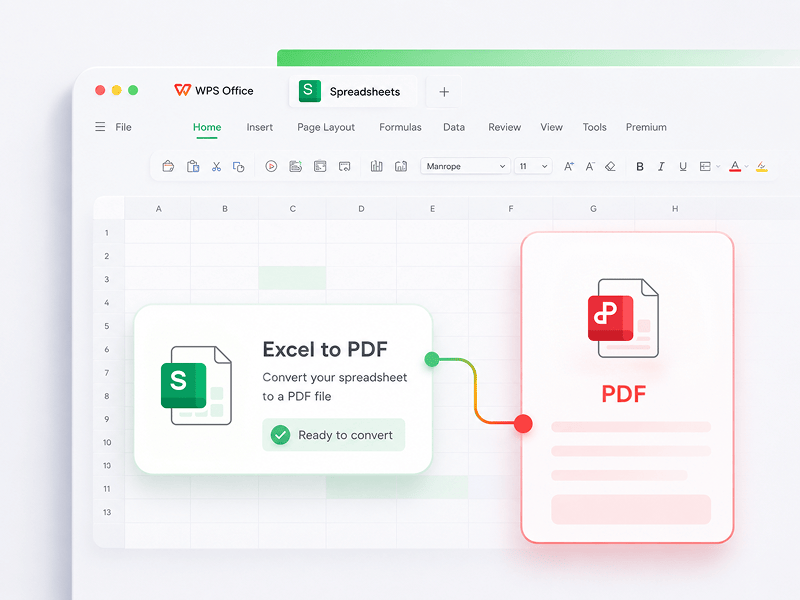
Konverter Excel-regneark (xls, xlsx) til lettleste PDF-filer helt gratis
Prøv dette verktøyet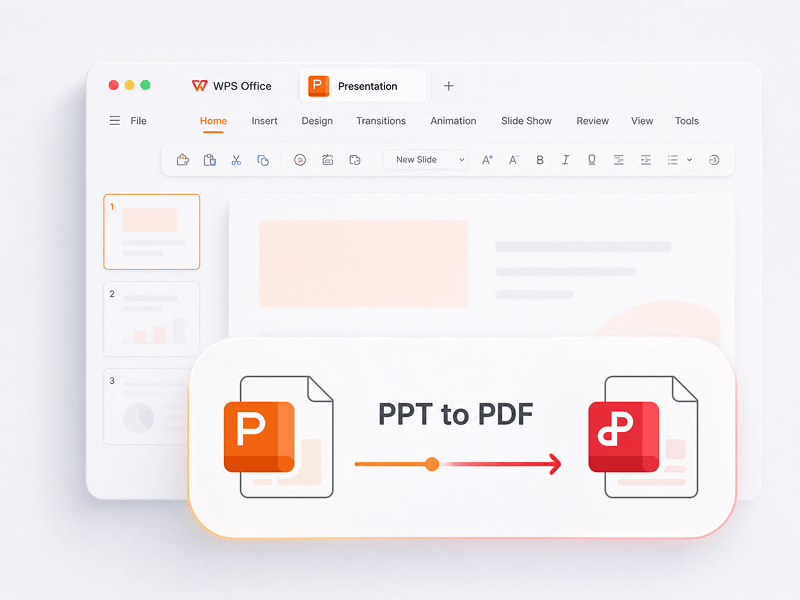
Konverter PowerPoint-presentasjoner (ppt, pptx) til PDF-filer som er enkle å vise og dele, helt gratis
Prøv dette verktøyet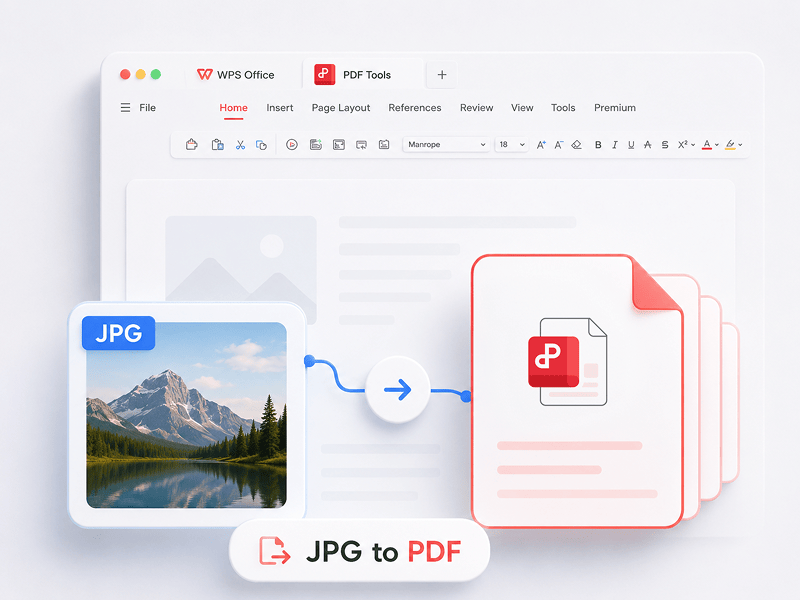
Konverter bilder (JPG, JPEG, PNG, BMP) til PDF-filer gratis, og juster enkelt PDF-retning og -marger
Prøv dette verktøyet
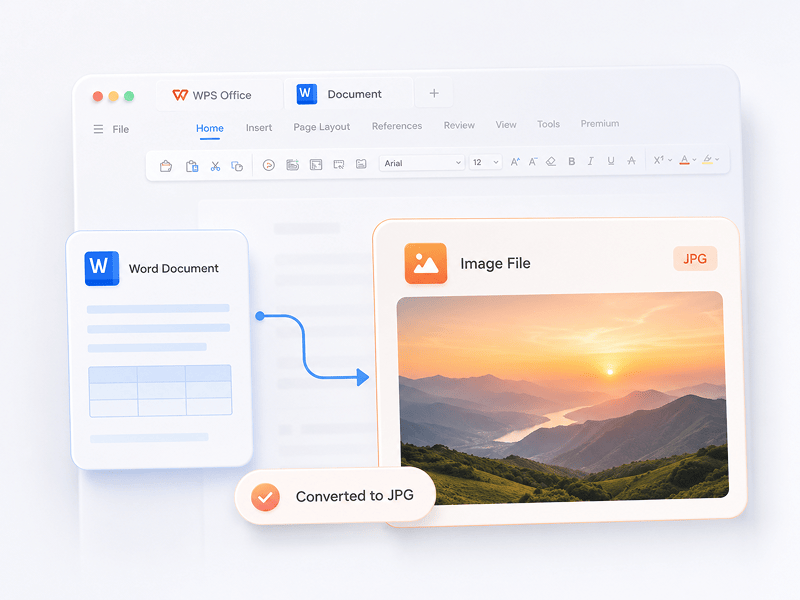
Konverter Word-dokumenter til JPG-bilder av høy kvalitet på nettet, uten krav om registrering
Prøv dette verktøyet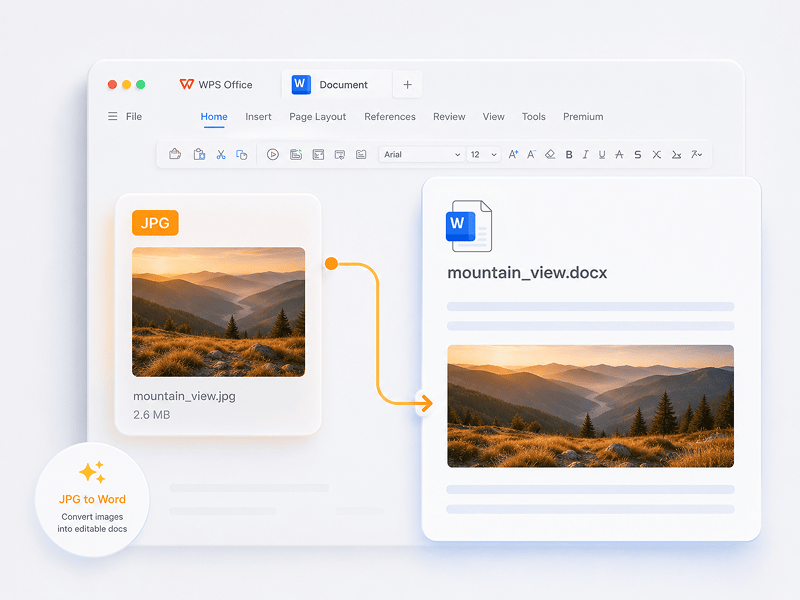
Konverter JPG-bilder til redigerbare Word-dokumenter på nettet med OCR-teknologi
Prøv dette verktøyet
Konverter en ODT-fil til et redigerbart Word-dokument (DOCX) på nett.
Prøv dette verktøyet
Konverter en ODS-fil til en redigerbar Excel-arbeidsbok (XLSX) på nett.
Prøv dette verktøyet
Konverter en ODP-fil til en redigerbar PowerPoint-presentasjon (PPTX) på nett.
Prøv dette verktøyet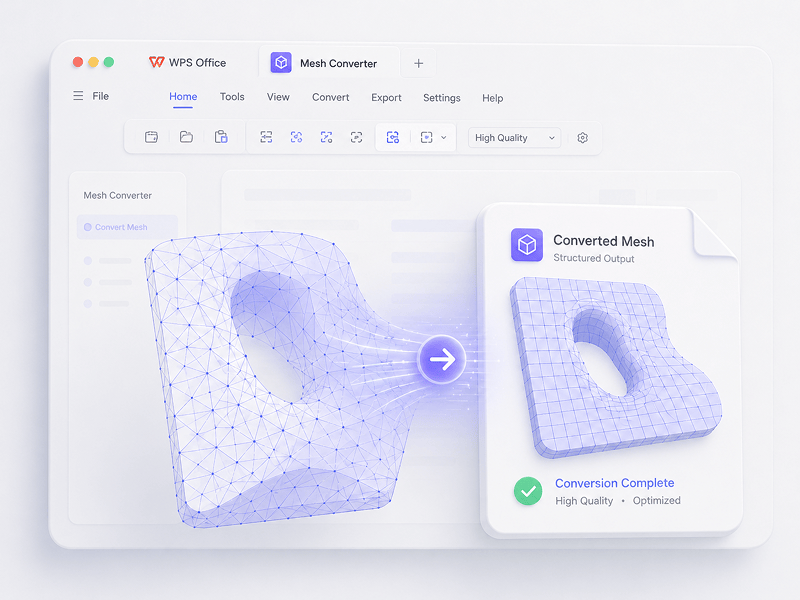
I Mesh-scenarioer kan du konvertere OBJ, STL, FBX, GLB/GLTF, DAE, 3DS, X, 3MF, OFF, AC3D og PLY til OBJ, STL, FBX, GLB/GLTF, DAE, 3MF og PLY.
Prøv dette verktøyet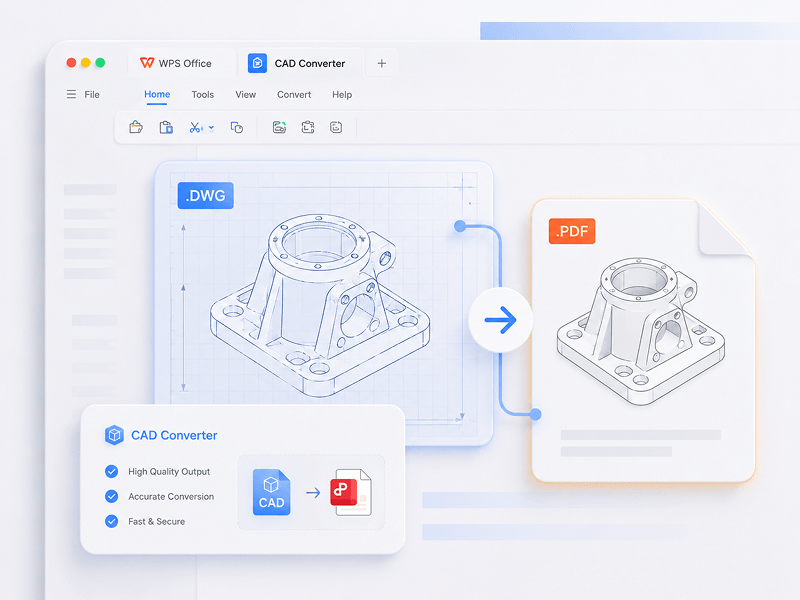
I CAD-scenarioer kan du konvertere STEP, IGES, CATIA V5, NX, Creo, SolidWorks, Parasolid, Inventor, JT, PRC, ACIS og Solid Edge til STEP, GLB/GLTF, FBX, OBJ og STL.
Prøv dette verktøyet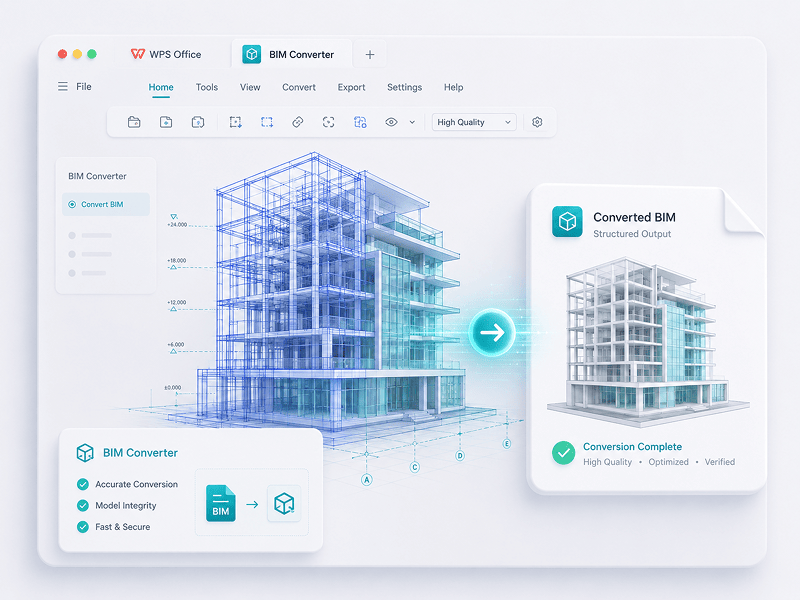
I BIM-scenarioer kan du konvertere IFC, Revit, Navisworks, DWF, AutoCAD og SKP til GLB/GLTF, FBX, OBJ og STL.
Prøv dette verktøyetOpplev overgangen fra manuelt arbeid til intelligent skapelse. WPS-programvaren er din medpilot for enhver oppgave.
 14:14:00
Et kraftig Microsoft Office-alternativ med velkjent design, full kompatibilitet og innebygde PDF-verktøy – betrodd av millioner over hele verden.
 07:04:00
Utmerket kompatibilitet med Office-formater, pluss 100 000+ maler og en komplett verktøypakke – alt tilgjengelig på både PC og mobil.
 08:53:00
Opprett, rediger og administrer alle dokumentene dine på ett sted – med maler, PDF-verktøy og full støtte på tvers av plattformer.
 09:16:00
Med et velkjent grensesnitt, kraftige AI-funksjoner for skriving og oversettelse, og sømløs ytelse på tvers av enheter, er WPS en smart og effektiv måte å få arbeidet gjort på.
 08:28:00
Utformet for å føles umiddelbart velkjent, med et rent grensesnitt og en smidig, brukervennlig opplevelse.
 14:06:00
Bringer en skrivebordslignende Office-opplevelse til mobil – velkjent, enkel å bruke og kraftig i én alt-i-ett-app.
 04:05:00
Med kraftige AI-verktøy kan du generere innhold, oversette hele dokumenter umiddelbart, oppsummere lange filer og til og med chatte med PDF-ene dine for rask innsikt.
 08:02:00
Rask, lett og enkel å bruke – det er et av de beste valgene for å opprette og redigere dokumenter, regneark og presentasjoner uten problemer.
Last ned WPS Office for å få flere funksjoner for PDF-behandling, som OCR (bildeskanning og konvertering), innsetting av vannmerker og e-signaturer, samt konvertering fra PDF til bilde.

WPS Office
Last ned WPS Office skrivebordsredigering for å få et lettvint PDF-verktøy som gir komplette løsninger på alle PDF-problemer.

WPS Office
WPS Office er en gratis kontorpakke som støtter Linux. Last ned WPS Office-appen for å få tilgang til PDF-verktøy når som helst.

WPS Office
WPS Office er fullt kompatibel med macOS-systemet på Mac, og støtter Intel- og Apple-brikker slik at du enkelt kan redigere PDF-filer.

WPS Office
Perfekt tilpasset iPhone. Vis, rediger og del dokumenter sømløst uansett hvor du er.

WPS Office
Rediger mens du er på farten. Last ned WPS-appen og få det best vurderte redigeringsprogrammet for mobil.
 Deb-pakke RPM-pakke
1. Åpne WPS PDF-redigeringsverktøyet eller last ned WPS Office for å åpne en PDF-fil. 2. Klikk på Tekstverktøy på den øverste navigasjonslinjen. 3. Legg til tekst på PDF-siden. Klikk på den eksisterende teksten for å starte redigeringen. 4. Legg til bilder på PDF-siden. Dra og flytt, endre størrelse på eller roter bildene. 5. Fyll ut PDF-er og legg til en e-signatur ved å tegne, skrive eller laste opp signaturbildet ditt. 6. Merk PDF-sider med uthevet tekst, og marker endringer. Prøv Signer PDF-verktøyet gratis på nettet.
1. Åpne startsiden til WPS Office og finn PDF-verktøyet i det venstre panelet. 2. Dra en PDF-fil inn i konverteringsområdet, eller legg til filen manuelt. 3. Velg PDF-oppdeling eller PDF-sammenslåing avhengig av behovet ditt. 4. For oppdeling: Angi oppdelingsområdet – etter start- og sluttsider, eksporter hver side som én PDF, eller velg bestemte sider. For sammenslåing: Angi sidene som skal kombineres, og skriv inn et utdatanavn om nødvendig. 5. Klikk på Del opp eller Slå sammen for å eksportere resultatet, og sjekk deretter de genererte filene i den lokale mappen din.
1. Åpne PDF-dokumentet i WPS Office. 2. Gå til Beskytt-fanen og klikk på Signaturfelt-knappen. 3. Dra på dokumentet for å tegne signaturfeltområdet, angi deretter feltnavn og signaturkrav i dialogboksen, og klikk på OK. 4. Klikk på det opprettede signaturfeltet, og velg deretter en nylig brukt signatur eller klikk på Opprett signatur i signaturpanelet. 5. Bekreft signaturen for å fullføre.
PDF-bloggen hjelper deg med å forstå fullt ut hvordan du bruker PDF-verktøy, gir deg rask tilgang til programvarenyheter, anbefaler ulike typer kontorprogramvare som er verdt å laste ned, og gir deg informasjon om PDF-versjonsoppdateringer.

How To Scan Multiple Pages into One PDF Windows 10: Step-by-Step Guide. Scanning multiple pages into a single pdf document can be a convenient way to store or share important documents in a compact and organized manner. Windows 10 has a built-in scanning utility that allows you....

Meta: Let's unlock a world of knowledge in 2023 with our top picks for the 4 Best Sites to Download Free PDF Books. Dive into a vast library of literary treasures, from timeless classics to modern must-reads, all at your fingertips. Start your reading journey and expand your horizons without spending a dime. Explore, discover, and read more in the year ahead!

Unlock the full potential of PDF editing with Smallpdf! Dive into our ultimate guide on how to edit PDFs effortlessly. Discover step-by-step instructions, handy tips, and explore the user-friendly features that make Smallpdf the go-to choice for seamless PDF editing. Transform your document experience today!

Gå rett i gang med redigering, konvertering og signering av PDF-er uten nedlastinger, kontoer eller vannmerker. Over 15 gratis nettbaserte verktøy for PDF- og 3D-konvertering gir profesjonelle resultater umiddelbart fra én enkelt nettleserfane.

WPS PDF kjører innebygd på Windows, Mac, Linux, Android, iOS og nett. Koble arbeidsflytene dine sømløst sammen mellom raske redigeringer i nettleseren og krevende skrivebordsfokuserte oppgaver når som helst og hvor som helst.

WPS PDF er en del av et enhetlig produktivitetsøkosystem sammen med Writer, Spreadsheets og Presentation. Rediger PDF-er, trekk ut data og bygg lysbildeserier i ett sømløst grensesnitt uten å måtte bytte apper.

Forvandle statiske dokumenter til interaktive kunnskapsbaser. Bruk innebygd WPS AI til å chatte med PDF-ene dine, generere umiddelbare sammendrag og oversette komplekse flerspråklige rapporter på sekunder.

I bruk på over 600 millioner aktive enheter og støttet av Google Play, App Store og G2-priser. Sikker sikkerhetskopiering i skyen og ende-til-ende-kryptering garanterer at de immaterielle rettighetene dine forblir strengt konfidensielle.

Bygd for en global arbeidsstyrke med støtte for 46 språk og 47 formater. Opplev feilfri PDF-gjengivelse, presise lokaliserte grensesnitt og universell kompatibilitet som oppfyller internasjonale dokumentstandarder.


