
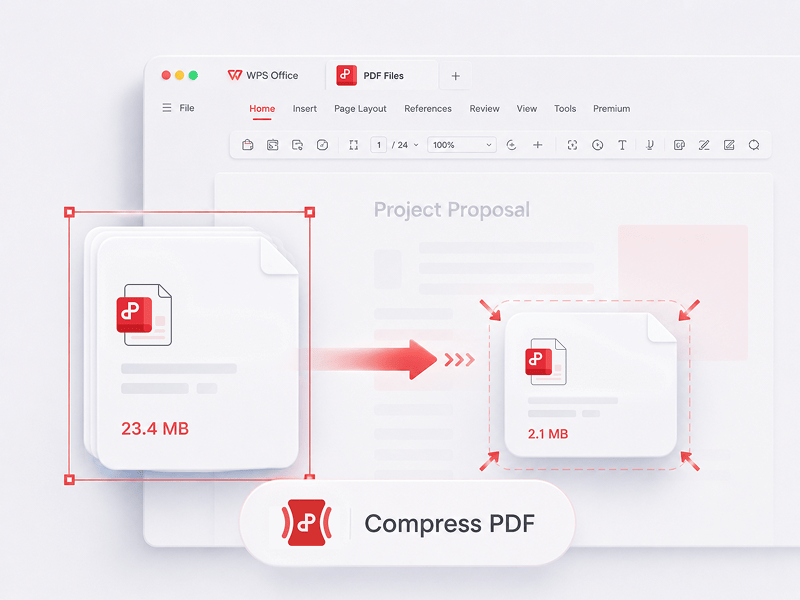
Komprimera PDF
Minska storleken på PDF-filer online med 3 komprimeringsmetoder
Prova det här verktyget
Redigera, konvertera, sammanfoga, komprimera, signera, fyll i och organisera PDF-filer enkelt. Arbeta sömlöst med PDF-, Word-, Excel-, PPT- och bildfiler – snabbt, enkelt och gratis.
Detta är det bästa kostnadsfria PDF-redigeringsprogrammet online med stöd för PDF-redigering, formatkonvertering, filsammanfogning, formulärifyllnad och sidorganisering. Ändra sidor, text och layout lika snabbt som i Word, på bara några sekunder!
Minska storleken på PDF-filer online med 3 komprimeringsmetoder
Prova det här verktyget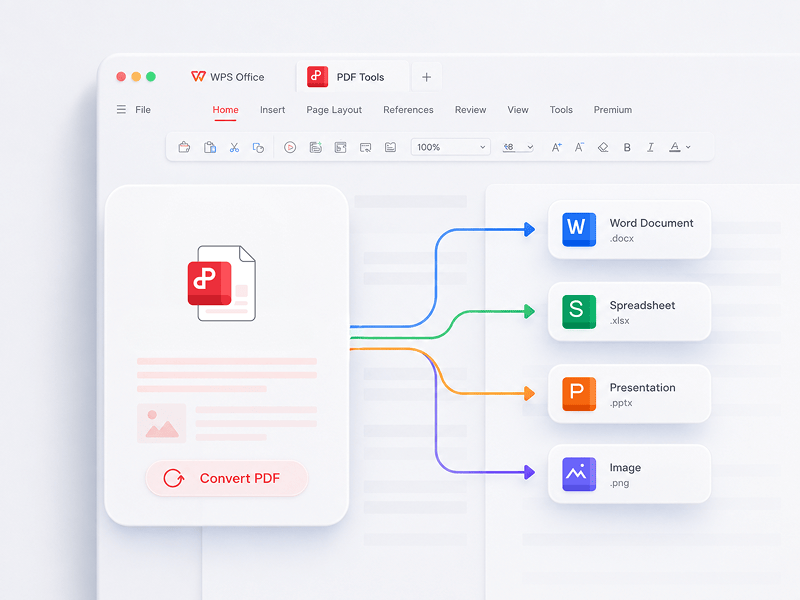
Bästa online-verktyget för att redigera, konvertera, slå samman, fylla i formulär och organisera PDF-dokument. Enkelt att redigera sidor, text eller layout i PDF-filer, precis som i Word - helt gratis och på bara några sekunder.
Prova det här verktyget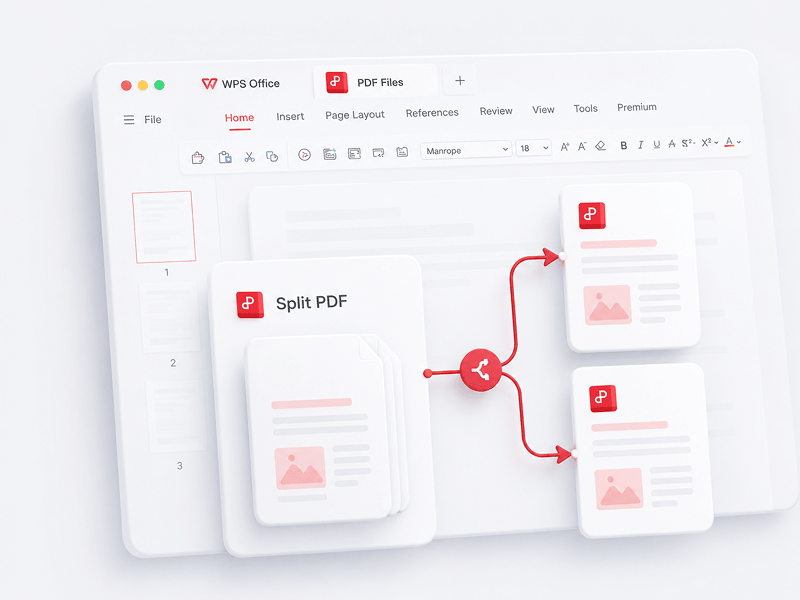
Dela upp alla sidor från en enskild PDF-fil online och extrahera sidor till flera PDF-filer
Prova det här verktyget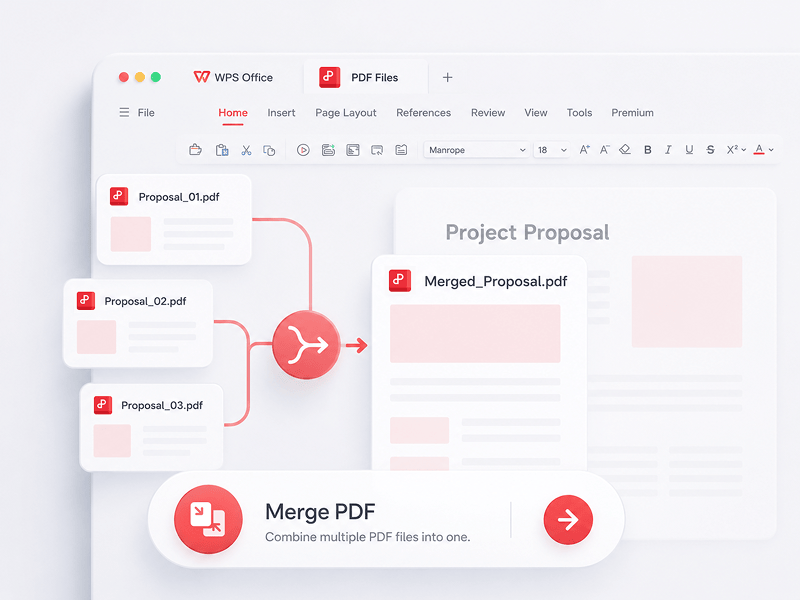
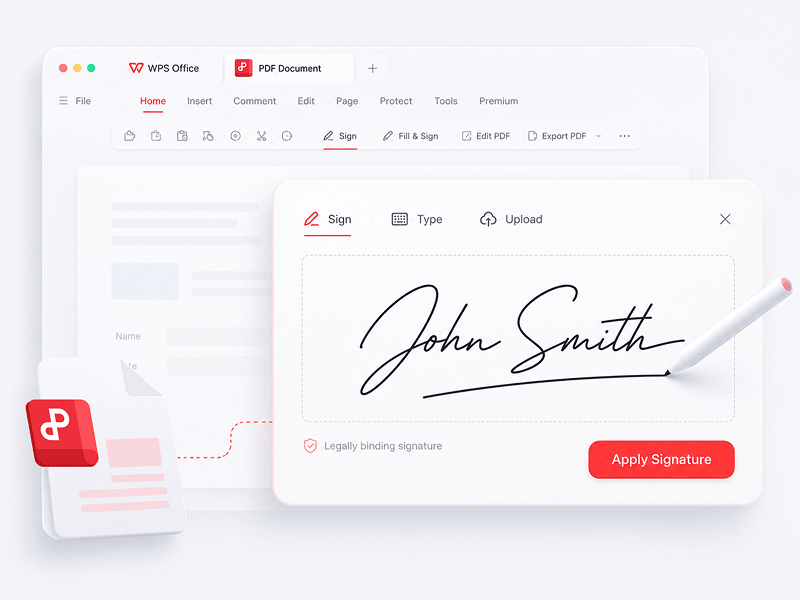
Skapa och fyll i e-signaturer i PDF-filer online och skydda din e-signatur
Prova det här verktyget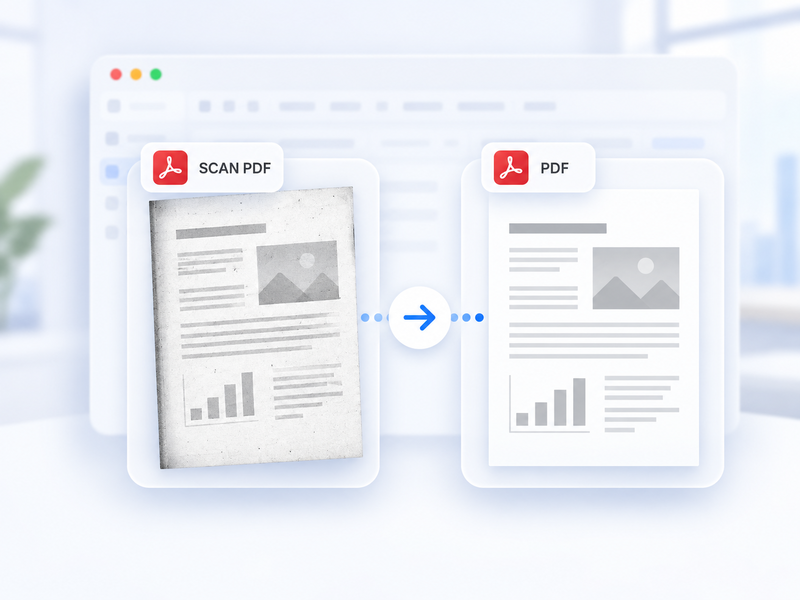
Konvertera automatiskt en skannad PDF till en vanlig PDF online.
Prova det här verktyget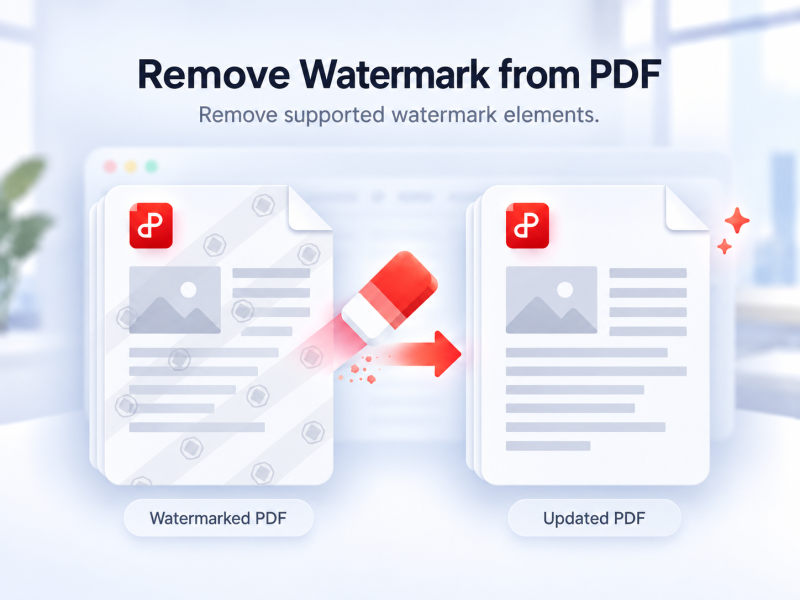
Ta automatiskt bort vattenstämplar som stöds från en PDF online.
Prova det här verktyget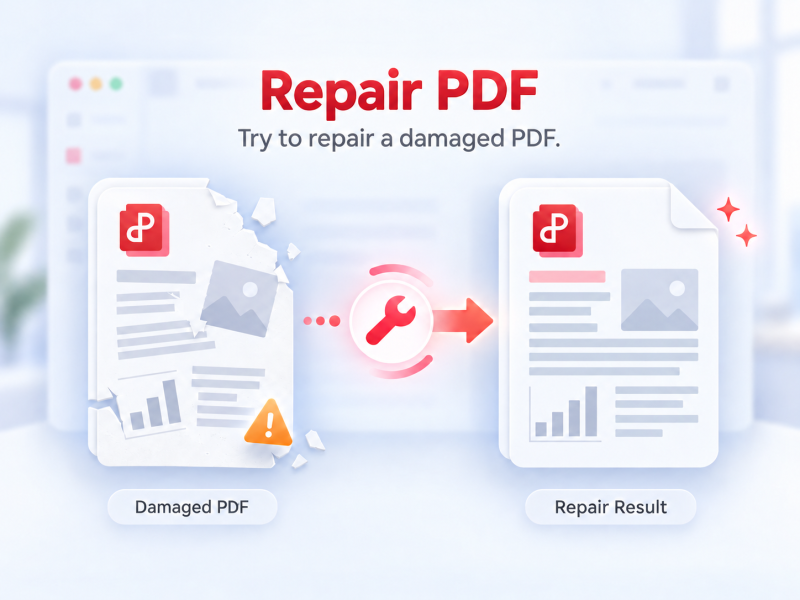
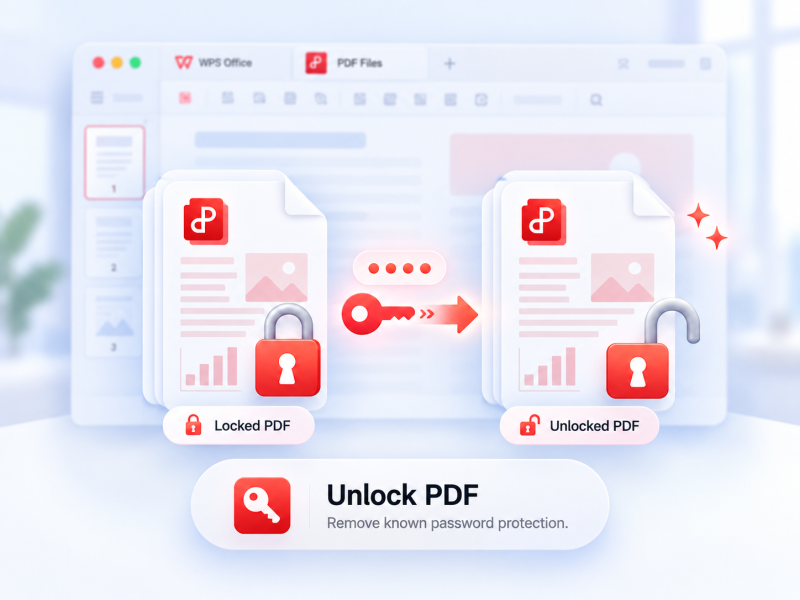
Ta bort PDF-skydd som stöds med behörighet och det aktuella lösenordet vid behov.
Prova det här verktyget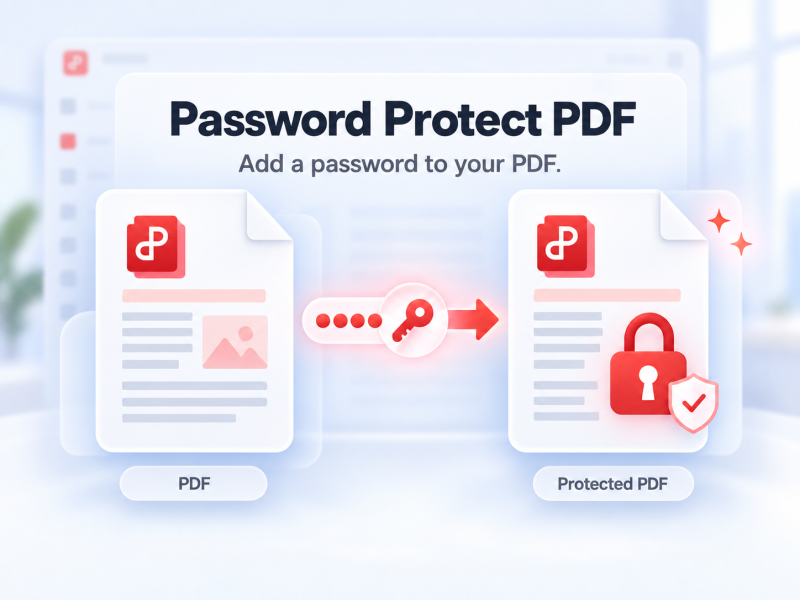
Lösenordsskydda en PDF online för att styra vem som kan öppna den.
Prova det här verktyget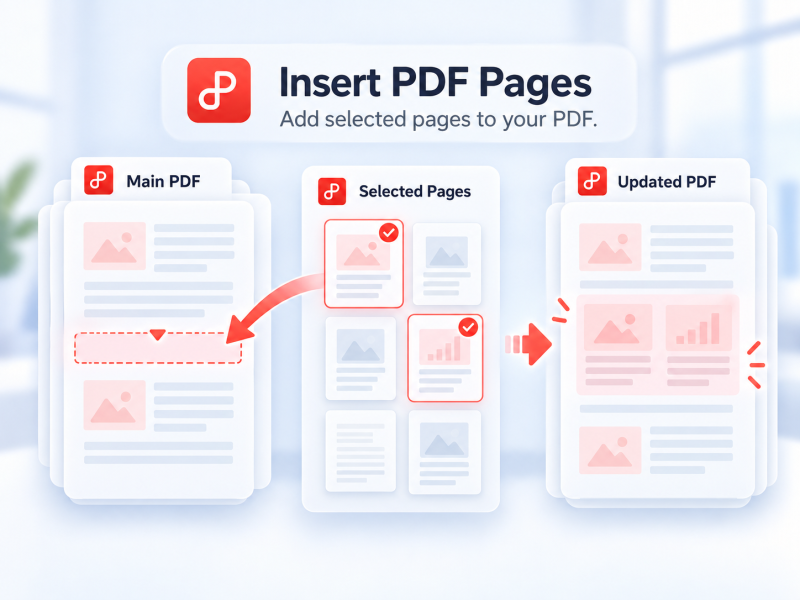
Välj sidor från en andra PDF och infoga dem i huvud-PDF-filen online.
Prova det här verktyget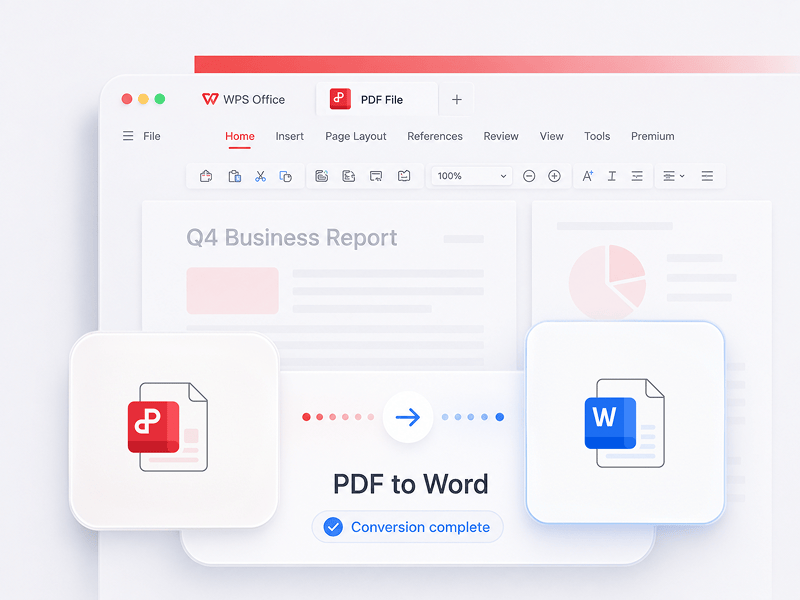
Konvertera PDF-filer till redigerbara Word-dokument på några sekunder (doc-, docx-format)
Prova det här verktyget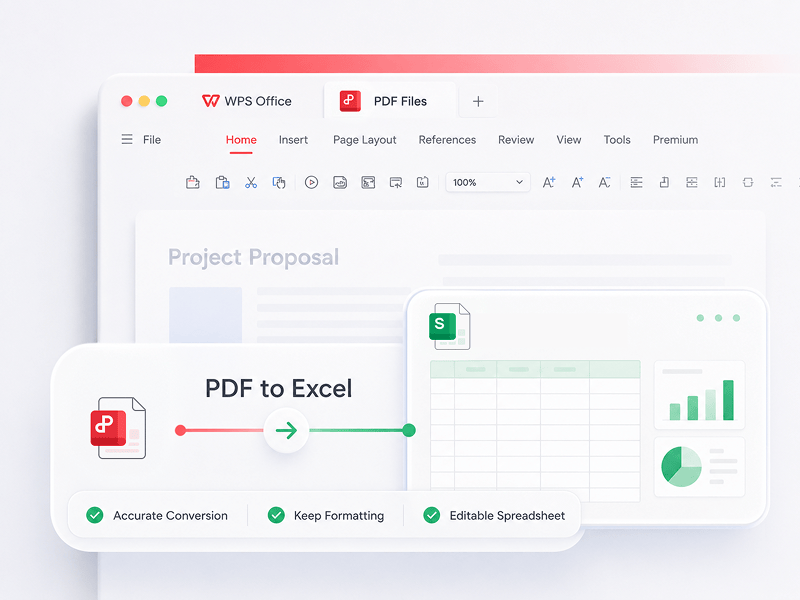
Konvertera PDF-filer till redigerbara Excel-kalkylblad online utan att ladda ned någon programvara
Prova det här verktyget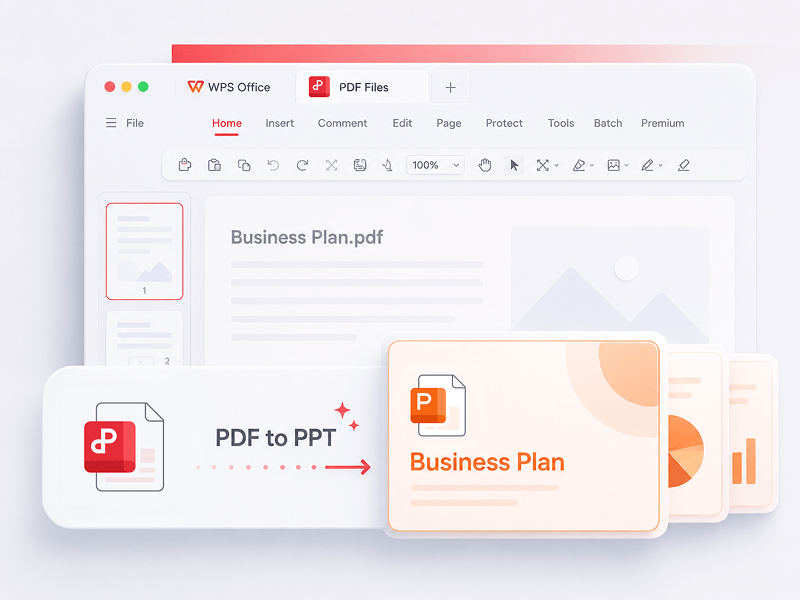
WPS PDF-verktyg till PPT kan konvertera PDF till redigerbara PPT- eller PPTX-presentationer. Inga vattenstämplar, bara snabb konvertering från PDF till PowerPoint på några sekunder.
Prova det här verktyget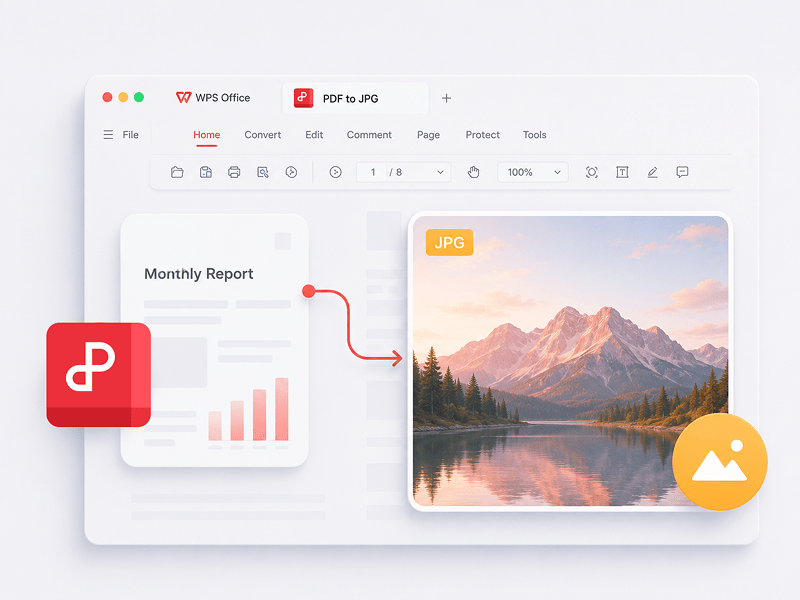
Konvertera PDF-filer till högkvalitativa JPG-bilder online, utan registrering
Prova det här verktyget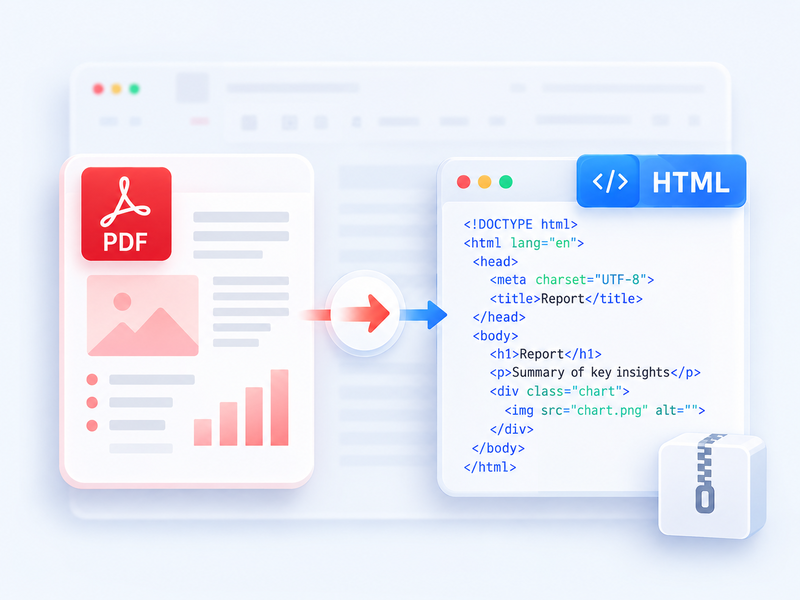
Konvertera en PDF till HTML för webbläsaren och ladda ned resultatet som ZIP.
Prova det här verktyget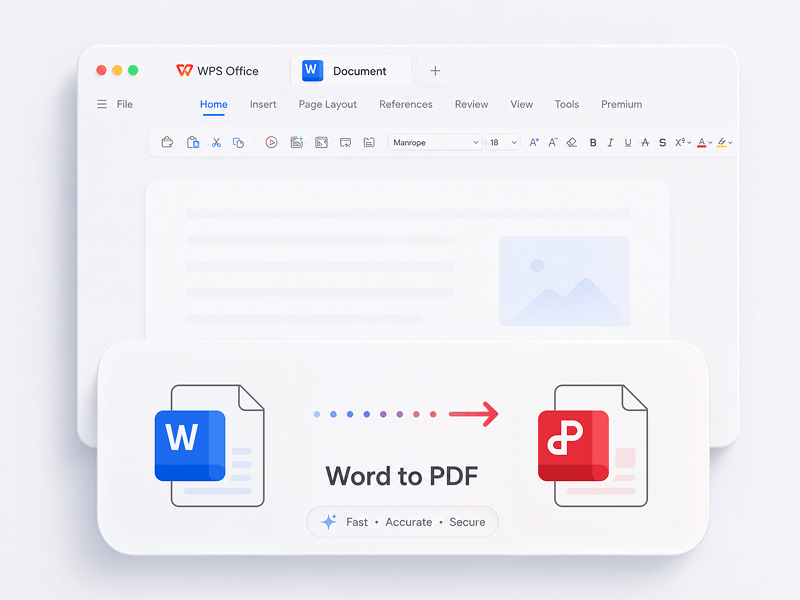
Konvertera Word-filer (doc, docx) till lättdelade PDF-filer gratis med bibehållen layout
Prova det här verktyget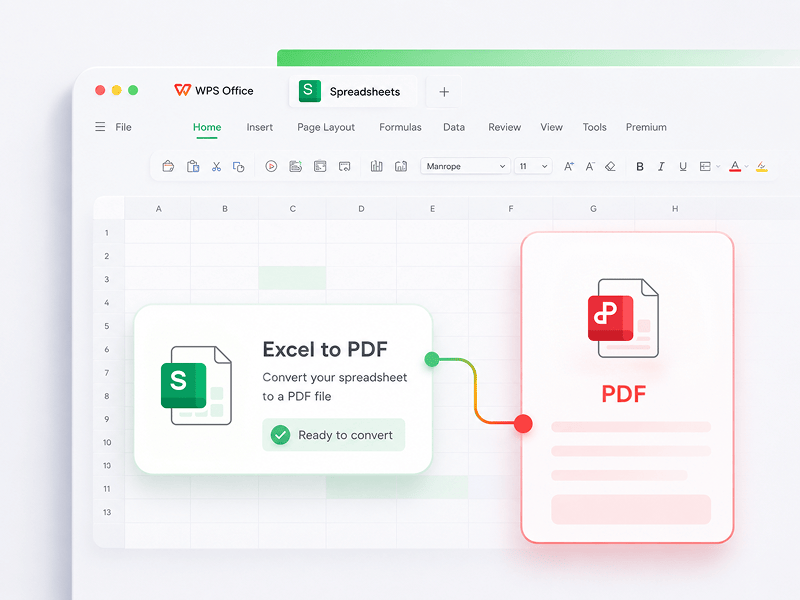
Konvertera Excel-kalkylblad (xls, xlsx) till lättlästa PDF-filer gratis
Prova det här verktyget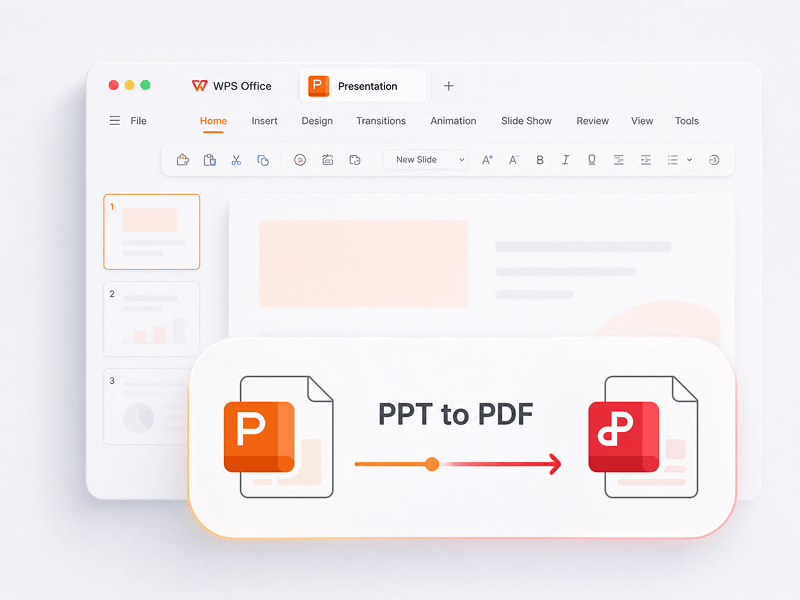
Konvertera PowerPoint-presentationer (ppt, pptx) till lättvisade och lättdelade PDF-filer gratis
Prova det här verktyget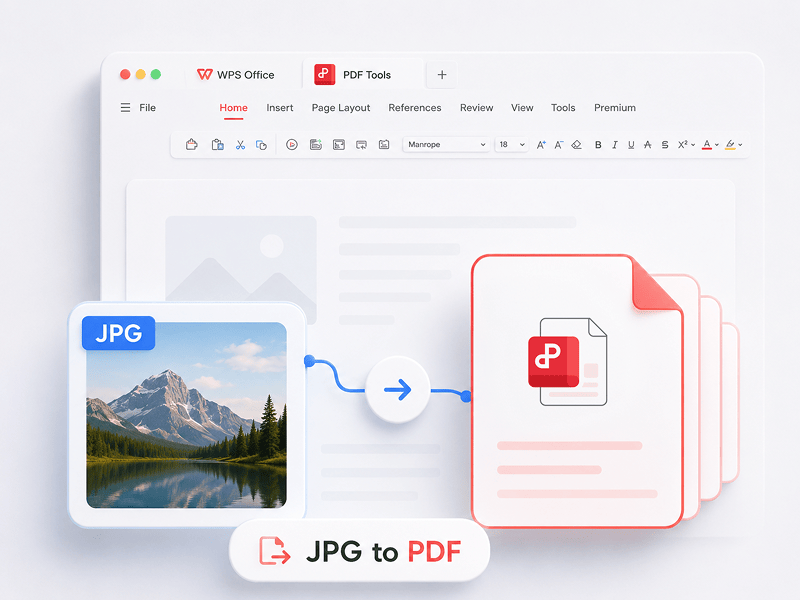
Konvertera bilder (JPG, JPEG, PNG, BMP) till PDF-filer gratis och justera enkelt PDF-orientering och marginaler
Prova det här verktyget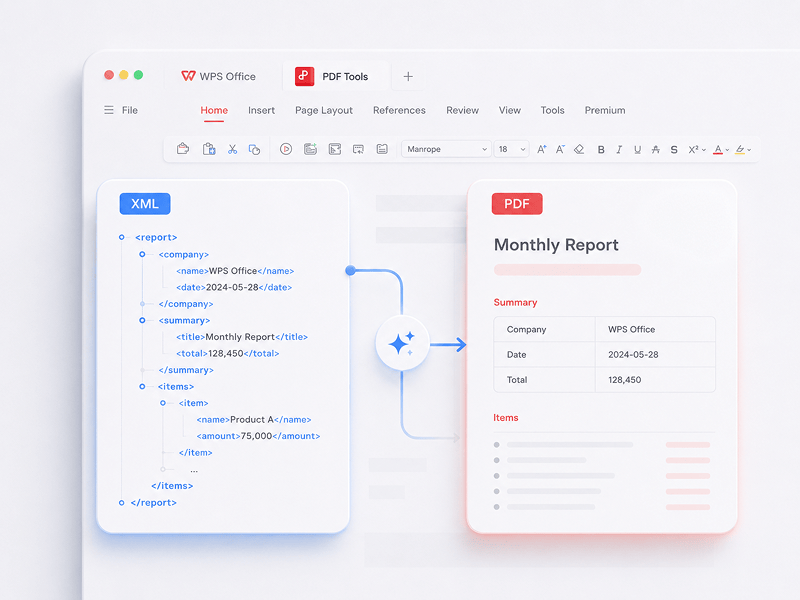
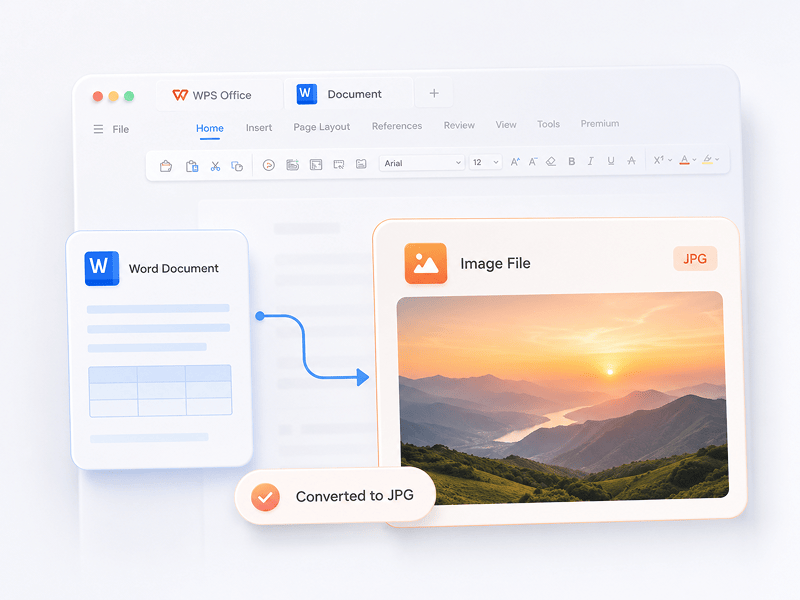
Konvertera Word-dokument till högkvalitativa JPG-bilder online, utan registrering
Prova det här verktyget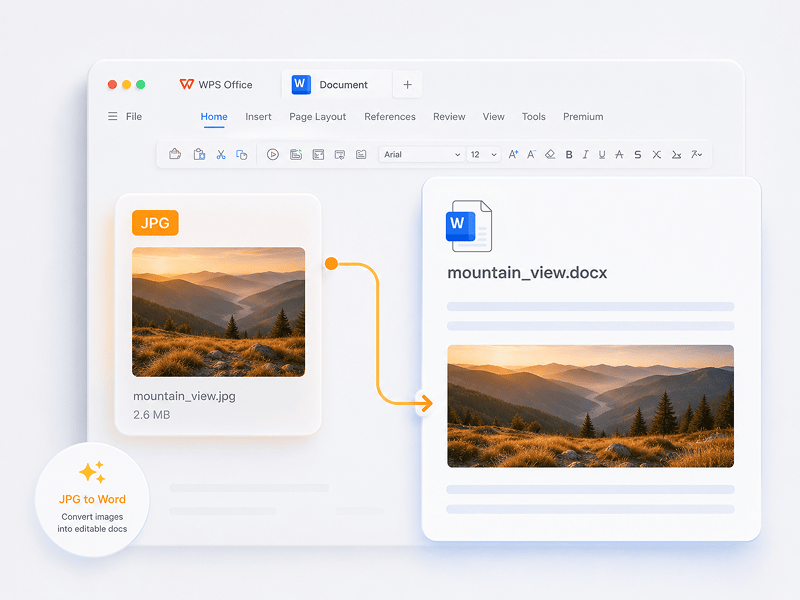
Konvertera JPG-bilder till redigerbara Word-dokument online med OCR-teknik
Prova det här verktyget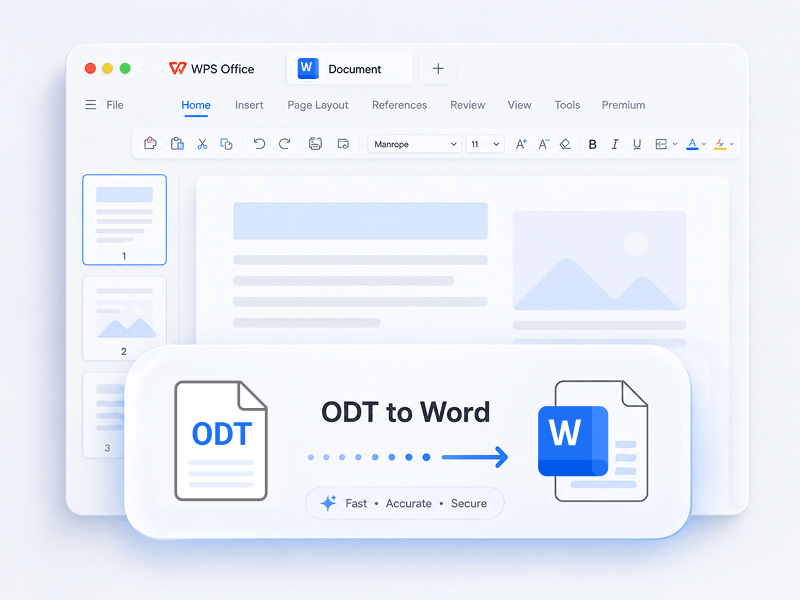
Konvertera en ODT-fil till ett redigerbart Word-dokument (DOCX) online.
Prova det här verktyget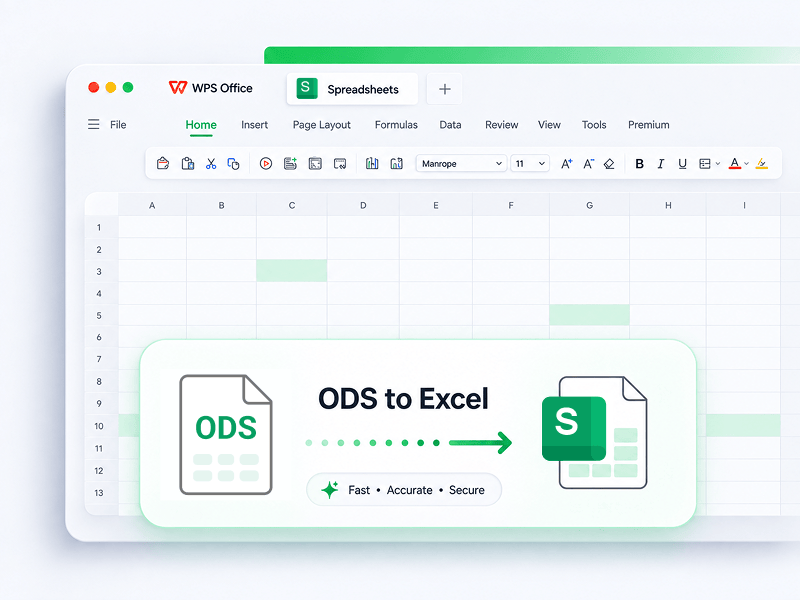
Konvertera en ODS-fil till en redigerbar Excel-arbetsbok (XLSX) online.
Prova det här verktyget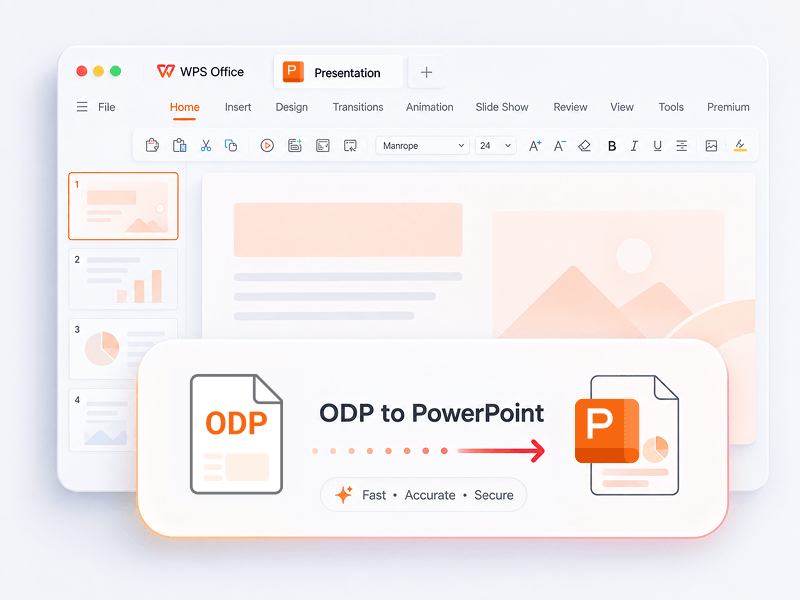
Konvertera en ODP-fil till en redigerbar PowerPoint-presentation (PPTX) online.
Prova det här verktyget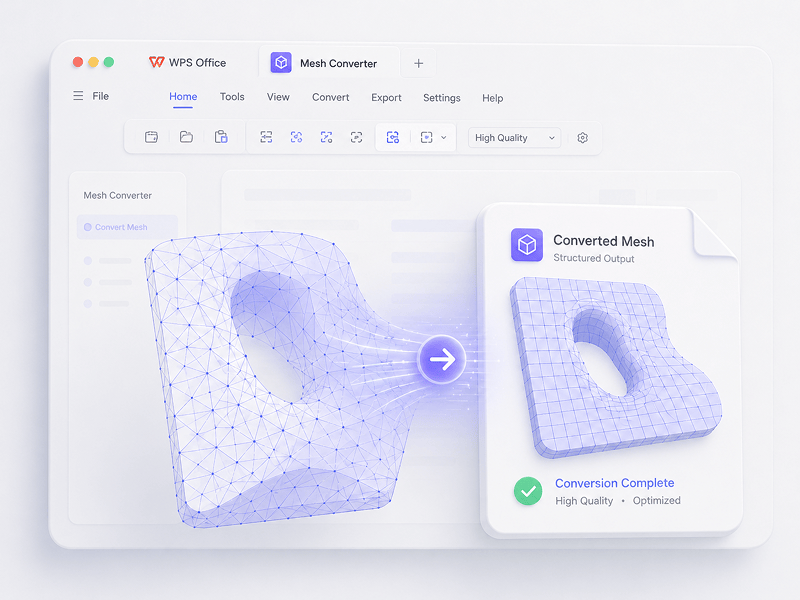
I Mesh-scenarier konverterar du OBJ, STL, FBX, GLB/GLTF, DAE, 3DS, X, 3MF, OFF, AC3D och PLY till OBJ, STL, FBX, GLB/GLTF, DAE, 3MF och PLY.
Prova det här verktyget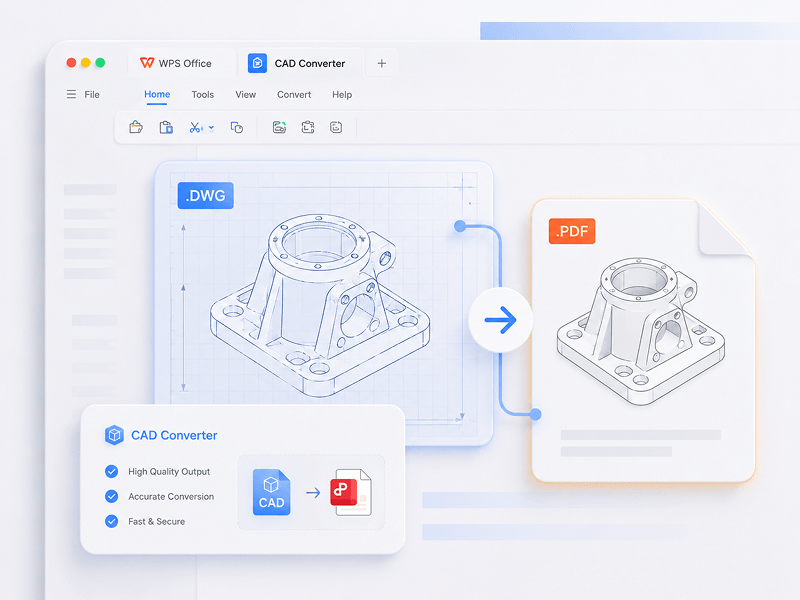
I CAD-scenarier konverterar du STEP, IGES, CATIA V5, NX, Creo, SolidWorks, Parasolid, Inventor, JT, PRC, ACIS och Solid Edge till STEP, GLB/GLTF, FBX, OBJ och STL.
Prova det här verktyget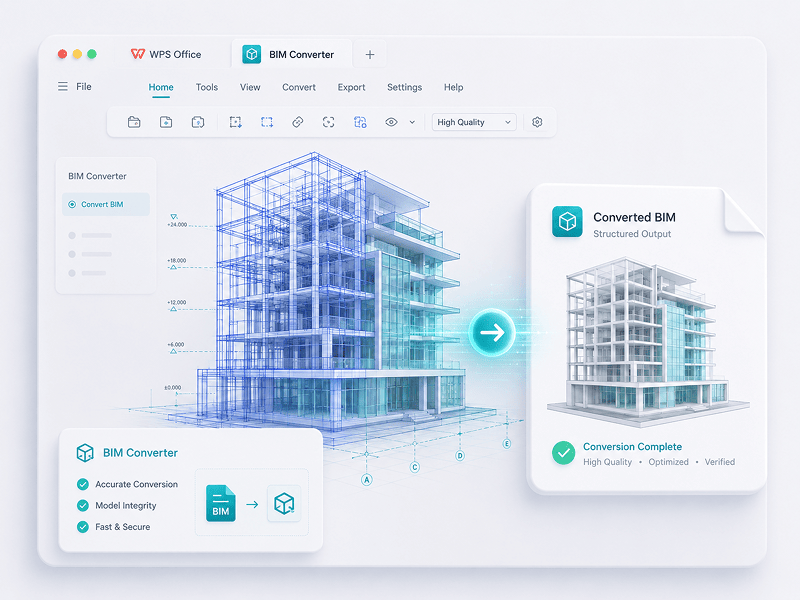
I BIM-scenarier konverterar du IFC, Revit, Navisworks, DWF, AutoCAD och SKP till GLB/GLTF, FBX, OBJ och STL.
Prova det här verktygetUpplev övergången från manuellt arbete till intelligent skapande. WPS-programvaran är din assistent för varje uppgift.
 14:14:00
Ett kraftfullt alternativ till Microsoft Office med välbekant design, full kompatibilitet och inbyggda PDF-verktyg – betrott av miljontals användare världen över.
 07:04:00
Utmärkt kompatibilitet med Office-format, plus 100 000+ mallar och en komplett uppsättning verktyg – allt tillgängligt för både dator och mobil.
 08:53:00
Skapa, redigera och hantera alla dina dokument på ett och samma ställe – med mallar, PDF-verktyg och fullt plattformsöverskridande stöd.
 09:16:00
Med ett välbekant gränssnitt, kraftfulla AI-funktioner för skribenter och översättning samt smidig prestanda på alla enheter är WPS ett smart och effektivt sätt att få arbetet gjort.
 08:28:00
Designat för att kännas välbekant direkt, med ett rent gränssnitt och en smidig, lättanvänd upplevelse.
 14:06:00
Ger en datorliknande Office-upplevelse på mobilen – välbekant, lättanvänd och kraftfull i en och samma allt-i-ett-app.
 04:05:00
Med kraftfulla AI-verktyg kan du skapa innehåll, översätta hela dokument direkt, sammanfatta långa filer och till och med chatta med dina PDF-filer för snabba insikter.
 08:02:00
Snabb, lätt och enkel att använda – ett av de bästa valen för att skapa och redigera dokument, kalkylblad och presentationer utan krångel.
Ladda ned WPS Office för att få fler PDF-hanteringsfunktioner som OCR (bildskanning och konvertering), tillägg av vattenstämplar och e-signaturer samt konvertering från PDF till bild.

WPS Office
Ladda ned WPS Office skrivbordsredigerare för att få ett lättviktigt PDF-verktyg som erbjuder kompletta lösningar för alla PDF-problem.

WPS Office
WPS Office är ett kostnadsfritt kontorspaket med stöd för Linux. Ladda ned WPS Office-appen för att använda PDF-verktyg när som helst.

WPS Office
WPS Office är helt kompatibelt med macOS på Mac och stöder Intel- och Apple-chip så att du enkelt kan redigera PDF-filer.

WPS Office
Perfekt anpassad för iPhone. Visa, redigera och dela dokument smidigt var du än befinner dig.

WPS Office
Redigera när du är på språng. Ladda ner WPS-appen och få den högst rankade mobilredigeraren.
 Deb-paket Rpm-paket
1. Öppna PDF-redigeraren i WPS eller ladda ned WPS Office för att öppna en PDF-fil. 2. Klicka på Textverktyg i det övre navigeringsfältet. 3. Lägg till text på PDF-sidan. Klicka på den befintliga texten för att börja redigera. 4. Lägg till bilder på PDF-sidan. Dra och flytta, ändra storlek på eller rotera bilderna. 5. Fyll i PDF-filer och lägg till en e-signatur genom att rita, skriva eller ladda upp din signaturbild. 6. Annotera PDF-sidor med markerad text och markera ändringar.
1. Öppna startsidan för WPS Office och leta reda på PDF-verktyget i den vänstra panelen. 2. Dra en PDF-fil till konverteringsområdet eller lägg till filen manuellt. 3. Välj Dela PDF eller Sammanfoga PDF beroende på dina behov. 4. För delning: ställ in delningsintervallet – efter start- och slutsidor, exportera varje sida som en enskild PDF eller välj specifika sidor. För sammanfogning: välj de sidor som ska kombineras och ange ett utdatanamn vid behov. 5. Klicka på Dela eller Sammanfoga för att exportera resultatet och kontrollera sedan de genererade filerna i din lokala mapp.
1. Öppna PDF-dokumentet i WPS Office. 2. Gå till fliken Skydda och klicka på knappen Signaturfält. 3. Dra i dokumentet för att rita signaturfältsområdet, ange sedan fältnamn och signaturkrav i dialogrutan och klicka på OK. 4. Klicka på det skapade signaturfältet och välj sedan en nyligen använd signatur eller klicka på Skapa signatur i signaturpanelen. 5. Bekräfta signaturen för att slutföra.
PDF-bloggen hjälper dig att till fullo förstå hur du använder PDF-verktyg, ger dig snabb tillgång till programvarunyheter, rekommenderar olika typer av kontorsprogram som är värda att ladda ned och erbjuder information om PDF-versionsuppdateringar.

Unlock PDF-to-Keynote conversion in 2023. Transform PDFs into dynamic Keynote presentations with these 3 concise methods. Simplify your file transformations.

Unlock the simplicity of PDF editing in 2023 with iLovePDF! Dive into a seamless experience of modifying and enhancing your PDFs effortlessly. Our step-by-step guide provides expert tips for smooth navigation, ensuring you harness the full potential of iLovePDF's user-friendly tools. Elevate your document management game – edit with confidence, edit with iLovePDF!

Meta: Let's unlock a world of knowledge in 2023 with our top picks for the 4 Best Sites to Download Free PDF Books. Dive into a vast library of literary treasures, from timeless classics to modern must-reads, all at your fingertips. Start your reading journey and expand your horizons without spending a dime. Explore, discover, and read more in the year ahead!

Gå direkt till att redigera, konvertera och signera PDF-filer utan nedladdningar, konton eller vattenstämplar. Över 15 kostnadsfria onlineverktyg för PDF- och 3D-konvertering ger professionella resultat direkt från en enda webbläsarflik.

WPS PDF körs inbyggt i Windows, Mac, Linux, Android, iOS och på webben. Överbrygga dina arbetsflöden sömlöst mellan snabba webbläsarredigeringar och tunga skrivbordsuppgifter när som helst, var som helst.

WPS PDF finns i ett enhetligt produktivitetsekosystem tillsammans med Writer, Spreadsheets och Presentation. Redigera PDF-filer, extrahera data och skapa bildspel i ett smidigt gränssnitt utan att byta appar.

Omvandla statiska dokument till interaktiva kunskapsbaser. Använd inbyggda WPS AI för att chatta med dina PDF-filer, generera omedelbara sammanfattningar och översätta komplexa flerspråkiga rapporter på några sekunder.

Används på över 600 miljoner aktiva enheter och backas upp av utmärkelser från Google Play, App Store och G2. Säkra molnsäkerhetskopior och end-to-end-kryptering garanterar att dina immateriella rättigheter förblir strikt konfidentiella.

Byggt för en global arbetsstyrka med stöd för 46 språk och 47 format. Upplev felfri PDF-återgivning, exakta lokaliserade gränssnitt och universell kompatibilitet som uppfyller internationella dokumentstandarder.


