
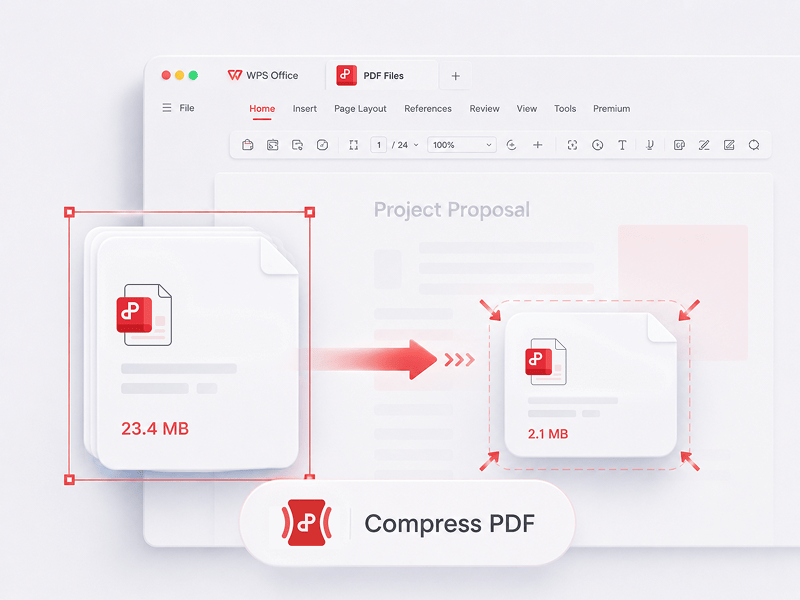
เครื่องมือ PDF ออนไลน์ฟรีโดย
รวมเครื่องมือ PDF ทั้งหมดของคุณไว้ในที่เดียว
แก้ไข แปลง รวม บีบอัด ลงชื่อ กรอกข้อมูล และจัดระเบียบ PDF ได้อย่างง่ายดาย ทำงานร่วมกับไฟล์ PDF, Word, Excel, PPT และรูปภาพได้อย่างราบรื่น—รวดเร็ว ง่ายดาย และฟรี
เครื่องมือPDF อัจฉริยะที่ใช้งานได้จริงและมีประสิทธิภาพอย่างแท้จริง
นี่คือเครื่องมือแก้ไข PDF ออนไลน์ฟรีที่ดีที่สุด ซึ่งรองรับการแก้ไข PDF, การแปลงรูปแบบ, การรวมไฟล์, การกรอกแบบฟอร์ม และการจัดการหน้า แก้ไขหน้า ข้อความ และการจัดหน้าได้อย่างรวดเร็วเหมือนทำใน Word ง่ายๆ ในไม่กี่วินาที!

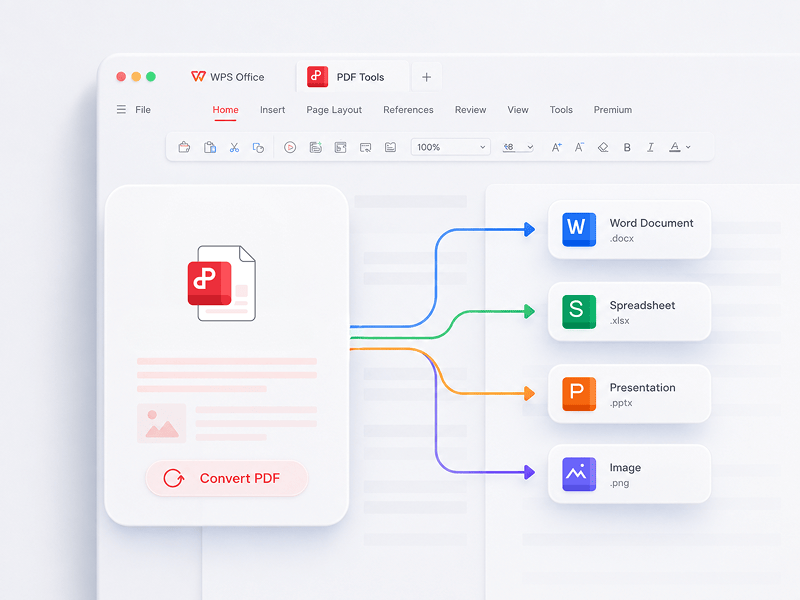
แปลง PDF
โปรแกรมแก้ไข PDF ออนไลน์ที่ดีที่สุด พร้อมฟังก์ชันแปลงไฟล์ ผสานเอกสาร กรอกแบบฟอร์ม และจัดการไฟล์ สำหรับการแก้ไขหน้า ข้อความ หรือเค้าโครงในเอกสาร PDF ได้อย่างง่ายดายเหมือนใช้ Word โดยไม่เสียค่าใช้จ่ายและใช้เวลาเพียงไม่กี่วินาที
ลองใช้เครื่องมือนี้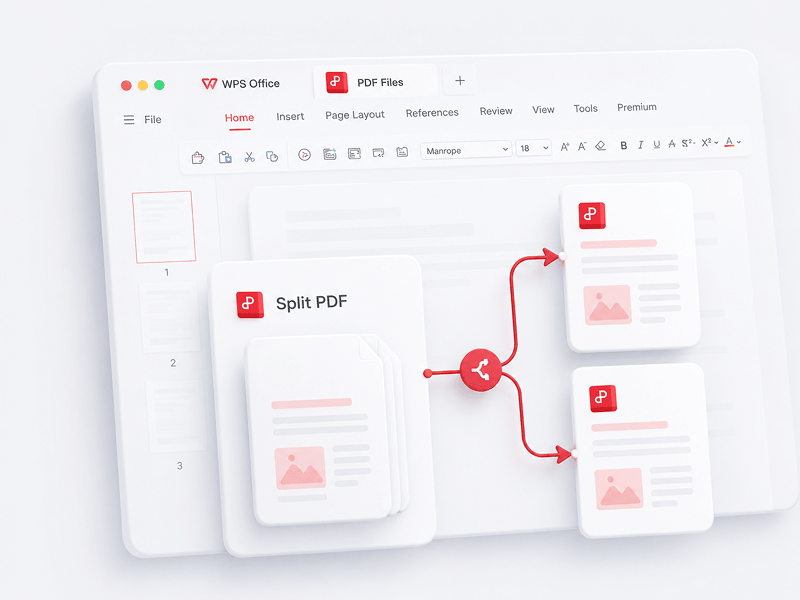
แยก PDF
แยกทุกหน้าจากไฟล์ PDF ไฟล์เดียวทางออนไลน์ และดึงหน้าออกมาเป็นไฟล์ PDF หลายไฟล์
ลองใช้เครื่องมือนี้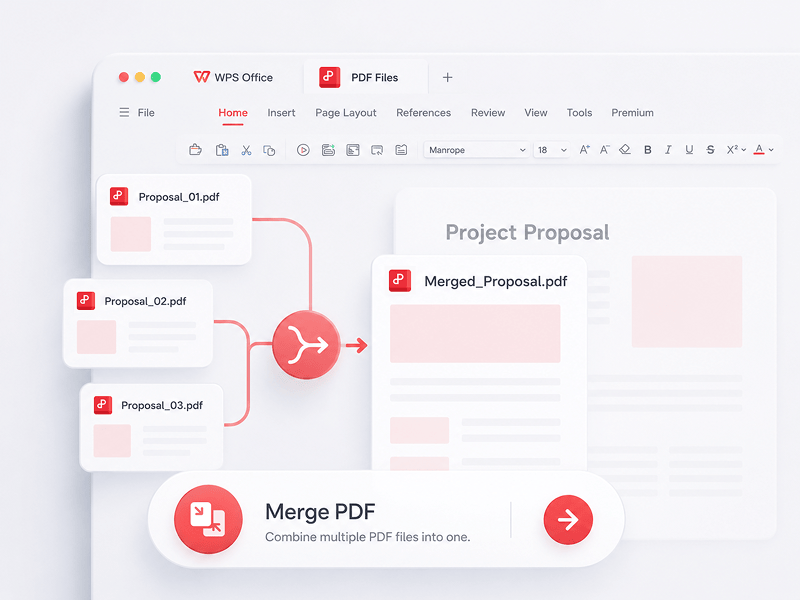
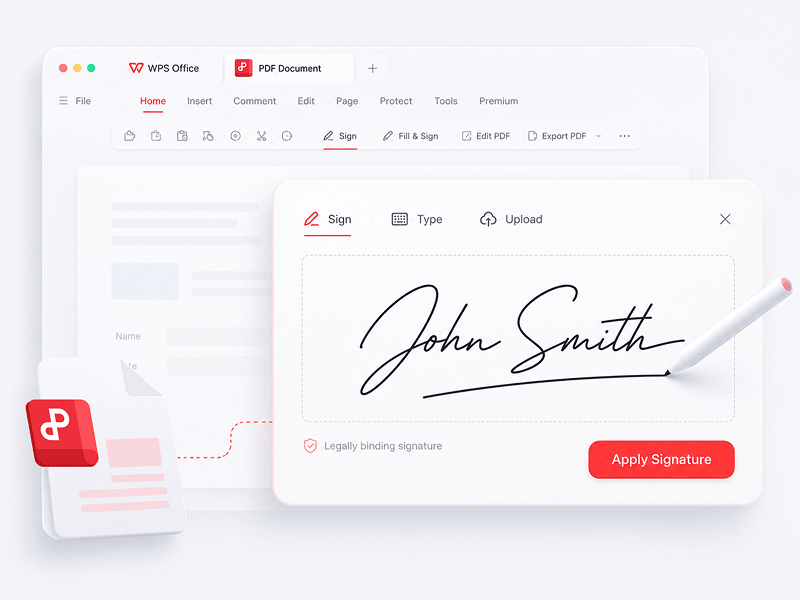
ลงชื่อใน PDF
สร้างและกรอกลายเซ็นอิเล็กทรอนิกส์ในไฟล์ PDF ออนไลน์ และปกป้องลายเซ็นอิเล็กทรอนิกส์ของคุณให้ปลอดภัย
ลองใช้เครื่องมือนี้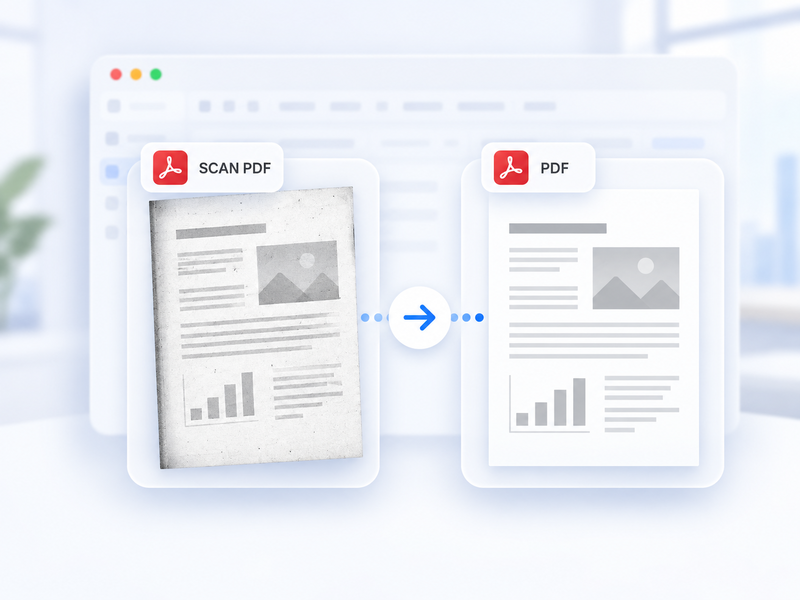
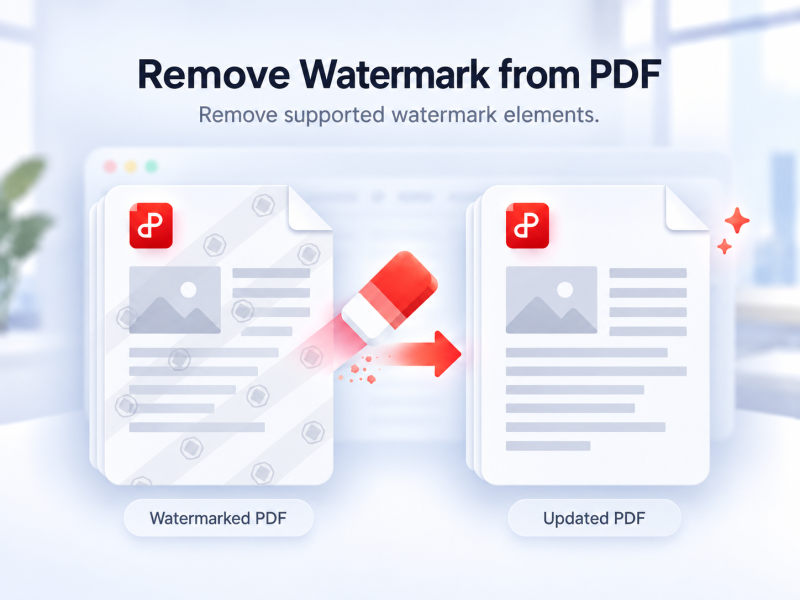
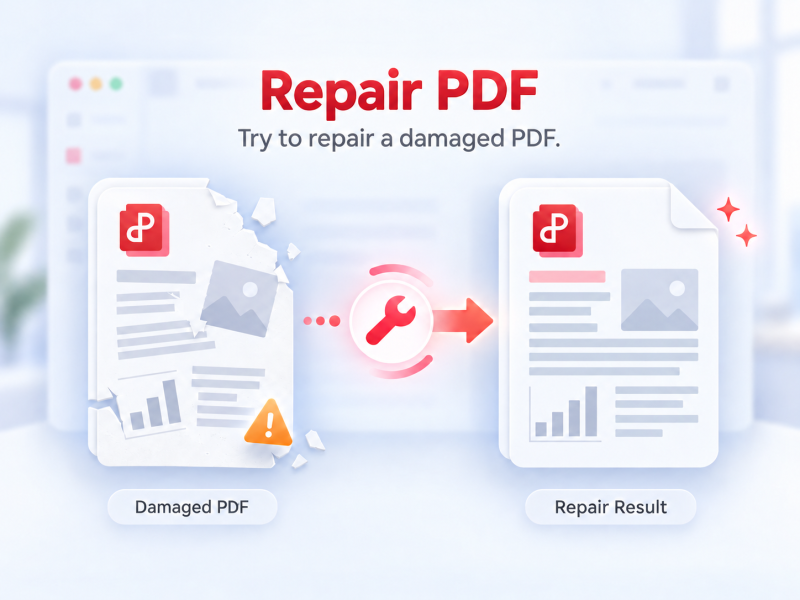
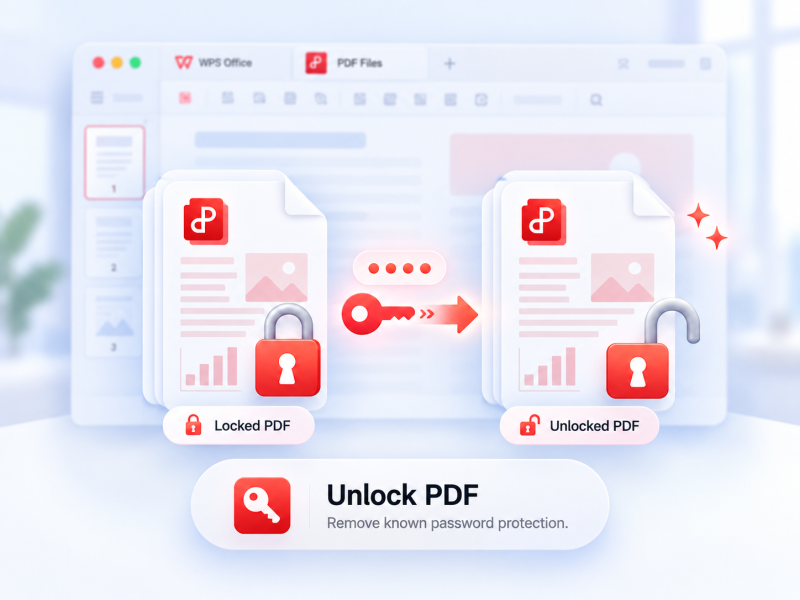
ปลดล็อกไฟล์ PDF
ลบการป้องกัน PDF ที่รองรับเมื่อมีสิทธิ์ โดยใช้รหัสผ่านปัจจุบันหากจำเป็น
ลองใช้เครื่องมือนี้
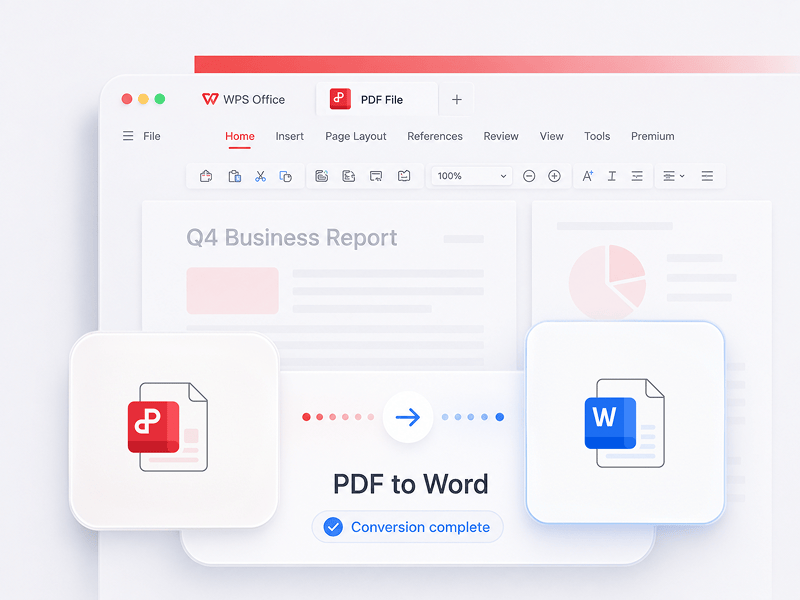
PDF เป็น Word
แปลงไฟล์ PDF เป็นเอกสาร Word ที่แก้ไขได้ในไม่กี่วินาที (รูปแบบ doc, docx)
ลองใช้เครื่องมือนี้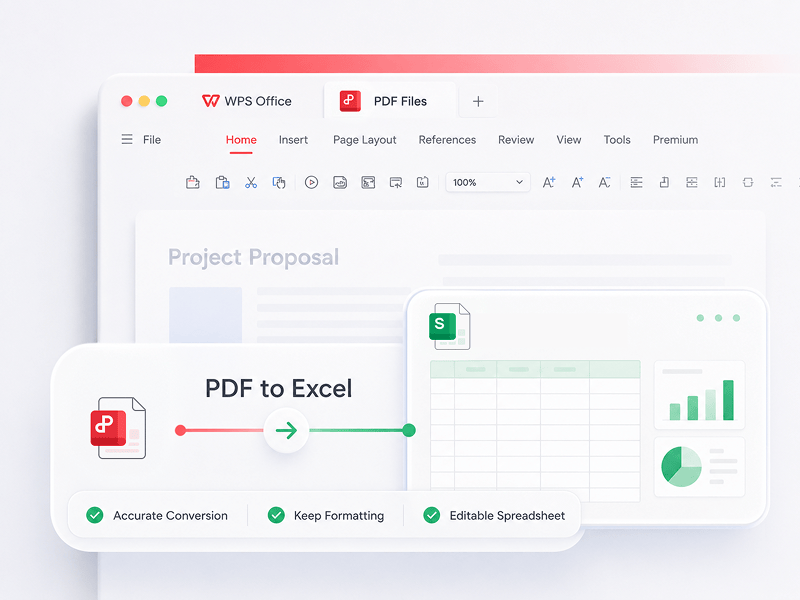
PDF เป็น Excel
แปลงไฟล์ PDF เป็นสเปรดชีต Excel ที่แก้ไขได้ทางออนไลน์โดยไม่ต้องดาวน์โหลดซอฟต์แวร์ใดๆ
ลองใช้เครื่องมือนี้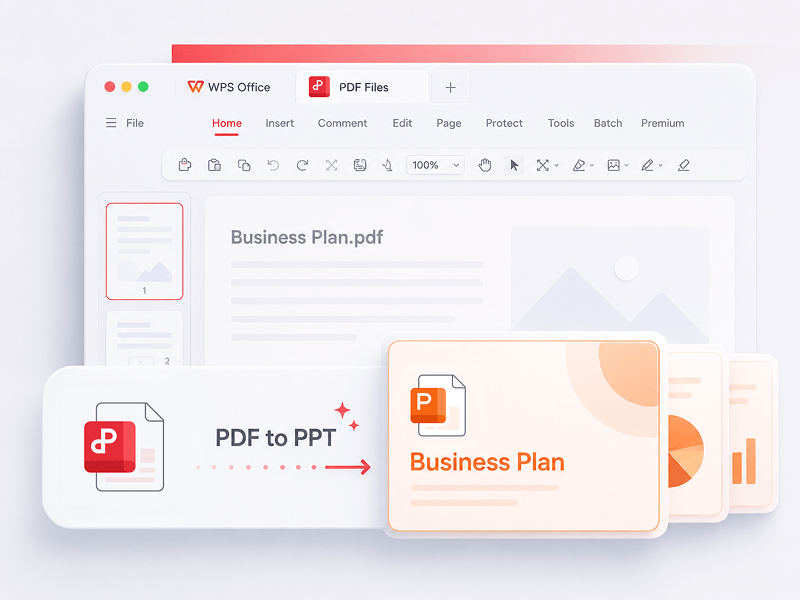
PDF เป็น PPT
WPS PDF Tools สามารถแปลง PDF เป็นงานนำเสนอ PPT หรือ PPTX ที่แก้ไขได้ โดยไม่มีลายน้ำ เพียงแค่ไม่กี่วินาทีก็สามารถแปลง PDF เป็น PowerPoint ได้
ลองใช้เครื่องมือนี้
Word เป็น PDF
แปลงไฟล์ Word (doc, docx) เป็นไฟล์ PDF ที่แชร์ได้ง่ายโดยยังคงรักษาเค้าโครงเดิมไว้ฟรี
ลองใช้เครื่องมือนี้
PPT เป็น PDF
แปลงงานนำเสนอ PowerPoint (ppt, pptx) เป็นไฟล์ PDF ที่ดูและแชร์ได้ง่ายฟรี
ลองใช้เครื่องมือนี้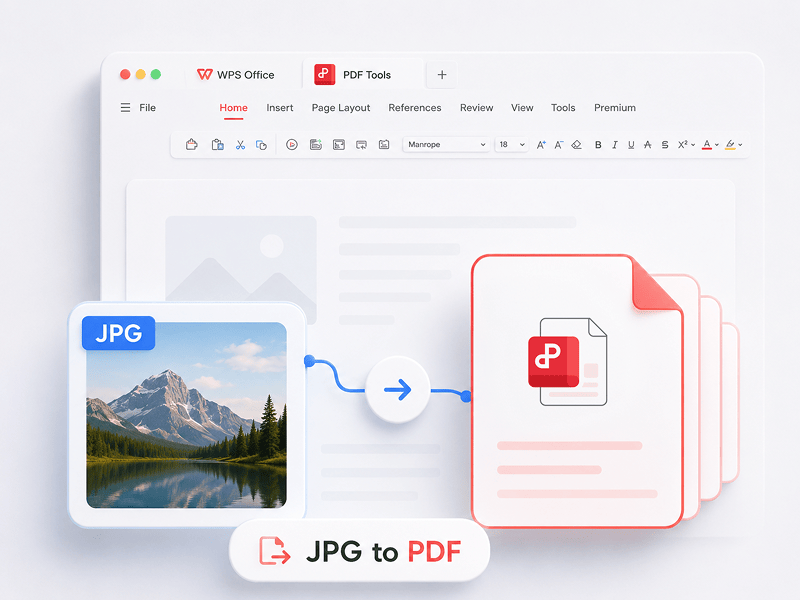
JPG เป็น PDF
แปลงรูปภาพ (JPG, JPEG, PNG, BMP) เป็นไฟล์ PDF ฟรี และปรับแนวและระยะขอบของ PDF ได้อย่างง่ายดาย
ลองใช้เครื่องมือนี้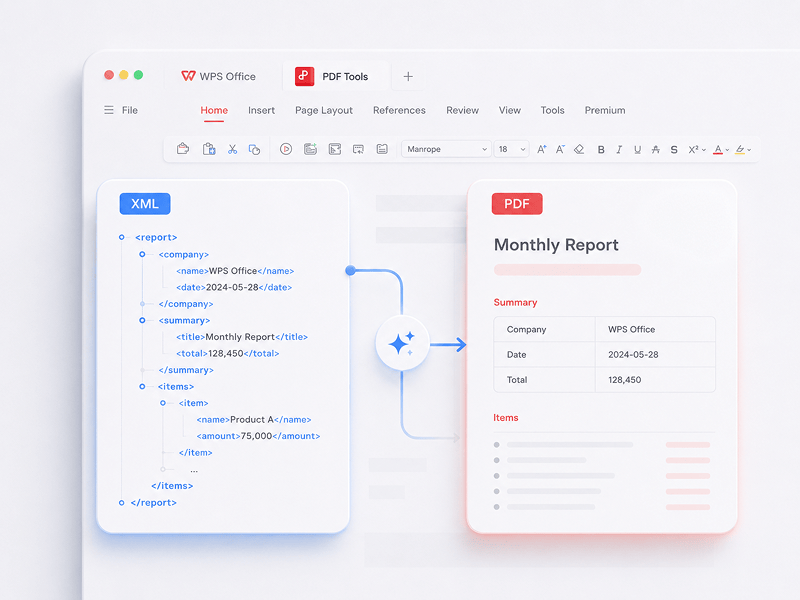
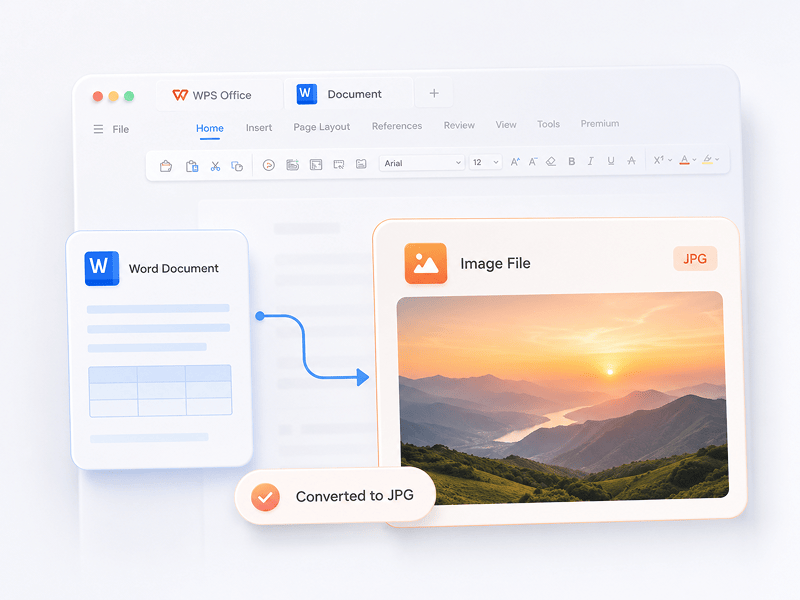
Word เป็น JPG
แปลงเอกสาร Word เป็นรูปภาพ JPG ออนไลน์ด้วยคุณภาพสูงโดยไม่ต้องลงทะเบียน
ลองใช้เครื่องมือนี้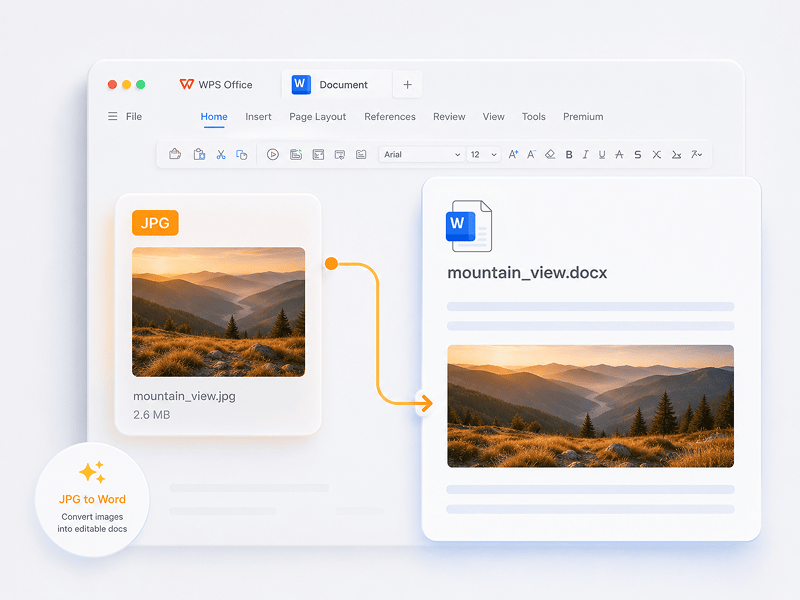
JPG เป็น Word
แปลงรูปภาพ JPG เป็นเอกสาร Word ที่แก้ไขได้ทางออนไลน์ด้วยเทคโนโลยี OCR
ลองใช้เครื่องมือนี้
ตัวแปลง Mesh
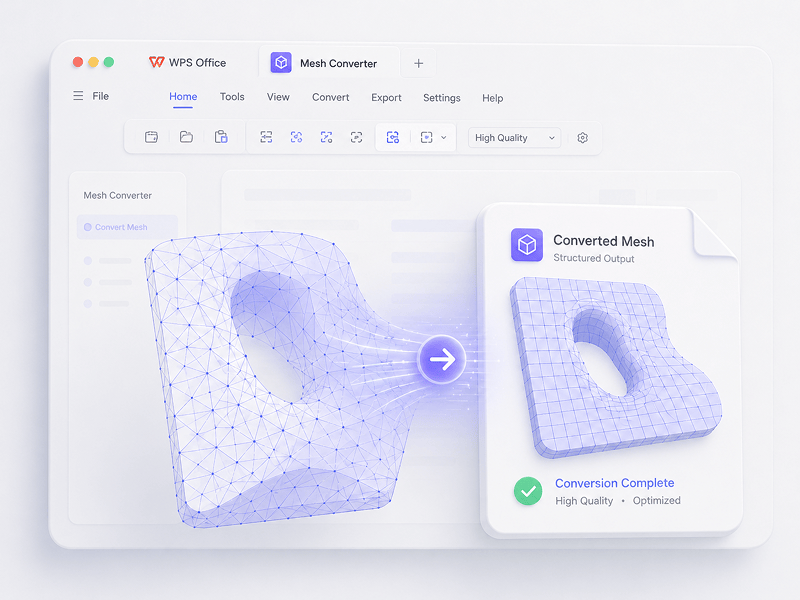
ในสถานการณ์ Mesh ให้แปลง OBJ, STL, FBX, GLB/GLTF, DAE, 3DS, X, 3MF, OFF, AC3D และ PLY เป็น OBJ, STL, FBX, GLB/GLTF, DAE, 3MF และ PLY
ลองใช้เครื่องมือนี้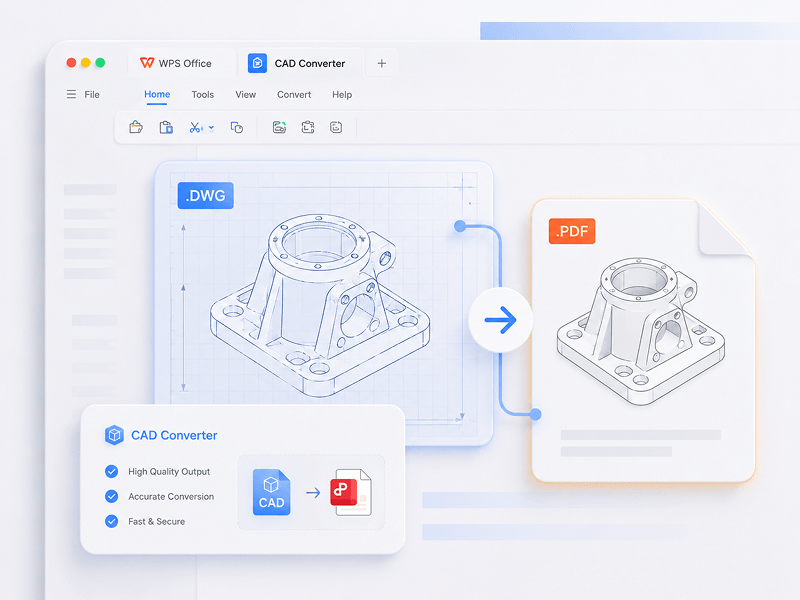
ตัวแปลง CAD
ในสถานการณ์ CAD ให้แปลง STEP, IGES, CATIA V5, NX, Creo, SolidWorks, Parasolid, Inventor, JT, PRC, ACIS และ Solid Edge เป็น STEP, GLB/GLTF, FBX, OBJ และ STL
ลองใช้เครื่องมือนี้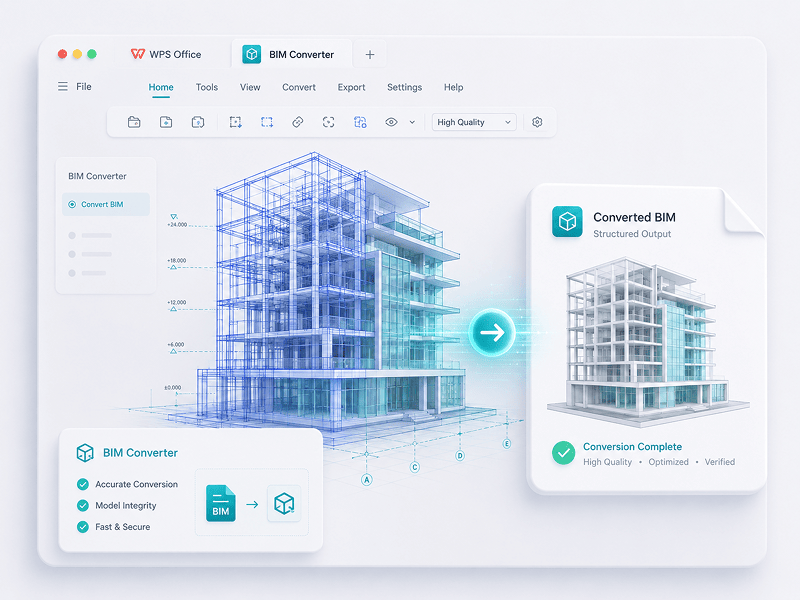
ตัวแปลง BIM
ในสถานการณ์ BIM ให้แปลง IFC, Revit, Navisworks, DWF, AutoCAD และ SKP เป็น GLB/GLTF, FBX, OBJ และ STL
ลองใช้เครื่องมือนี้ได้รับความไว้วางใจจากผู้เชี่ยวชาญพิสูจน์แล้วโดยผู้ใช้งาน
สัมผัสประสบการณ์การเปลี่ยนผ่านจากการทำงานด้วยตนเองสู่การสร้างสรรค์อัจฉริยะ ซอฟต์แวร์ WPS คือผู้ช่วยส่วนตัวสำหรับทุกภารกิจของคุณ
 14:14:00


ทางเลือกอื่นที่ทรงพลังแทน Microsoft Office ด้วยดีไซน์ที่คุ้นเคย ความเข้ากันได้อย่างสมบูรณ์ และเครื่องมือ PDF ในตัว ซึ่งได้รับความไว้วางใจจากผู้ใช้นับล้านทั่วโลก
Kevin Stratvert
 07:04:00
ความเข้ากันได้ที่ยอดเยี่ยมกับรูปแบบไฟล์ Office พร้อมเทมเพลตมากกว่า 100,000 แบบและชุดเครื่องมือครบครัน — ทั้งหมดนี้ใช้งานได้ทั้งบนเดสก์ท็อปและมือถือ
Brett In Tech
 08:53:00
สร้าง แก้ไข และจัดการเอกสารทั้งหมดของคุณในที่เดียว — พร้อมเทมเพลต เครื่องมือ PDF และการรองรับการทำงานข้ามแพลตฟอร์มอย่างเต็มรูปแบบ
Levelup iD
 09:16:00
WPS มาพร้อมอินเทอร์เฟซที่คุ้นเคย ฟีเจอร์ AI อันทรงพลังสำหรับการเขียนและการแปล รวมถึงการทำงานที่ราบรื่นในทุกอุปกรณ์ จึงเป็นวิธีที่ชาญฉลาดและมีประสิทธิภาพในการทำงานของคุณให้สำเร็จ
Học Viện
 08:28:00
ออกแบบมาเพื่อให้รู้สึกคุ้นเคยในทันที ด้วยอินเทอร์เฟซที่สะอาดตาและประสบการณ์การใช้งานที่ราบรื่นและใช้งานง่าย
Michael Horn
 14:06:00
นำประสบการณ์ Office ระดับเดสก์ท็อปมาสู่มือถือ — คุ้นเคย ใช้งานง่าย และทรงพลังในแอปแบบครบวงจรในหนึ่งเดียว
Bogtechs
 04:05:00
ด้วยเครื่องมือ AI อันทรงพลัง คุณสามารถสร้างเนื้อหา แปลเอกสารทั้งฉบับได้ในทันที สรุปไฟล์ยาวๆ และแม้แต่แชทกับ PDF ของคุณเพื่อรับข้อมูลเชิงลึกอย่างรวดเร็ว
AI BORDER
 08:02:00
รวดเร็ว น้ำหนักเบา และใช้งานง่าย เป็นหนึ่งในตัวเลือกที่ดีที่สุดสำหรับการสร้างและแก้ไขเอกสาร สเปรดชีต และงานนำเสนอได้อย่างง่ายดาย
Mazthertutoriales
ดาวน์โหลด WPS Office และแก้ไข PDF
ดาวน์โหลด WPS Office เพื่อรับฟีเจอร์การจัดการ PDF เพิ่มเติม เช่น OCR (การสแกนและการแปลงรูปภาพ) การเพิ่มลายน้ำและลายเซ็นอิเล็กทรอนิกส์ รวมถึงการแปลง PDF เป็นรูปภาพ

WPS Office
Windows
ดาวน์โหลดโปรแกรมแก้ไขสำหรับเดสก์ท็อปของ WPS Office เพื่อรับเครื่องมือ PDF ขนาดเล็กและน้ำหนักเบาที่พร้อมมอบโซลูชันที่สมบูรณ์แบบสำหรับทุกปัญหาเกี่ยวกับ PDF

WPS Office
ลินุกซ์
WPS Office คือชุดโปรแกรมสำนักงานฟรีที่รองรับระบบ Linux ดาวน์โหลดแอป WPS Office เพื่อใช้งานเครื่องมือ PDF ได้ทุกเมื่อ

WPS Office
Mac
WPS Office เข้ากันได้อย่างสมบูรณ์กับระบบ macOS บน Mac และรองรับชิป Intel และ Apple เพื่อช่วยให้คุณแก้ไข PDF ได้อย่างง่ายดาย

WPS Office
iOS
ปรับแต่งมาอย่างลงตัวสำหรับ iPhone ดู แก้ไข และแชร์เอกสารได้อย่างราบรื่นจากทุกที่

WPS Office
แอนดรอยด์
แก้ไขได้ทุกที่ทุกเวลา ดาวน์โหลดแอป WPS เพื่อใช้งานโปรแกรมแก้ไขบนมือถือที่ได้รับคะแนนสูงสุด
 แพ็กเกจ Deb แพ็กเกจ Rpm
คู่มือ PDF
คำแนะนำขั้นตอนการใช้งาน
1. เปิดโปรแกรมแก้ไข WPS PDF หรือดาวน์โหลด WPS Office เพื่อเปิดไฟล์ PDF 2. คลิก เครื่องมือข้อความ บนแถบนำทางด้านบน 3. เพิ่มข้อความลงในหน้า PDF คลิกข้อความที่มีอยู่เพื่อเริ่มแก้ไข 4. เพิ่มรูปภาพลงในหน้า PDF ลากและย้าย ปรับขนาด หรือหมุนรูปภาพ 5. กรอกข้อมูลใน PDF และเพิ่มลายเซ็นอิเล็กทรอนิกส์โดยการวาด พิมพ์ หรืออัปโหลดรูปภาพลายเซ็นของคุณ 6. เขียนคำอธิบายประกอบบนหน้า PDF ด้วยข้อความไฮไลต์ และทำเครื่องหมายการเปลี่ยนแปลง
1. เปิดหน้าแรกของ WPS Office และค้นหาทางเข้าเครื่องมือ PDF ในแผงควบคุมด้านซ้าย 2. ลากไฟล์ PDF เข้าไปในพื้นที่แปลงไฟล์ หรือเพิ่มไฟล์ด้วยตนเอง 3. เลือก แยก PDF หรือ รวม PDF ตามความต้องการของคุณ 4. สำหรับการแยก: ตั้งค่าช่วงการแยก — ตามหน้าเริ่มต้นและหน้าสิ้นสุด ส่งออกแต่ละหน้าเป็นไฟล์ PDF ไฟล์เดียว หรือเลือกหน้าที่ต้องการ สำหรับการรวม: ตั้งค่าหน้าที่จะรวมเข้าด้วยกัน และป้อนชื่อไฟล์ผลลัพธ์หากจำเป็น 5. คลิก แยก หรือ รวม เพื่อส่งออกผลลัพธ์ จากนั้นตรวจสอบไฟล์ที่สร้างขึ้นในโฟลเดอร์ในเครื่องของคุณ
1. เปิดเอกสาร PDF ใน WPS Office 2. ไปที่แท็บ ป้องกัน และคลิกปุ่ม ช่องลายเซ็น 3. ลากบนเอกสารเพื่อวาดพื้นที่ช่องลายเซ็น จากนั้นตั้งชื่อช่องและข้อกำหนดลายเซ็นในกล่องโต้ตอบ แล้วคลิก ตกลง 4. คลิกช่องลายเซ็นที่สร้างขึ้น จากนั้นเลือกลายเซ็นที่ใช้ล่าสุด หรือคลิก สร้างลายเซ็น ในแผงลายเซ็น 5. ยืนยันลายเซ็นเพื่อเสร็จสิ้นขั้นตอน
บล็อก WPS PDF
PDF Blog ช่วยให้คุณเข้าใจวิธีใช้งานเครื่องมือ PDF ได้อย่างครอบคลุม ช่วยให้คุณเข้าถึงข่าวสารซอฟต์แวร์ได้อย่างรวดเร็ว แนะนำซอฟต์แวร์สำนักงานประเภทต่างๆ ที่น่าดาวน์โหลด และให้ข้อมูลเกี่ยวกับการอัปเดตเวอร์ชัน PDF

How to Download iLovePDF Easily:The Ultimate Guide
Master downloading and using iLovePDF across multiple platforms. Get insights into downloading it on various operating systems.

How to Edit PDF with Smallpdf The Ultimate Guide
Unlock the full potential of PDF editing with Smallpdf! Dive into our ultimate guide on how to edit PDFs effortlessly. Discover step-by-step instructions, handy tips, and explore the user-friendly features that make Smallpdf the go-to choice for seamless PDF editing. Transform your document experience today!

4 Easy Ways How to Convert PDF to Google Docs (Complete Guide)
Looking for a quick and easy way to convert PDF files to Google Docs? In this comprehensive guide, you'll learn all the tips and tricks you need to know to convert your PDFs to Google Docs quickly and easily, without losing any formatting or data.
ทำไมต้องเลือกเครื่องมือ WPS PDF และ 3D

ไร้อุปสรรค เพิ่มประสิทธิภาพการทำงานในทันที
แก้ไข แปลงไฟล์ และลงชื่อใน PDF ได้โดยตรงโดยไม่ต้องดาวน์โหลด ลงทะเบียนบัญชี หรือมีลายน้ำ เครื่องมือแปลง PDF และ 3D ออนไลน์ฟรีกว่า 15 รายการช่วยให้คุณได้รับผลลัพธ์ระดับมืออาชีพทันทีจากแท็บเบราว์เซอร์เดียว

ราบรื่นในทุกหน้าจอ
WPS PDF ทำงานแบบเนทีฟบน Windows, Mac, Linux, Android, iOS และเว็บ เชื่อมต่อเวิร์กโฟลว์ของคุณระหว่างการแก้ไขอย่างรวดเร็วบนเบราว์เซอร์และงานหนักบนเดสก์ท็อปได้อย่างราบรื่นทุกที่ทุกเวลา

ระบบนิเวศสำนักงานที่รวมเข้าด้วยกันอย่างสมบูรณ์
WPS PDF ทำงานอยู่ภายในระบบนิเวศการทำงานที่เป็นหนึ่งเดียวร่วมกับ Writer, Spreadsheets และ Presentation แก้ไข PDF ดึงข้อมูล และสร้างสไลด์นำเสนอภายในอินเทอร์เฟซเดียวที่ราบรื่นโดยไม่ต้องสลับแอป

ระบบอัจฉริยะที่ขับเคลื่อนด้วย AI ยุคใหม่
แปลงเอกสารแบบคงที่ให้เป็นฐานความรู้แบบโต้ตอบ ใช้ประโยชน์จาก WPS AI ในตัวเพื่อแชทกับ PDF ของคุณ สร้างบทสรุปในทันที และแปลรายงานหลายภาษาที่ซับซ้อนได้ในไม่กี่วินาที

ความปลอดภัยและความน่าเชื่อถือระดับองค์กร
ได้รับความไว้วางใจบนอุปกรณ์ที่ใช้งานอยู่มากกว่า 600 ล้าน+ เครื่อง และได้รับการสนับสนุนจากรางวัล Google Play, App Store และ G2 การสำรองข้อมูลบนคลาวด์ที่ปลอดภัยและการเข้ารหัสแบบต้นทางถึงปลายทางช่วยรับประกันว่าทรัพย์สินทางปัญญาของคุณจะถูกเก็บรักษาเป็นความลับอย่างเข้มงวด

มาตรฐานระดับโลก ความแม่นยำในการปรับให้เข้ากับท้องถิ่น
สร้างขึ้นสำหรับบุคลากรทั่วโลกด้วยการรองรับ 46 ภาษาและ 47 รูปแบบ สัมผัสประสบการณ์การแสดงผล PDF ที่ไร้ที่ติ อินเทอร์เฟซที่แปลเป็นภาษาท้องถิ่นอย่างแม่นยำ และความเข้ากันได้ที่เป็นสากลซึ่งเป็นไปตามมาตรฐานเอกสารสากล


