
Free online PDF tools by
All Your PDF Tools, in One Place.
Edit, convert, merge, compress, sign, fill, and organize PDFs with ease. Work seamlessly with PDF, Word, Excel, PPT, and image files—fast, simple, and free.
Smart PDF tools withreal impact.
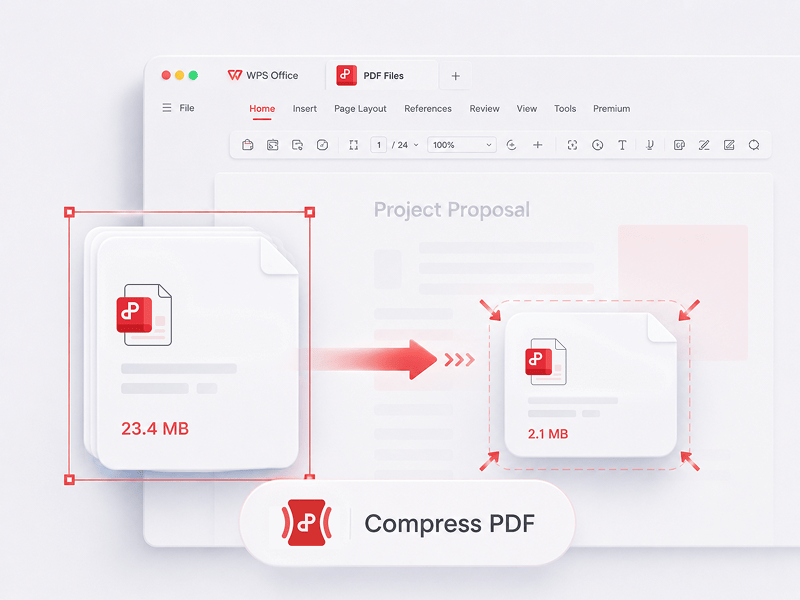
Best online PDF editor, converter, merger, form filler and organizer for easy editing page, text or layout on PDF documents like Word for FREE in seconds.

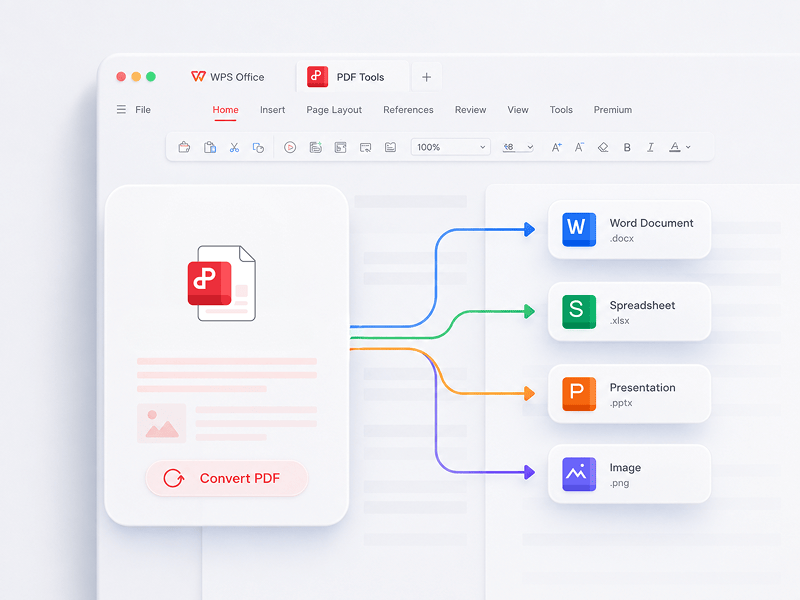
Convert PDF
Best online PDF editor, converter, merger, form filler and organizer for easy editing page, text or layout on pdf documents like Word for FREE in seconds.
Try this tool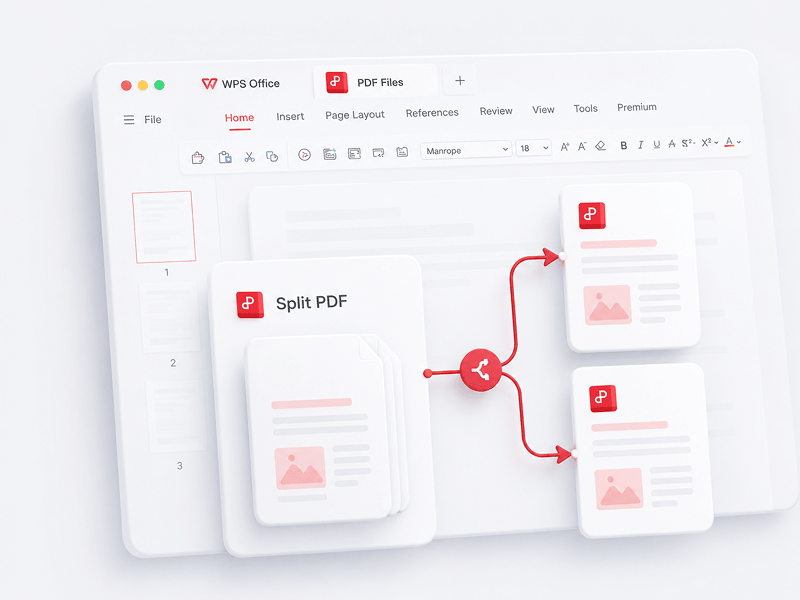
Split PDF
Separate all pages from a single PDF file online and extract pages to multiple PDF files
Try this tool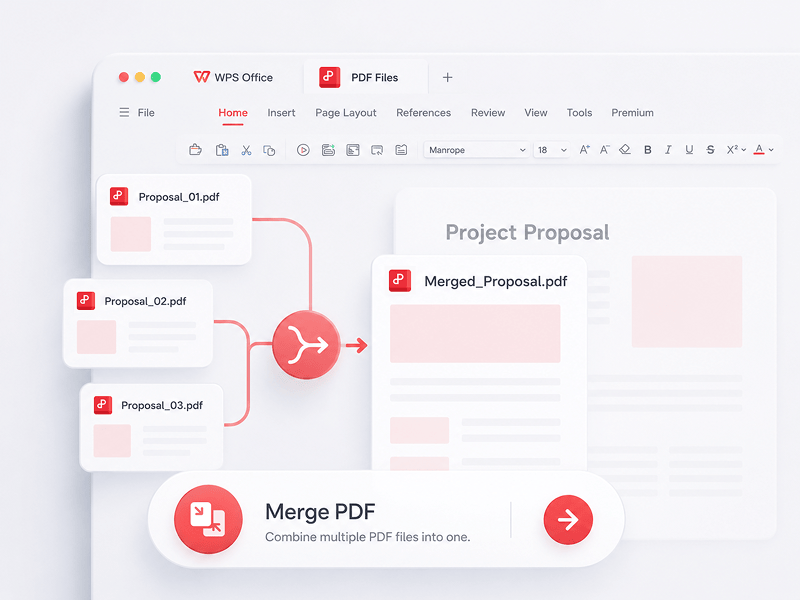
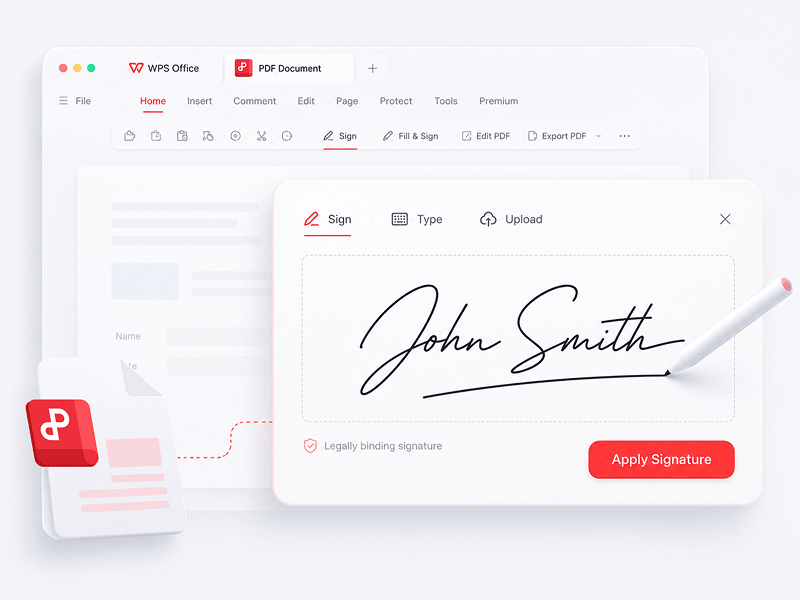
Signing PDF
Create and fill e-signatures in PDF files online and secure your e-signature
Try this tool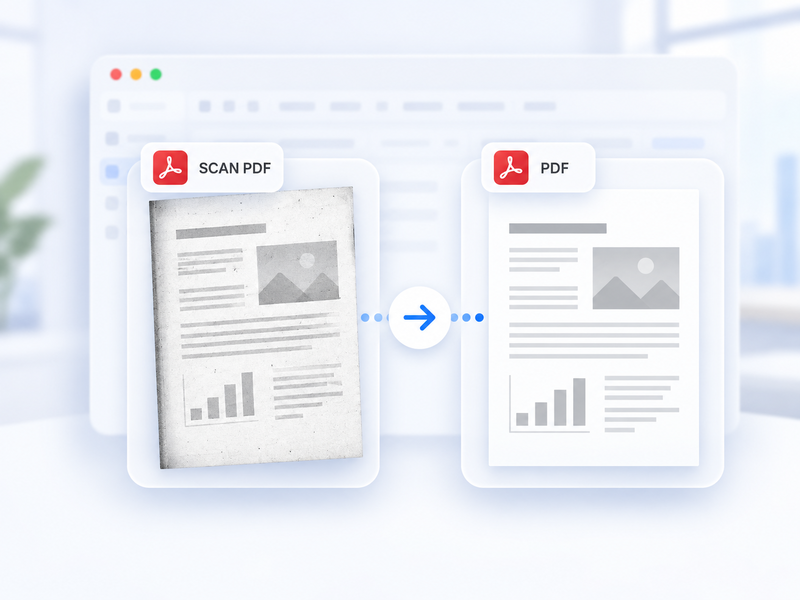
Scanned PDF to Standard PDF
Automatically convert a scanned PDF to a standard PDF online.
Try this tool
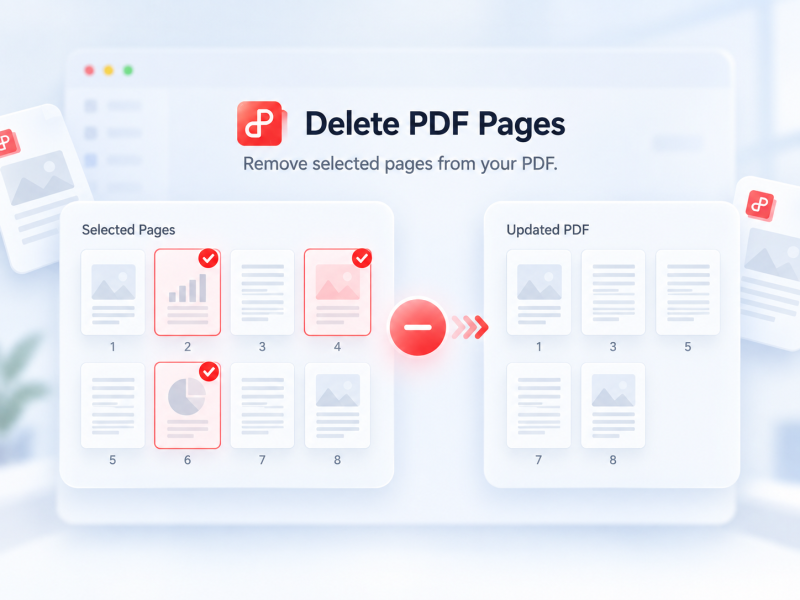
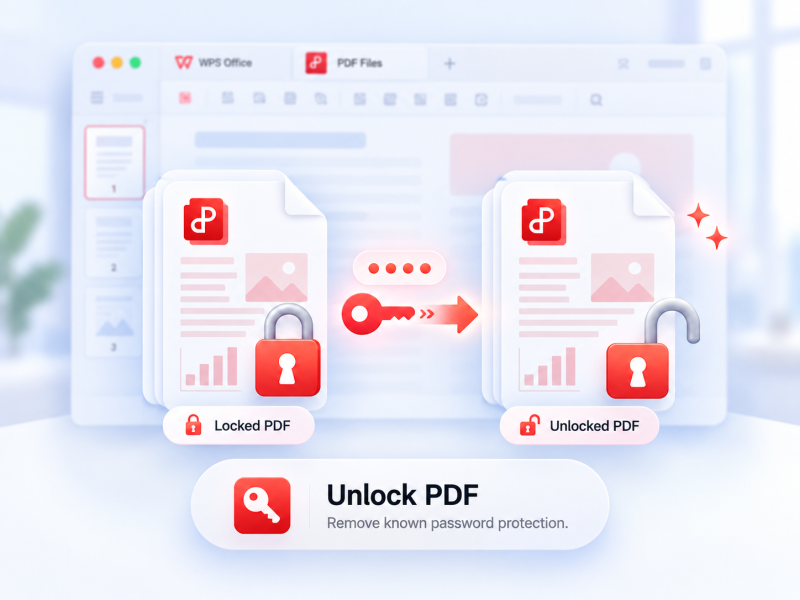
Unlock PDF
Remove supported password protection from an authorized PDF with its current password when needed.
Try this tool
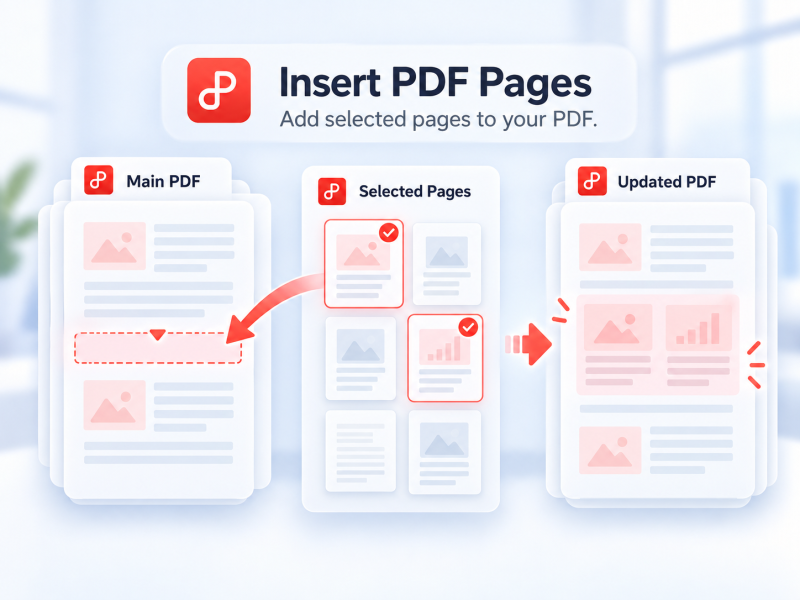
Insert PDF Pages
Select pages from a second PDF and insert them into your main PDF online.
Try this tool
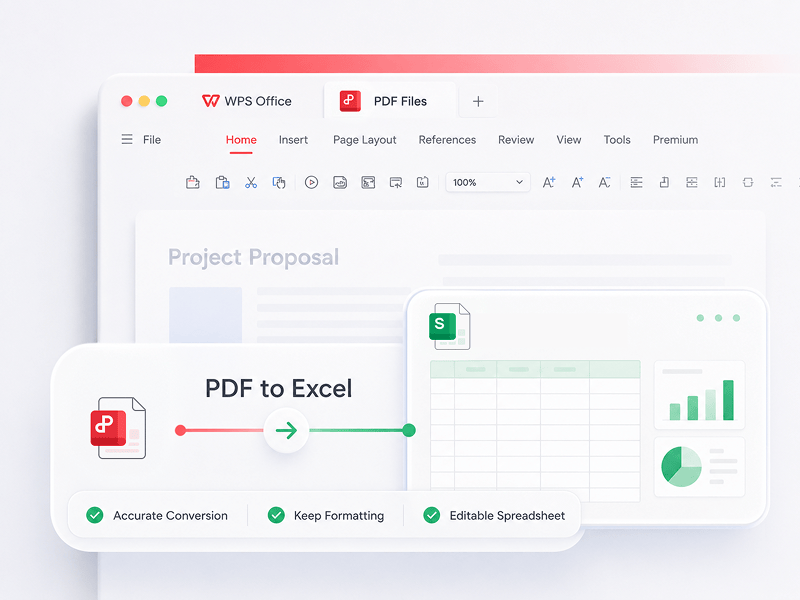
PDF to Excel
Convert PDF files to editable Excel spreadsheets online without downloading any software
Try this tool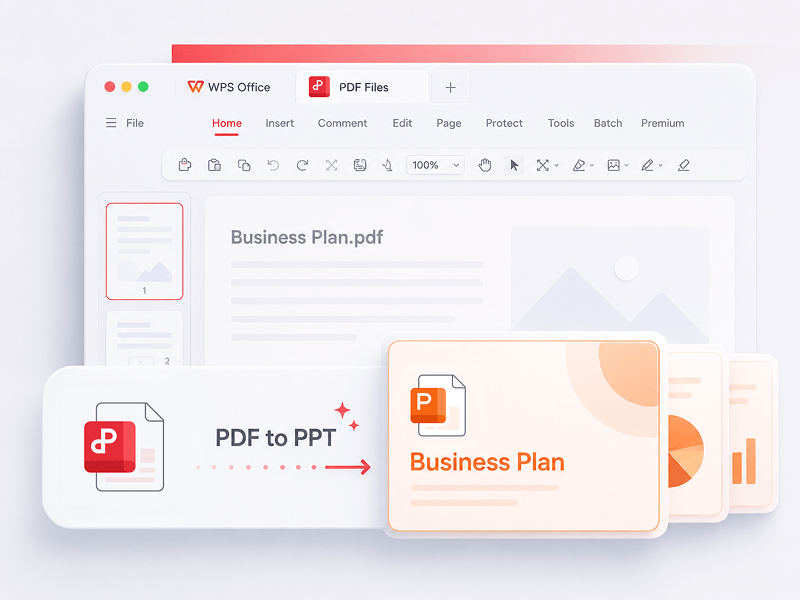
PDF to PPT
WPS PDF Tools to PPT can convert PDF to editable PPT or PPTX slideshows. No watermarks, just converting PDF to PowerPoint in seconds.
Try this tool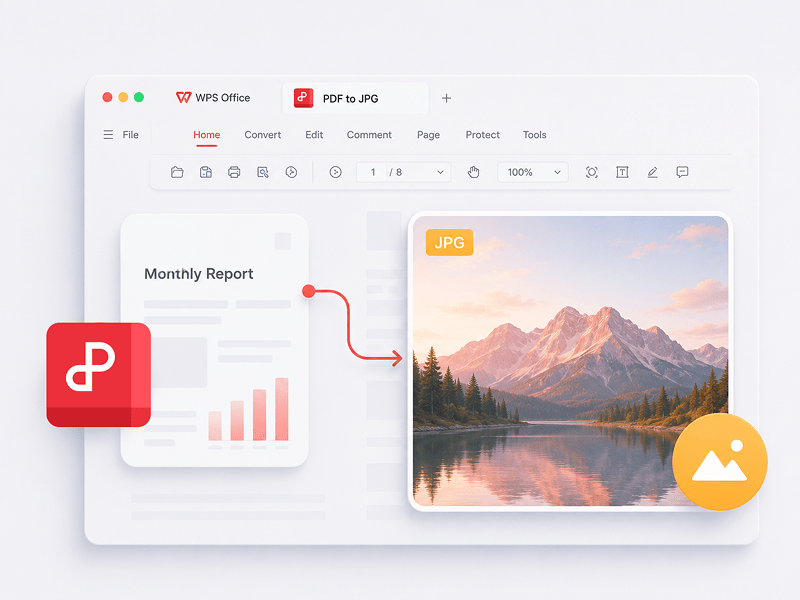
PDF to JPG
Convert PDF files to JPG images online with high quality and no sign-up required
Try this tool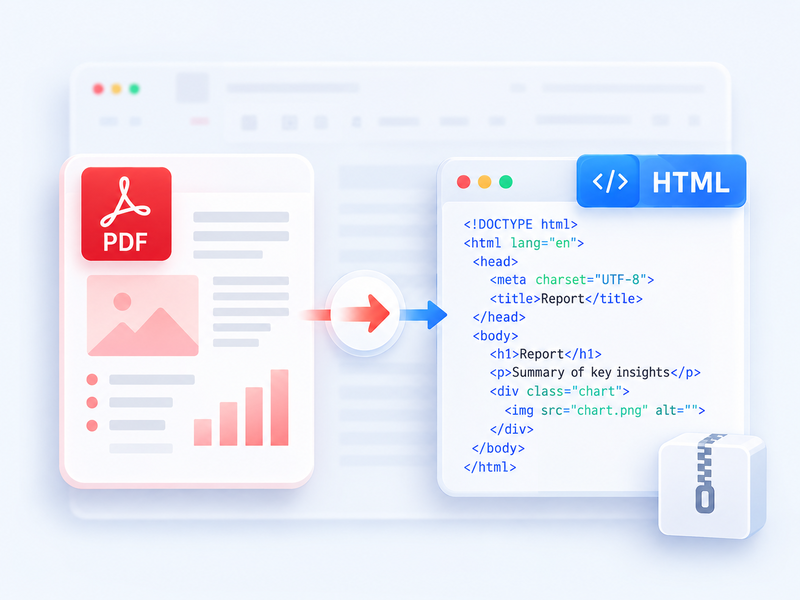
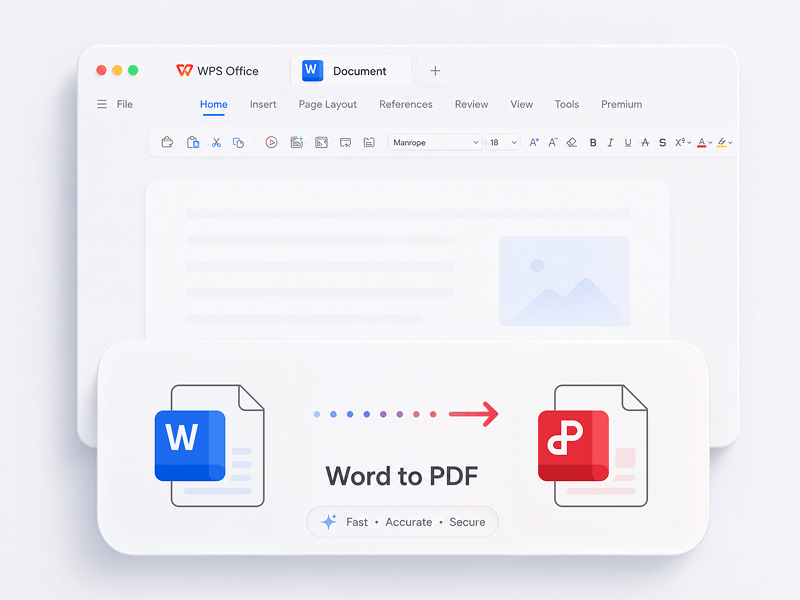
Word to PDF
Convert Word (doc, docx) files to easy-to-share PDF files while preserving the layout for free
Try this tool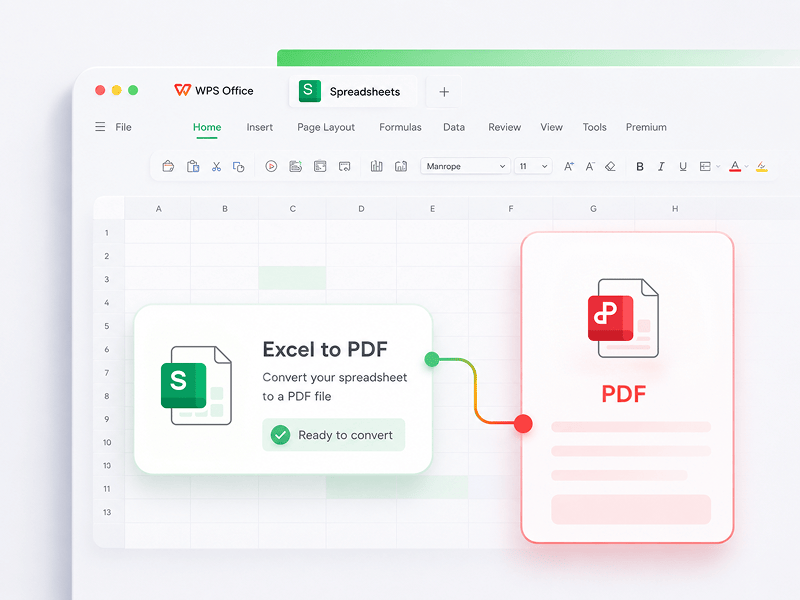
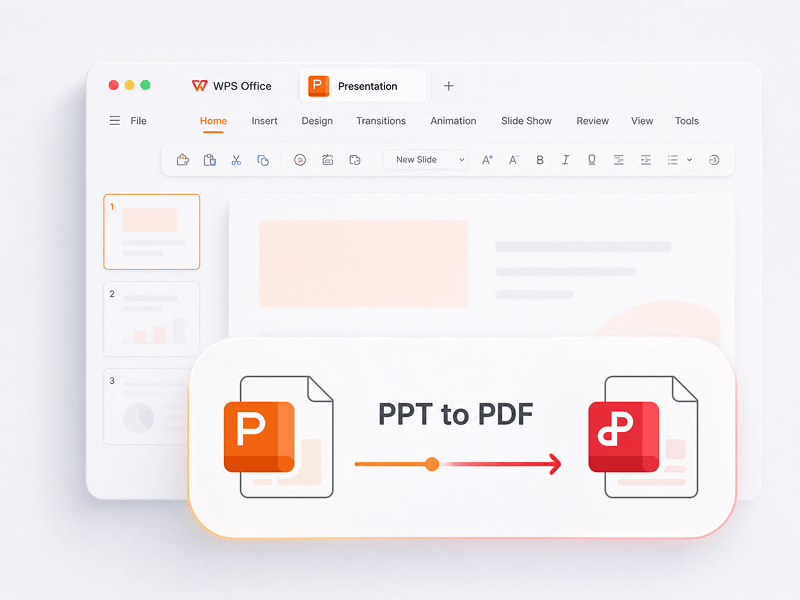
PPT to PDF
Convert PowerPoint presentations (ppt, pptx) to easy-to-view and easy-to-share PDF files for free
Try this tool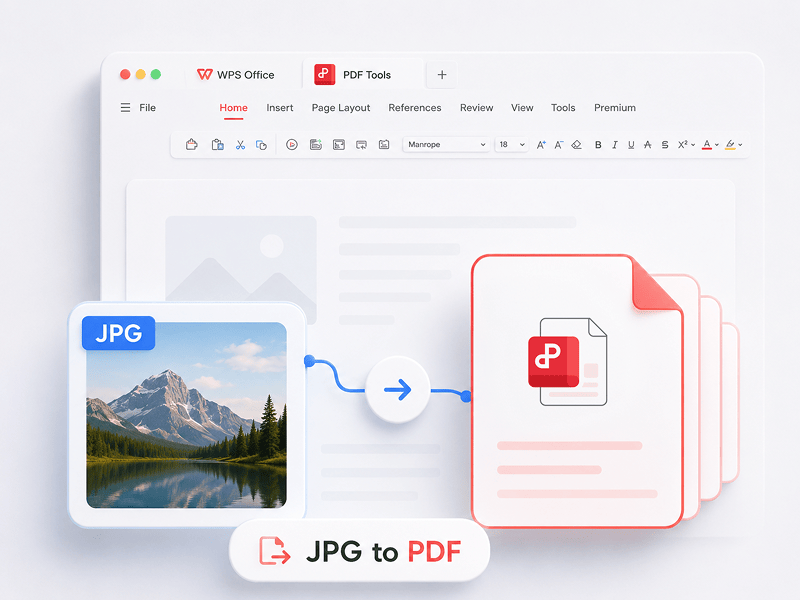
JPG to PDF
Convert images (JPG, JPEG, PNG, BMP) to PDF files for free and easily adjust PDF orientation and margins
Try this tool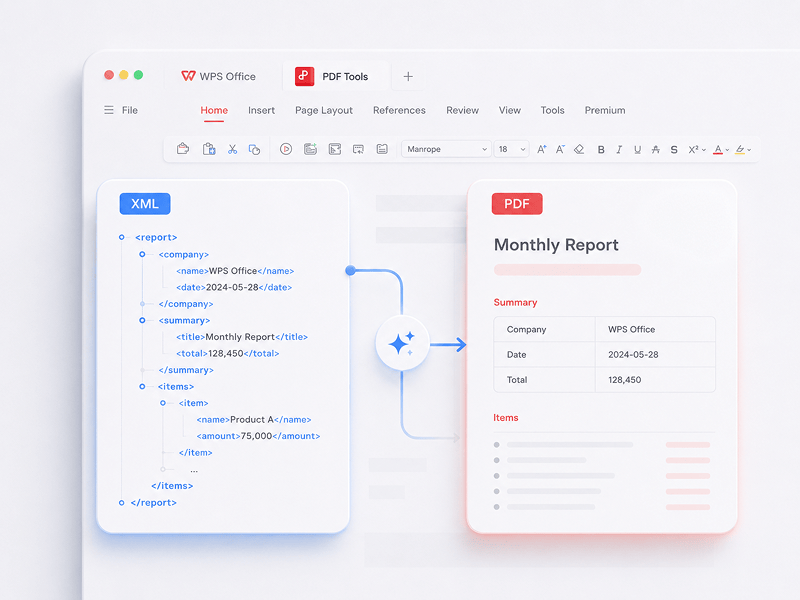
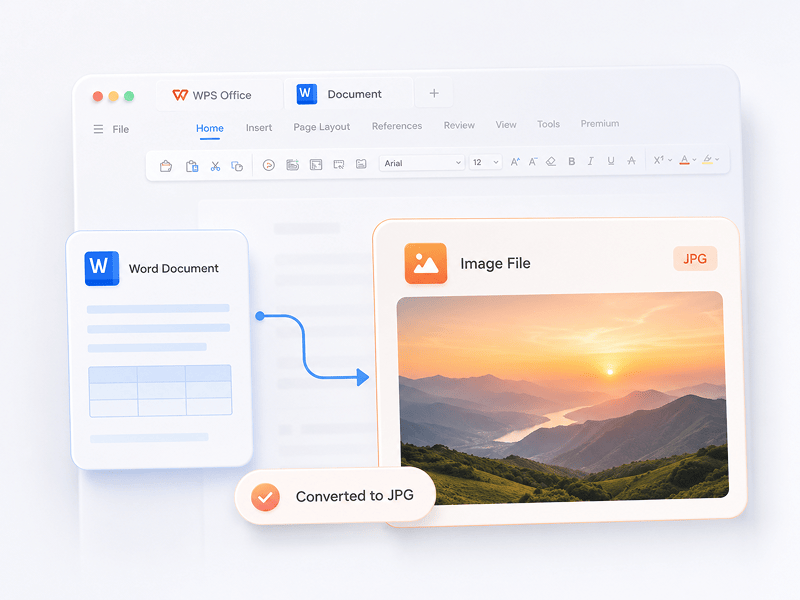
Word to JPG
Convert Word documents to JPG images online with high quality and no sign-up required
Try this tool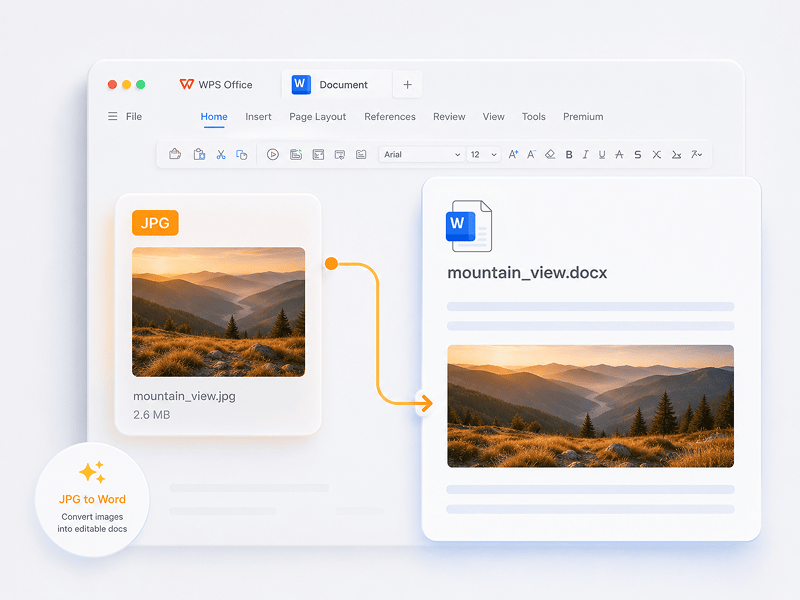
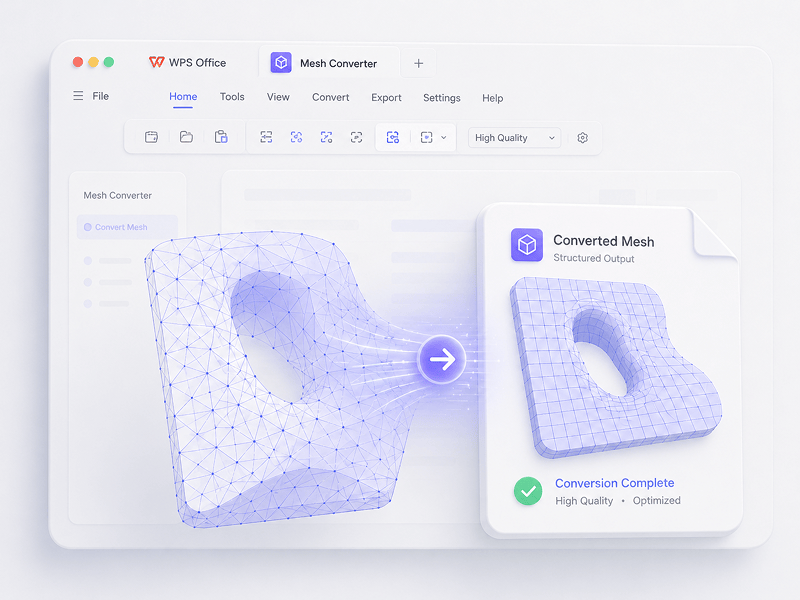
Mesh Converter
In Mesh scenarios, convert OBJ, STL, FBX, GLB/GLTF, DAE, 3DS, X, 3MF, OFF, AC3D, and PLY to OBJ, STL, FBX, GLB/GLTF, DAE, 3MF, and PLY.
Try this tool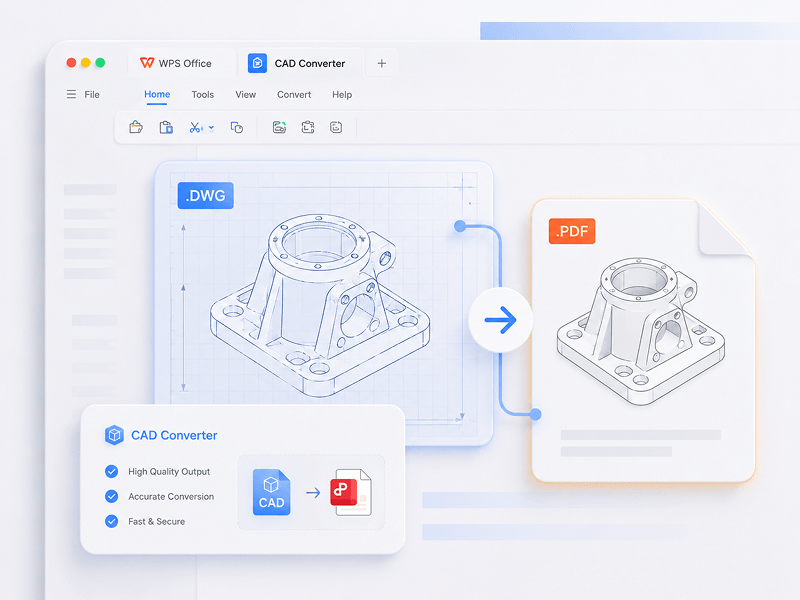
CAD Converter
In CAD scenarios, convert STEP, IGES, CATIA V5, NX, Creo, SolidWorks, Parasolid, Inventor, JT, PRC, ACIS, and Solid Edge to STEP, GLB/GLTF, FBX, OBJ, and STL.
Try this tool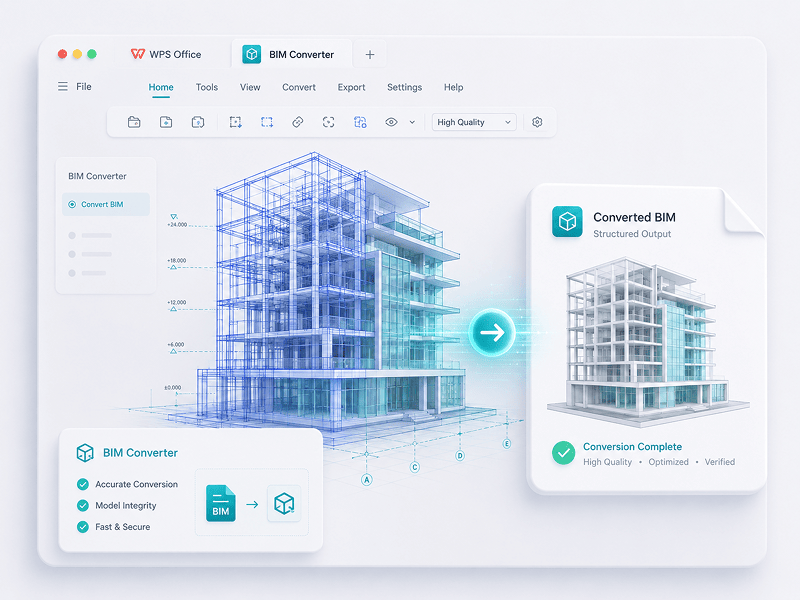
BIM Converter
In BIM scenarios, convert IFC, Revit, Navisworks, DWF, AutoCAD, and SKP to GLB/GLTF, FBX, OBJ, and STL.
Try this toolTrusted by Experts.Proven by Users
Experience the shift from manual labor to intelligent creation. WPS software is your co-pilot for every task.
 14:14:00


A powerful Microsoft Office alternative with familiar design, full compatibility, and built-in PDF tools — trusted by millions worldwide.
Kevin Stratvert
 07:04:00
Excellent compatibility with Office formats, plus 100,000+ templates and a full suite of tools — all available across desktop and mobile.
Brett In Tech
 08:53:00
Create, edit, and manage all your documents in one place — with templates, PDF tools, and full cross-platform support.
Levelup iD
 09:16:00
With a familiar interface, powerful AI features for writing and translation, and smooth performance across devices, WPS is a smart and efficient way to get your work done.
Học Viện
 08:28:00
Designed to feel instantly familiar, with a clean interface and a smooth, easy-to-use experience.
Michael Horn
 14:06:00
Brings a desktop-like Office experience to mobile — familiar, easy to use, and powerful in one all-in-one app.
Bogtechs
 04:05:00
With powerful AI tools, you can generate content, translate full documents instantly, summarize long files, and even chat with your PDFs for quick insights.
AI BORDER
 08:02:00
Fast, lightweight, and easy to use, it's one of the best choices for creating and editing documents, spreadsheets, and presentations without hassle.
Mazthertutoriales
Download WPS Officeand Edit PDF
Download WPS Office to get more PDF management features such as OCR (image scanning and conversion), adding watermarks and e-signatures, and PDF to image conversion.

WPS Office for
Windows
Download WPS Office Desktop Editor to get a lightweight PDF tool that provides complete solutions for all PDF problems.

WPS Office for
Linux
WPS Office is a free office suite that supports Linux. Download the WPS Office app to access PDF tools anytime.

WPS Office for
Mac
WPS Office, perfectly compatible with the macOS system on Mac, and supports Intel and Apple chips to help you edit PDFs easily.

WPS Office for
iOS
Perfectly tailored for iPhone. View, edit, and share documents seamlessly anywhere.

WPS Office for
Android
Edit on the go. Start your WPS App download for the highest-rated mobile editor.
 Deb Package Rpm Package
PDF Guide
How to Instructions
1. Open the WPS PDF editor or download WPS Office to open a PDF file. 2. Click Text Tools on the top navigation bar. 3. Add text to the PDF page. Click the existing text to start editing. 4. Add images to the PDF page. Drag and move, resize, or rotate the images. 5. Fill PDFs and add an e-signature by drawing, typing, or uploading your signature image. 6. Annotate PDF pages with highlighted text, and mark changes. Try the Sign PDF tool online for free.
1. Open the WPS Office homepage and find the PDF tool entry in the left panel. 2. Drag a PDF file into the converter area, or add the file manually. 3. Select PDF Split or PDF Merge depending on your need. 4. For splitting: set the split range — by start and end pages, export each page as one PDF, or choose specific pages. For merging: set the pages to combine and enter an output name if needed. 5. Click Split or Merge to export the result, then check the generated files in your local folder.
1. Open the PDF document in WPS Office. 2. Go to the Protect tab and click the Signature Field button. 3. Drag on the document to draw the signature field area, then set the field name and signature requirements in the dialog, and click OK. 4. Click the created signature field, then choose a recently used signature or click Create Signature in the signature panel. 5. Confirm the signature to complete.
WPS PDF blog
PDF Blog helps you fully understand how to use PDF tools, provides you quick access to software news, recommends different types of office software worth downloading, and offers you information about PDF version update.

How to Edit PDF Easily in iLovePDF
Unlock the simplicity of PDF editing in 2023 with iLovePDF! Dive into a seamless experience of modifying and enhancing your PDFs effortlessly. Our step-by-step guide provides expert tips for smooth navigation, ensuring you harness the full potential of iLovePDF's user-friendly tools. Elevate your document management game – edit with confidence, edit with iLovePDF!

How to Scan Multiple Pages into One PDF Windows 10: Step-by-Step Guide
How To Scan Multiple Pages into One PDF Windows 10: Step-by-Step Guide. Scanning multiple pages into a single pdf document can be a convenient way to store or share important documents in a compact and organized manner. Windows 10 has a built-in scanning utility that allows you....

5 Free Ways for How to Separate Pages in PDF (2024 Guide)
Learn how to separate pages in PDF with these 5 free methods in our comprehensive 2023 guide. Whether you want to split PDF pages, separate specific pages, or convert images to PDF, we've got you covered. Say goodbye to wasted time and discover efficient ways to manage your PDF documents.
Why Choose WPS PDF and 3D Tools?

Zero Barriers, Instant Productivity
Dive straight into editing, converting, and signing PDFs with no downloads, accounts, or watermarks. Over 15 free online PDF and 3D conversion tools deliver professional-grade results instantly from a single browser tab.

Fluid Across All Screens
WPS PDF runs natively across Windows, Mac, Linux, Android, iOS, and Web. Seamlessly bridge your workflows between quick browser edits and heavy-lifting desktop tasks anytime, anywhere.

Fully Integrated Office Ecosystem
WPS PDF lives inside a unified productivity ecosystem alongside Writer, Spreadsheets, and Presentation. Edit PDFs, extract data, and build slide decks within one frictionless interface without switching apps.

Next-Gen AI-Powered Intelligence
Transform static documents into interactive knowledge bases. Leverage built-in WPS AI to chat with your PDFs, generate instant summaries, and translate complex multilingual reports in seconds.

Enterprise-Grade Security and Trust
Trusted on 600M+ active devices and backed by Google Play, App Store, and G2 awards. Secure cloud backups and end-to-end encryption guarantee your intellectual property remains strictly confidential.

Global Standards, Localized Precision
Built for a global workforce with 46 languages and 47 formats supported. Experience flawless PDF rendering, precise localized interfaces, and universal compatibility that meet international document standards.


