

Convertisseur gratuit en ligne de JPG vers Word
Convertissez des images JPG en documents Word modifiables avec notre convertisseur JPG vers Word en ligne gratuit. La technologie OCR avancée extrait le texte avec précision.


Outils PDF associés


Pourquoi choisir WPS Office pour convertir des images JPG en documents Word ?
- En savoir plus
Technologie OCR avancée
Notre technologie OCR avancée extrait avec précision le texte des images JPG et crée des documents Word modifiables tout en préservant la mise en forme d'origine.
- En savoir plus
Prise en charge de plusieurs formats
Le convertisseur JPG vers Word prend en charge les formats JPG, JPEG, PNG, BMP, GIF, TIF, TIFF et WDP. Vous pouvez également téléverser des fichiers ZIP pour effectuer une conversion par lots.
- En savoir plus
Sortie Word modifiable
Votre fichier converti s'ouvre sous forme de document DOCX ou DOC entièrement modifiable. Vous pouvez librement modifier le texte, la mise en forme et la mise en page dans WPS Writer ou Microsoft Word.

En savoir plus sur le convertisseur en ligne JPG vers Word

How to Convert PDF to JPG Without Compromising Quality: Step-by-Step Guide
How to Convert PDF to JPG Without Compromising Quality: Step-by-Step Guide Converting PDF to JPG is crucial for many purposes like sharing files, creating presentations, or printing documents. However, the quality loss during conversion can be a major issue. Knowing how to convert PDF to JPG without losing quality ensures that the images retain their clarity and resolution. This is especially important for graphic designers, photographers, and professionals who deal with visual content....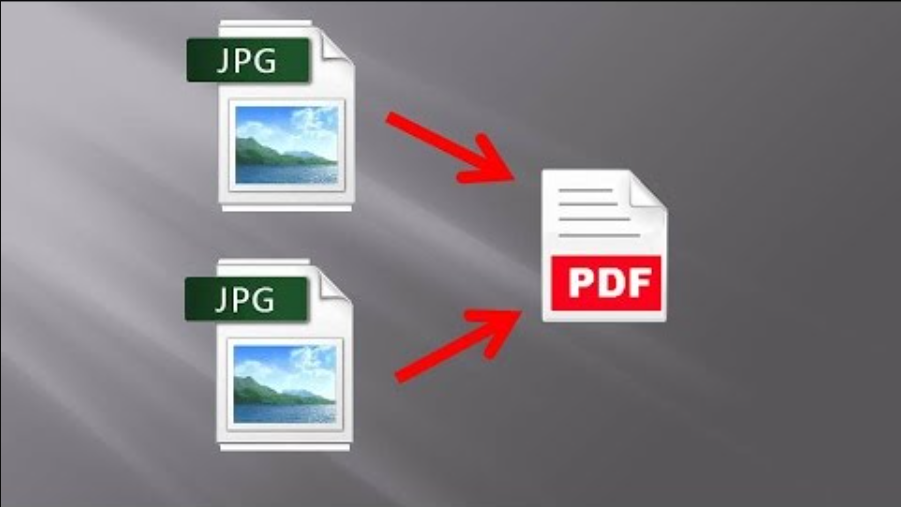
How to Merge JPG to PDF
Sometimes when we have a bunch of JPG or JPEG images to share with others, we choose to compress the images into a file. But what if we don't want these photos to be copied or even stolen for commercial usage? Can we merge JPG images to PDF for cross-platform sharing and presenting with intellectual property protection? Here we introduce you solution to merge and combine JPG images to a PDF File. Method -1 Step 1. Open your JPG images on the Photo app Go to the file that your JPG pictu....
3 Easy Methods on How to Compress PDF to JPG
While working on workstations different file formats are needed for different purposes. Sometimes to read, sometimes to send, sometimes to open a bulk file according to users' professional office work. JPG is a very popular file format for image viewers and most of the time we open our images in JPG format. PDF is mostly famous for its sending responsive extension but sometimes it is not supported for some devices. Hence we convert a PDF file to JPG format and when the file size is big....


