

Besplatni online pretvarač JPG u Word
Pretvorite JPG slike u Word dokumente koje možete uređivati pomoću našeg besplatnog online JPG u Word pretvarača. Napredna OCR tehnologija precizno izvlači tekst.


Povezani PDF alati


Zašto odabrati WPS Office za pretvaranje JPG u Word?
- Saznajte više
Napredna OCR tehnologija
Naša napredna OCR tehnologija precizno izvlači tekst iz JPG slika i stvara Word dokumente koje možete uređivati uz pravilno formatiranje.
- Saznajte više
Podrška za više formata datoteka
Pretvarač JPG u Word podržava formate JPG, JPEG, PNG, BMP, GIF, TIF, TIFF i WDP. Također možete učitati ZIP datoteke za skupnu pretvorbu.
- Saznajte više
Uređivani Word izlaz
Vaša pretvorena datoteka otvara se kao potpuno uređivani DOCX ili DOC dokument. Možete slobodno mijenjati tekst, oblikovanje i izgled u programima WPS Writer ili Microsoft Word.

Saznajte više o online pretvaraču JPG u Word dokumente
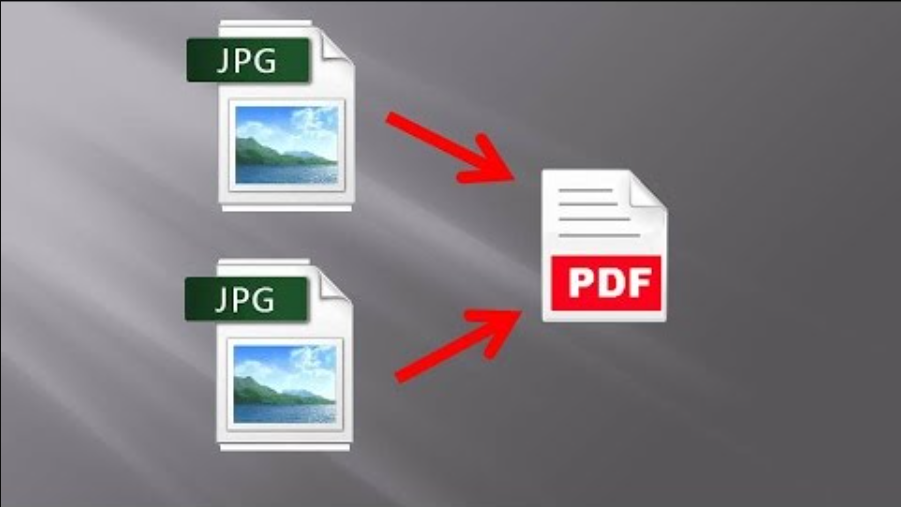
How to Merge JPG to PDF
Sometimes when we have a bunch of JPG or JPEG images to share with others, we choose to compress the images into a file. But what if we don't want these photos to be copied or even stolen for commercial usage? Can we merge JPG images to PDF for cross-platform sharing and presenting with intellectual property protection? Here we introduce you solution to merge and combine JPG images to a PDF File. Method -1 Step 1. Open your JPG images on the Photo app Go to the file that your JPG pictu....6 Best JPG to PDF Converters for Windows in 2024
6 Best JPG To PDF Converters For Windows In 2023 JPG and PDF are two of the digital world's most widely used file formats. JPGs are primarily used for images, while PDFs are mainly used for documents. However, there are times when you may need to convert a JPG image to a PDF file. Whether it's for sharing, printing, or archiving, converting JPGs to PDFs can make them more versatile and easier to work with. This article will discuss the six best JPG to PDF converters for Windo....
How to Convert JPG to PDF for Free in 2 Best Ways 2022
When you capture images and save them on your mobiles and iPhones, these generally save in JPG format. But if you want a PDF file of your image, you can do it with online and offline software already available on your mobile or laptop. The conversion of images into PDF format will not lose the original file's quality. You can also merge multiple photos into a single PDF file easily. Multiple JPG to PDF converters are available, most of the tools are free, and you don't have to pay any ....


